







Make flashcards and quiz yourself
Turn a note into study cards and review a few every day.
Steps
Open the note you want to study. In the Note menu choose Make Flashcards; the cards are written from the note and you can edit or delete any of them.
Press Study Flashcards… (⇧⌘Y) to review the cards that are due. Answer honestly: it plans the next review from your answer.
To test yourself on the note itself, choose Quiz from Note… (⌥⌘Y). For a whole notebook, Practice Exam from Notebook… is a longer test.
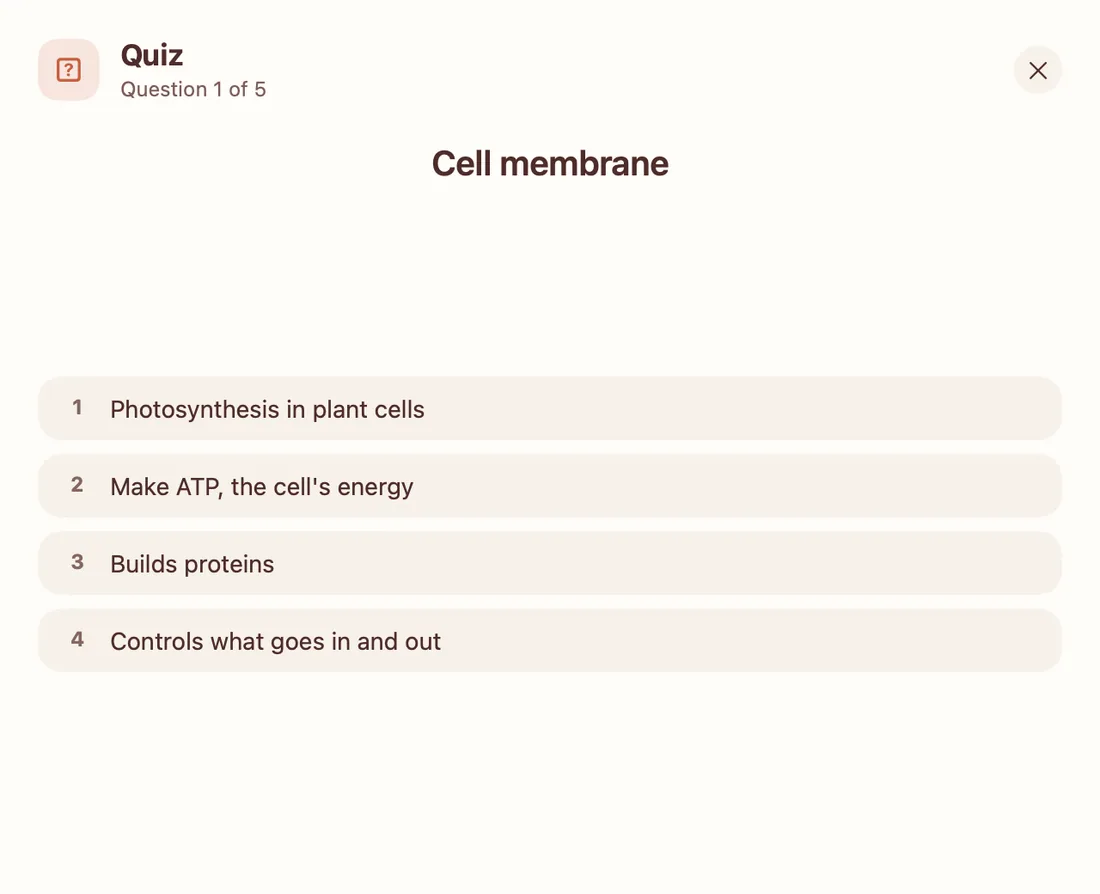
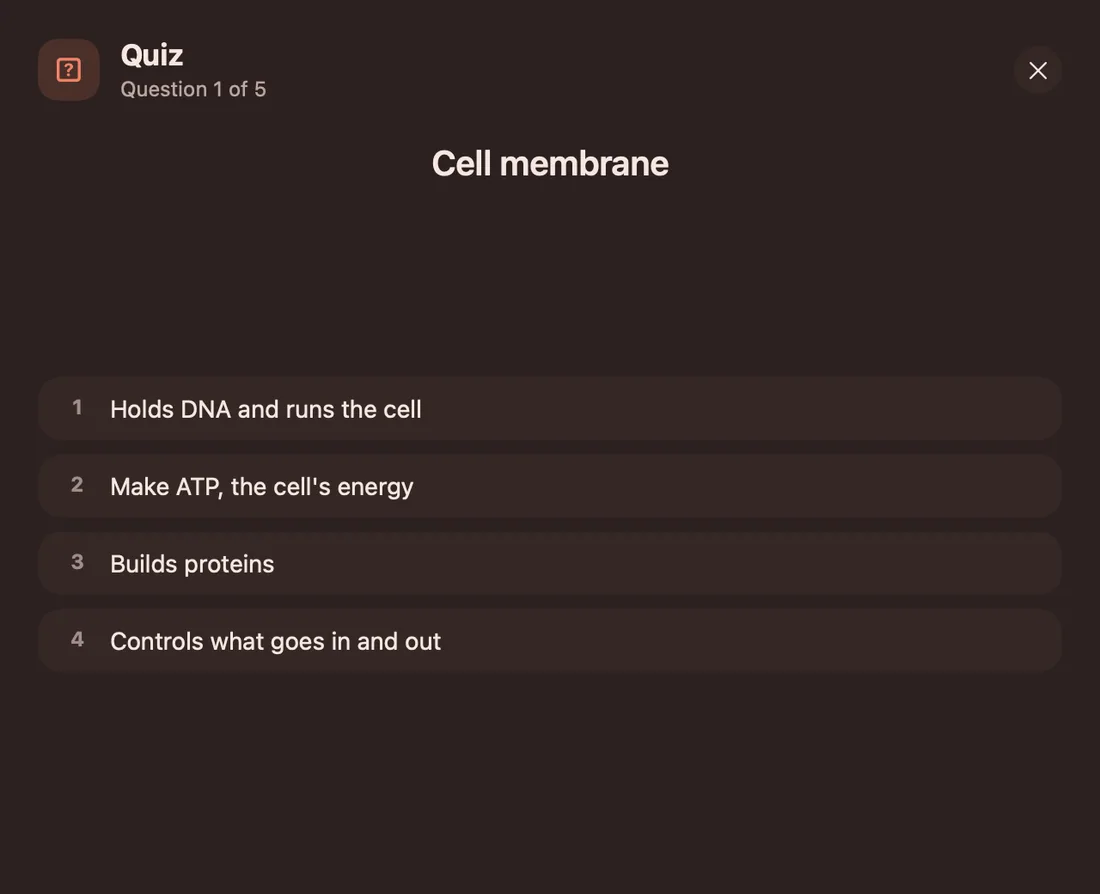
- The question
- Pick one of the answers
The hourglass starts 25 minutes of focus and a short break. In Settings, Notes & Editor › Flashcards you set when a study day starts and how many new cards a day.
The cards are written by the app from your note; read them before you rely on them.