It listens while you write.
A notebook with a recorder inside. Meetings and lectures become transcripts, summaries and tasks, and none of it leaves your Mac.
All six for $22
Version 0.6.2 (7)Release notes
Teacher So the expected value is each outcome times its chance, added up.
Student Is that the same as the average?
Teacher Over many tries, yes. Read chapter three by Friday.
Week 6: expected value
- Read chapter 3 by Friday
- Make flashcards: expected value
- Ask a classmate for the notes
Watch it work
Two real flows from the app, replayed step by step with sample notes. Point at a step to jump to it.
Record a lecture: transcript, summary, tasks
Press Record in the note. A recording card opens under the title, the clock starts and the level meter moves with the sound in the room.
The transcript writes itself line by line while the lecture goes on. Each new line comes in pale and settles once the app is sure of it.
Press Stop. The audio is saved, the whole recording is transcribed again, the speakers are told apart and a summary is written. All of it runs on this Mac.
Study notes land in the note: a summary, the key points, and action items with checkboxes. Each action item is also a real task, so the Tasks count goes up.
Open the transcript. Each speaker gets a colour on the waveform and a name you can change. Click a time to play from that line.
Jotter: the floating scrap paper that calculates
Press ⌃⌥J in any app. The Jotter floats above your windows. Start the first line with the word math and the paper becomes a calculator.
Type one line at a time. Each answer appears on the right as you finish the line. Names keep their values, and 45k and 2tr are read as 45,000 and 2,000,000 (tr is the Vietnamese shorthand for a million).
Open the menu and choose Save as Note. The jot becomes a note in your notebook, each line with its answer in bold.
A new jot that starts with timer 5 is a five-minute countdown. Press play and it runs while you get on with your work.
One notebook for the whole day
Record, and it writes
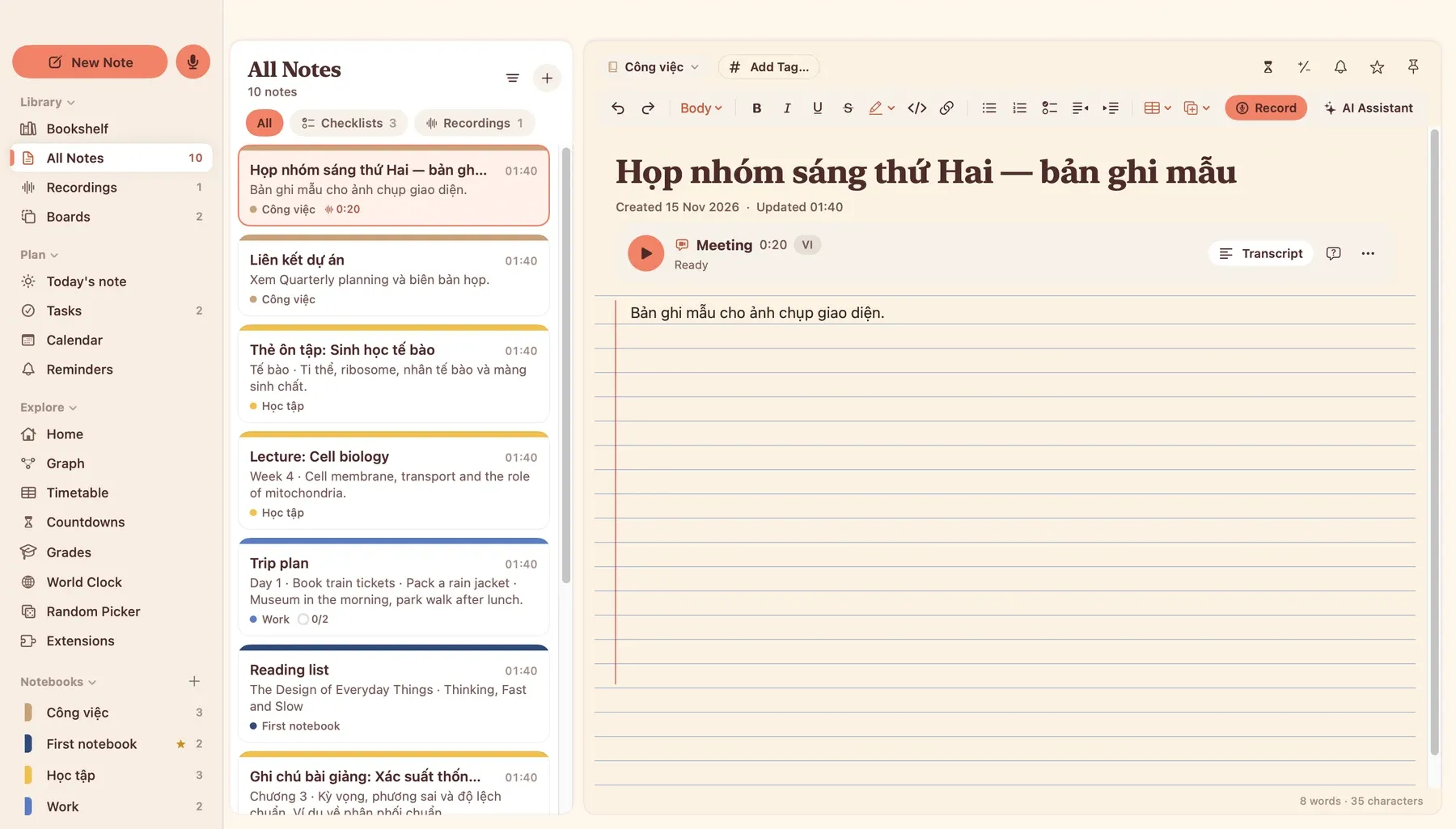
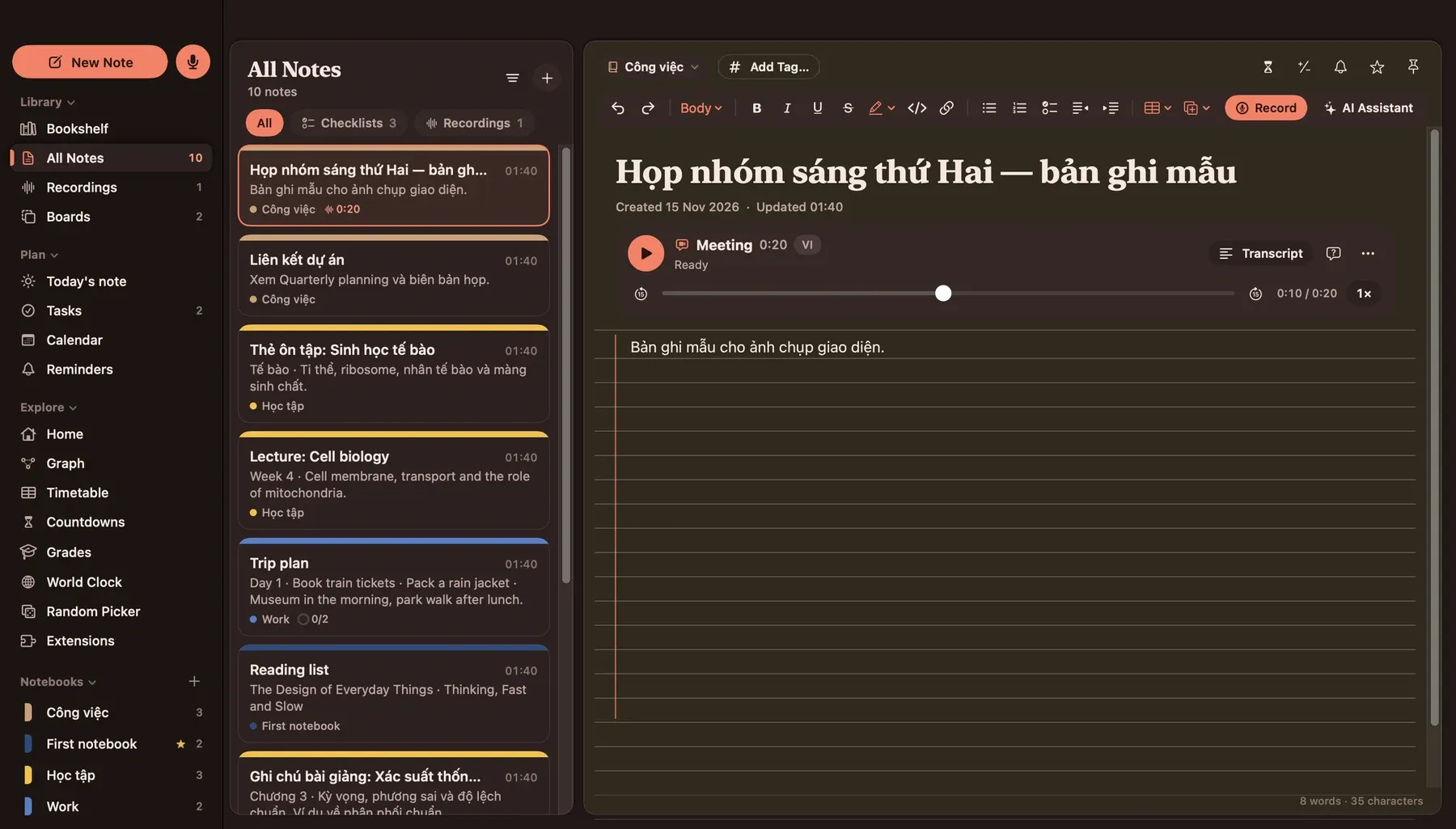
Meeting, lecture or conversation. The transcript appears while you record, then a summary, key points and action items that become real tasks.
It knows who spoke
Speakers get names, colours and their own lane on the waveform. Click any word to hear it. Fix a line that went to the wrong person.
Vietnamese and English, mixed
About 90 languages, with live translation between English and Vietnamese. Search finds "Việt Nam" when you type "viet nam".
Boards without edges
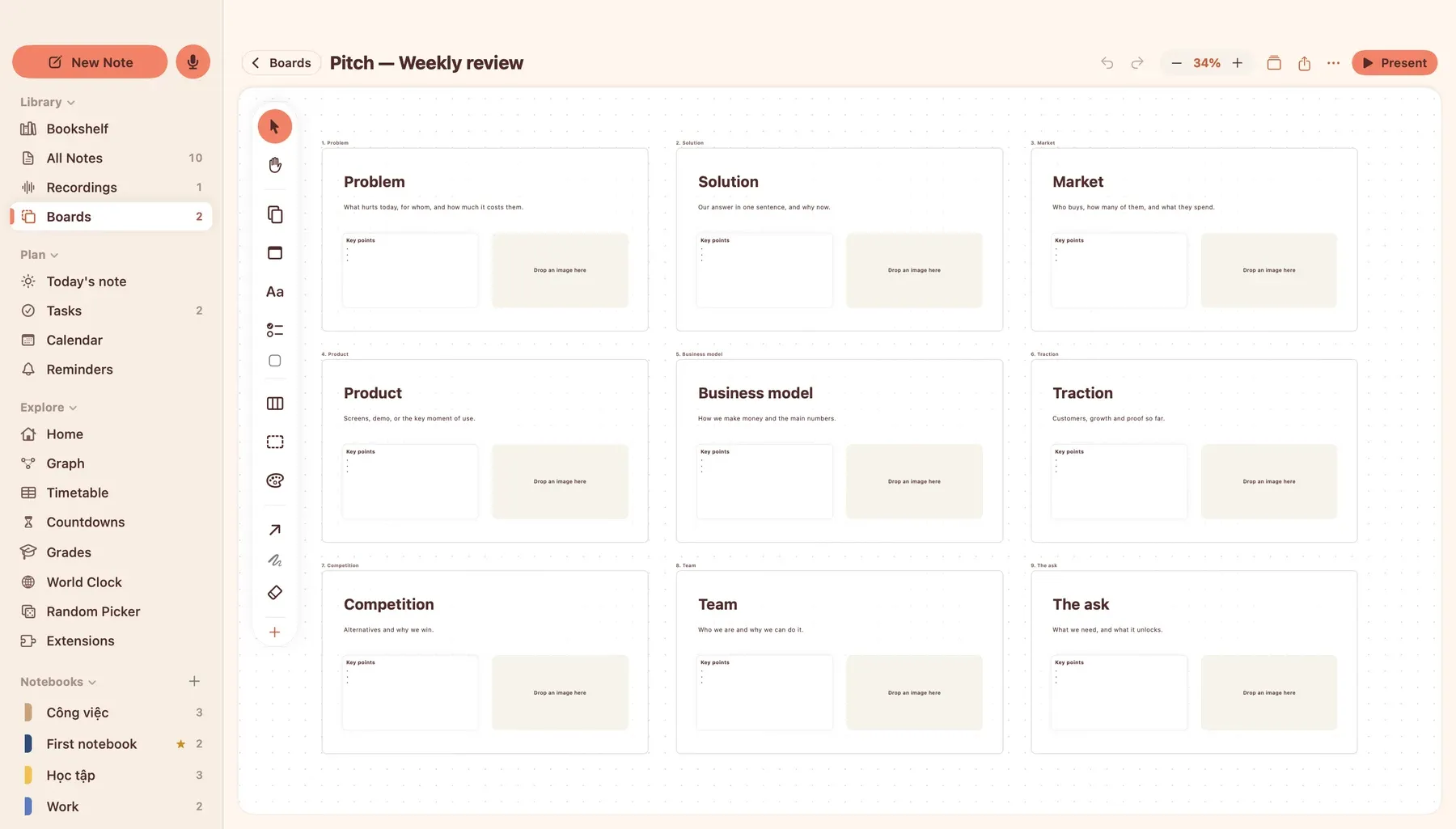
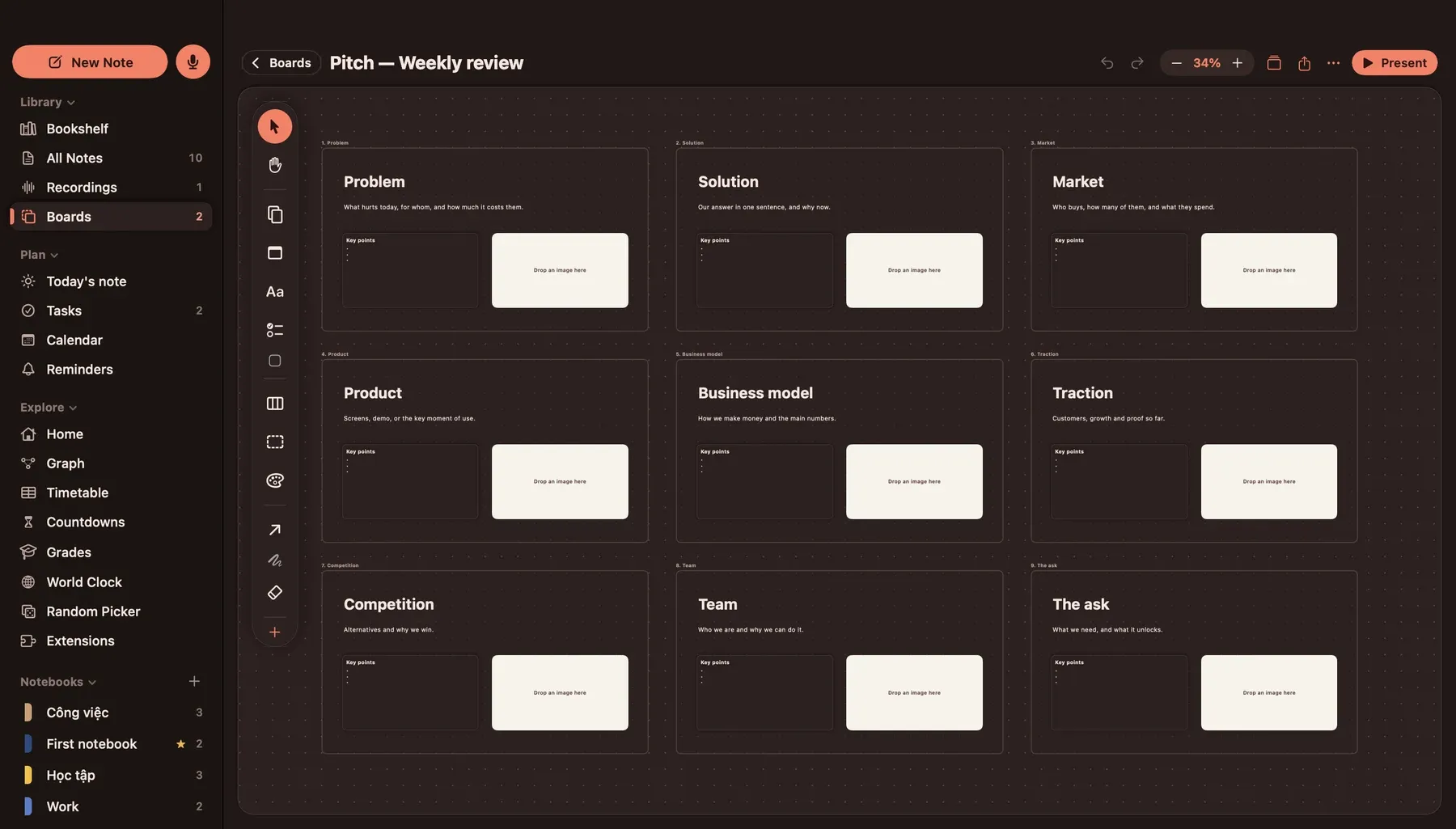
Cards, stickies, shapes, frames and connectors on an endless canvas. 14 templates, from storyboard to kanban. Present it full screen.
It helps you study
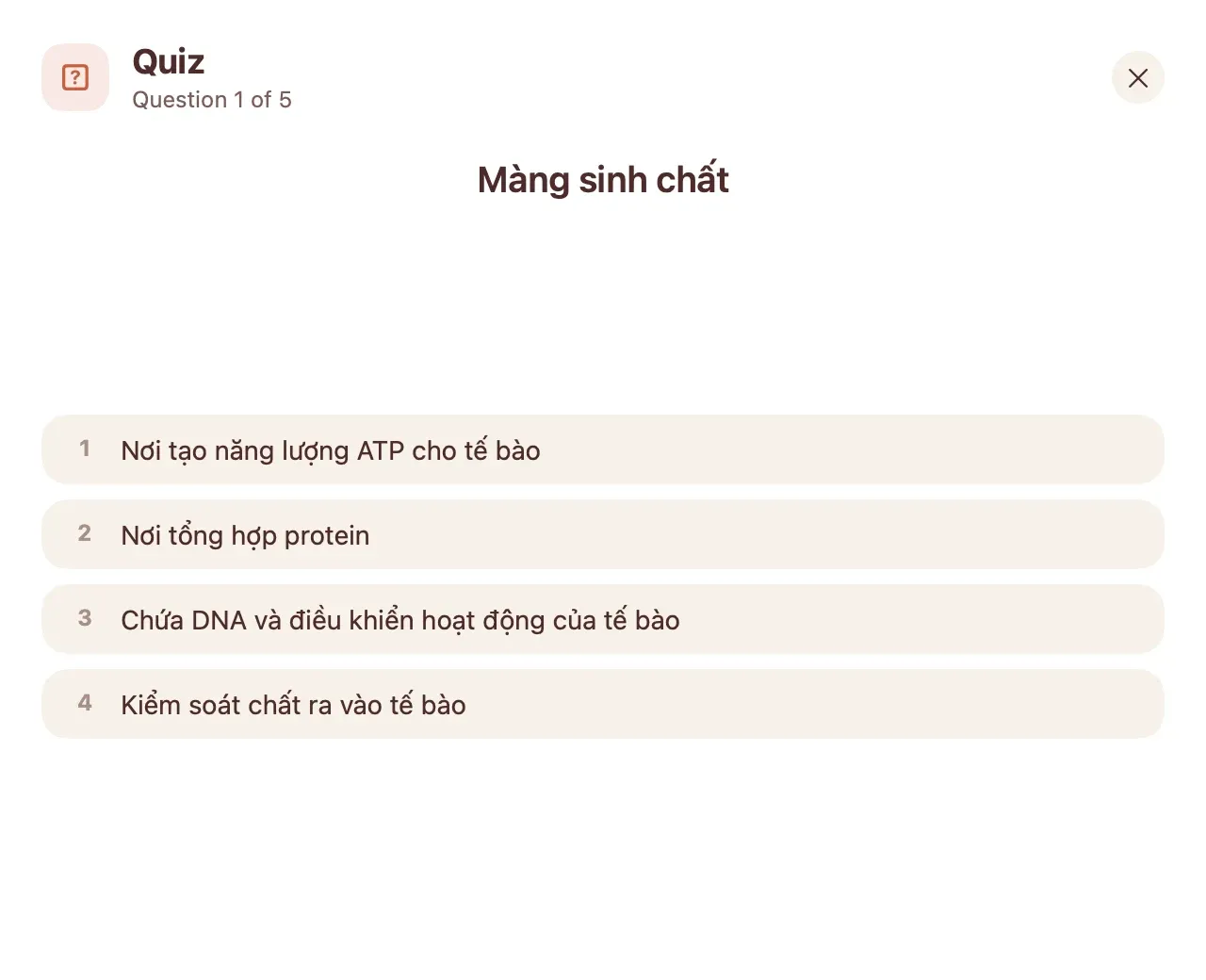
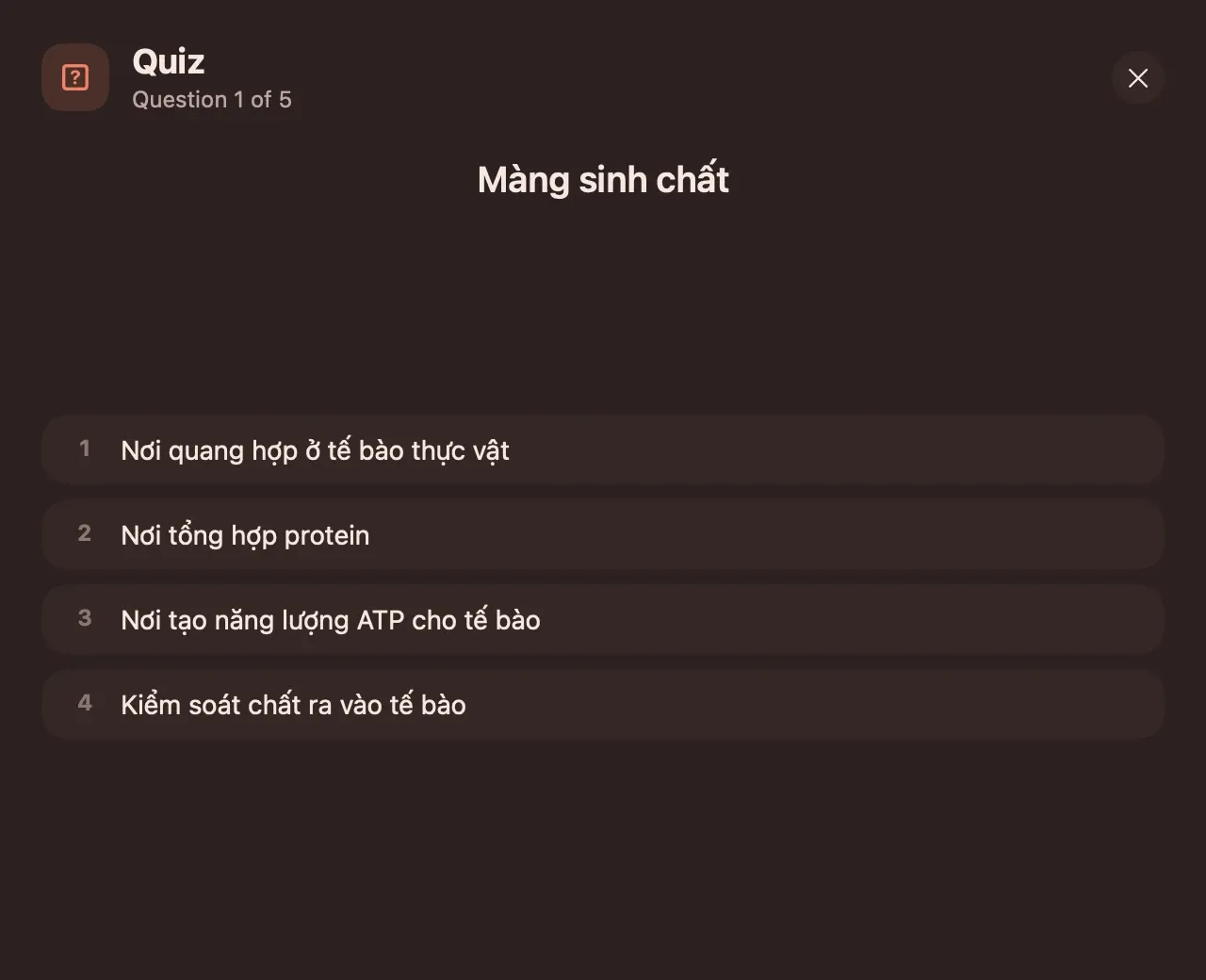
Flashcards with spaced repetition, a quiz made from a lecture with the source passage and its time in the recording, a practice exam over a whole notebook.
Paper, and a book
Ruled, dotted, grid or Cornell paper with pens and a highlighter. Open a PDF and write on it. Read a notebook as a book, one chapter per note.
Jotter: scrap paper that does the sums
A floating window for things too small for a note. Start a jot with a keyword and it changes what the paper does: math, list, timer, sum. It reads 5k, 2tr and 1tỷ the way you write them.
Type in it. This one really calculates.
The app today
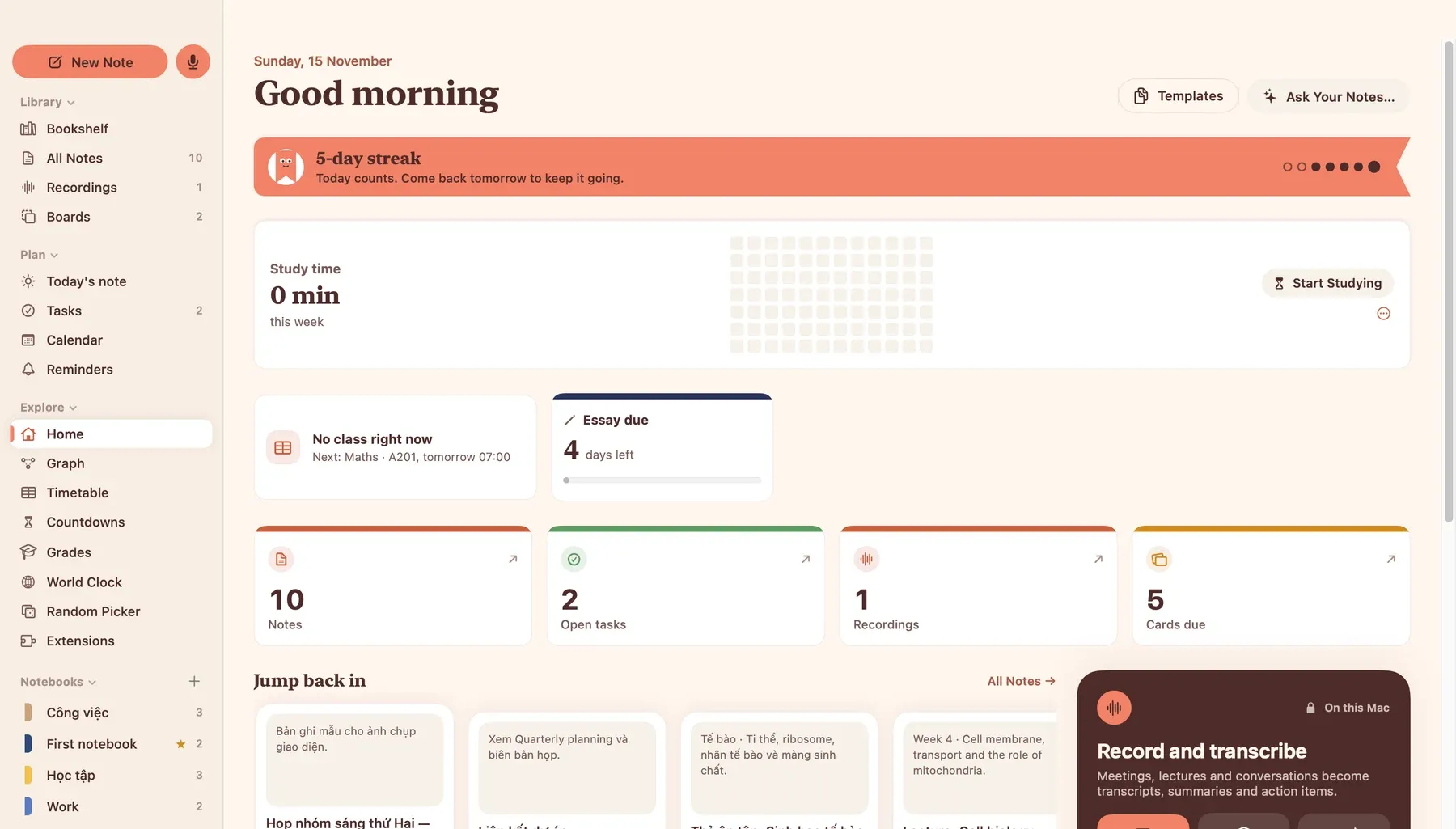
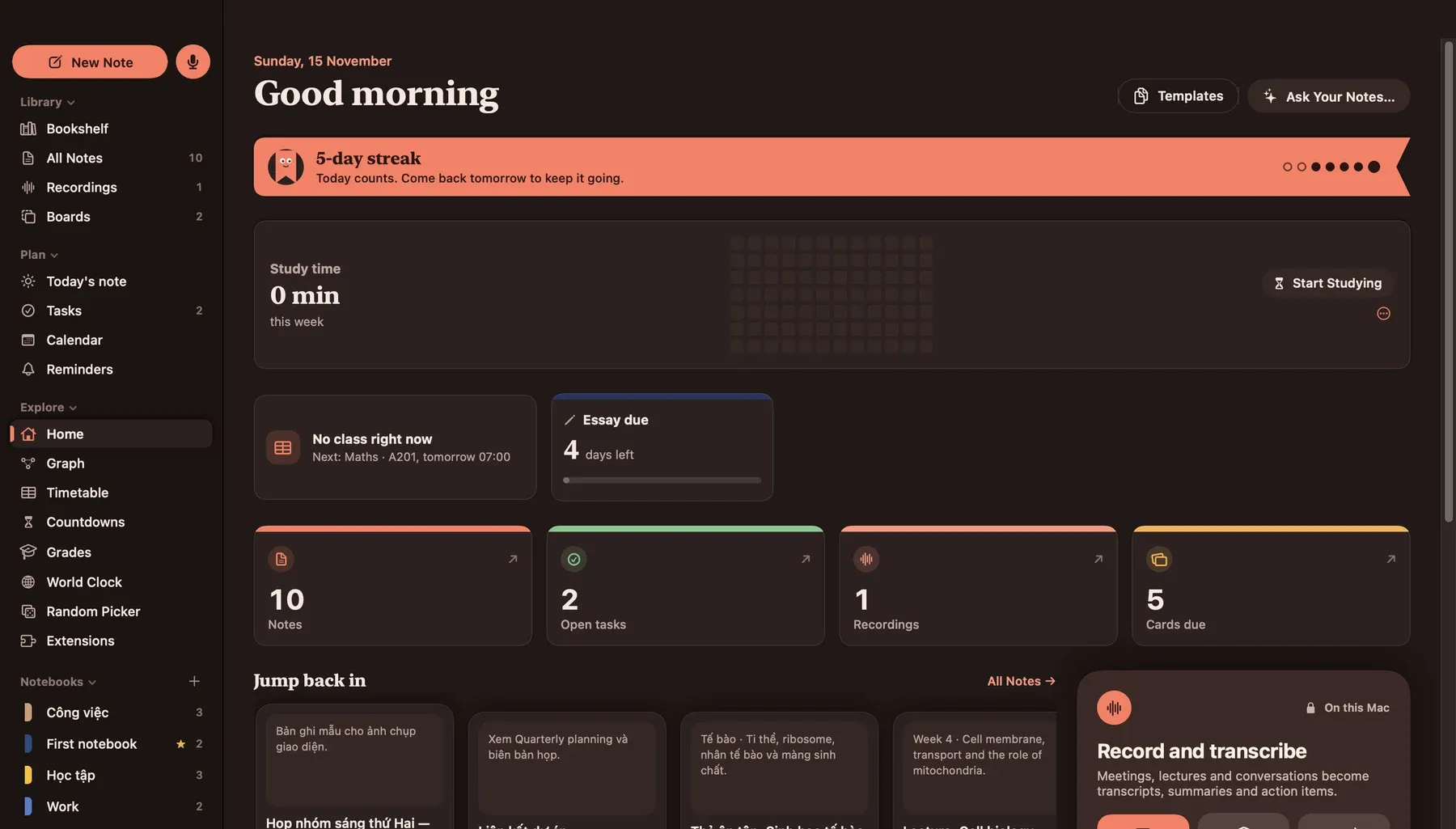
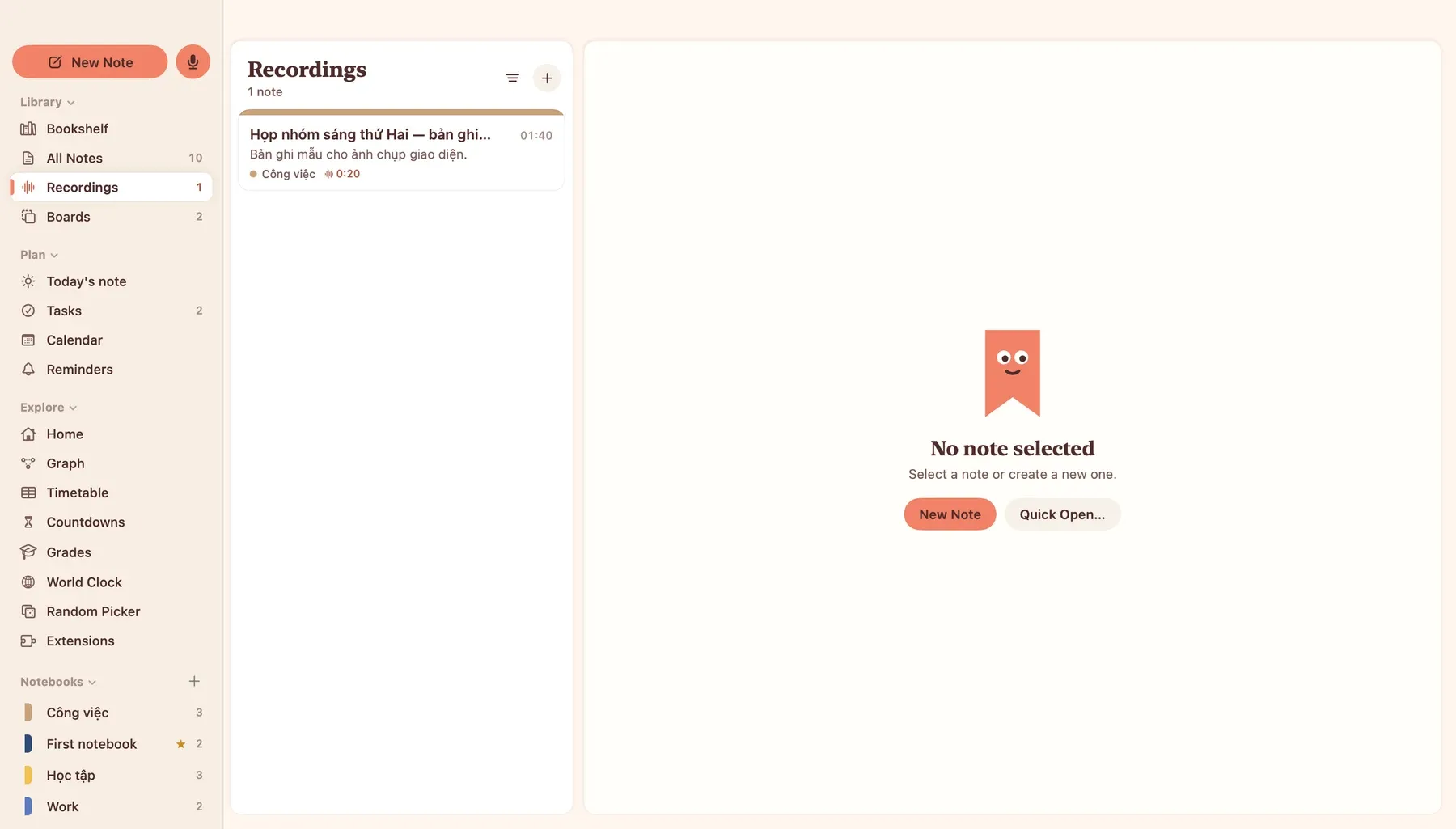
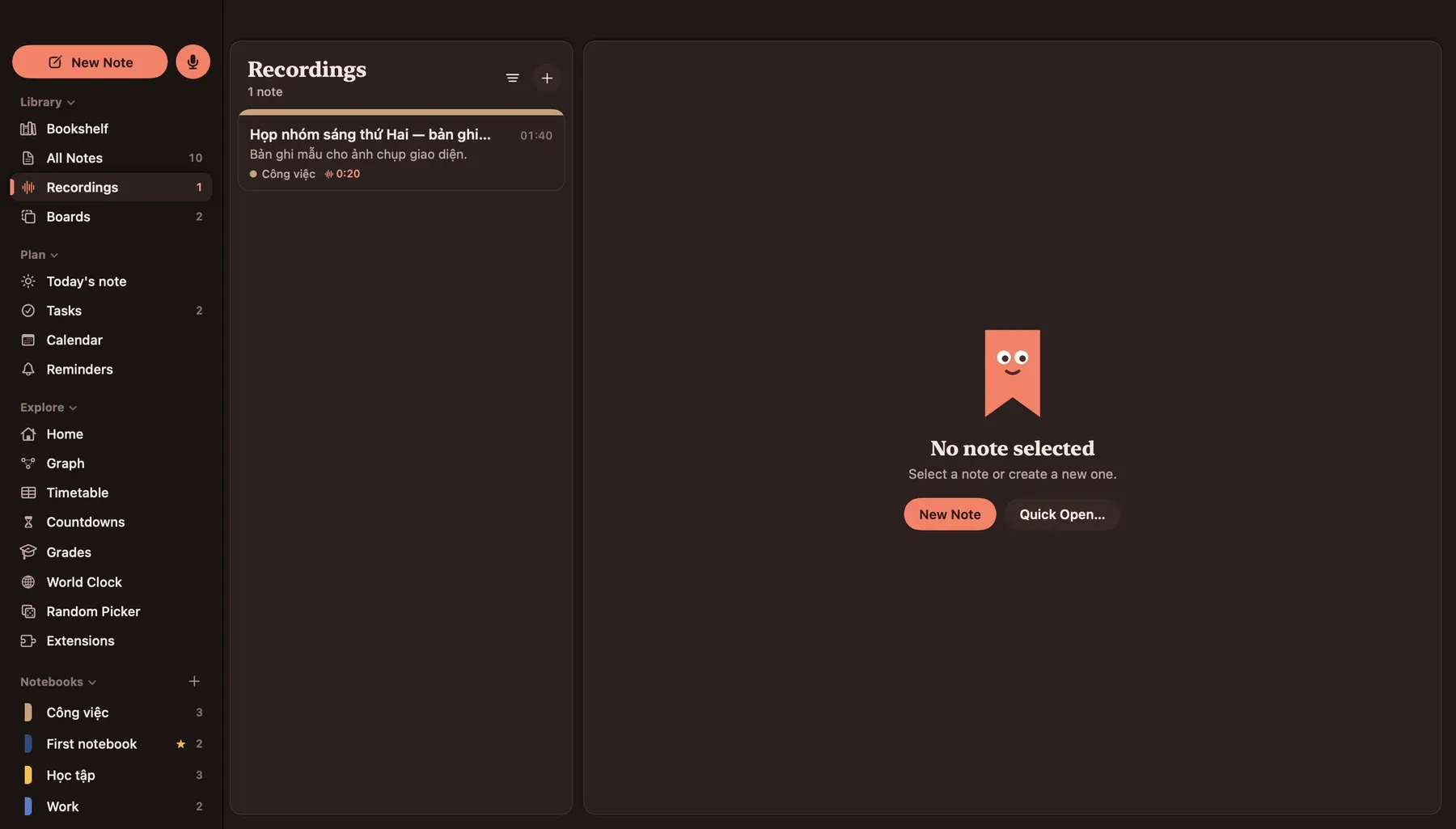
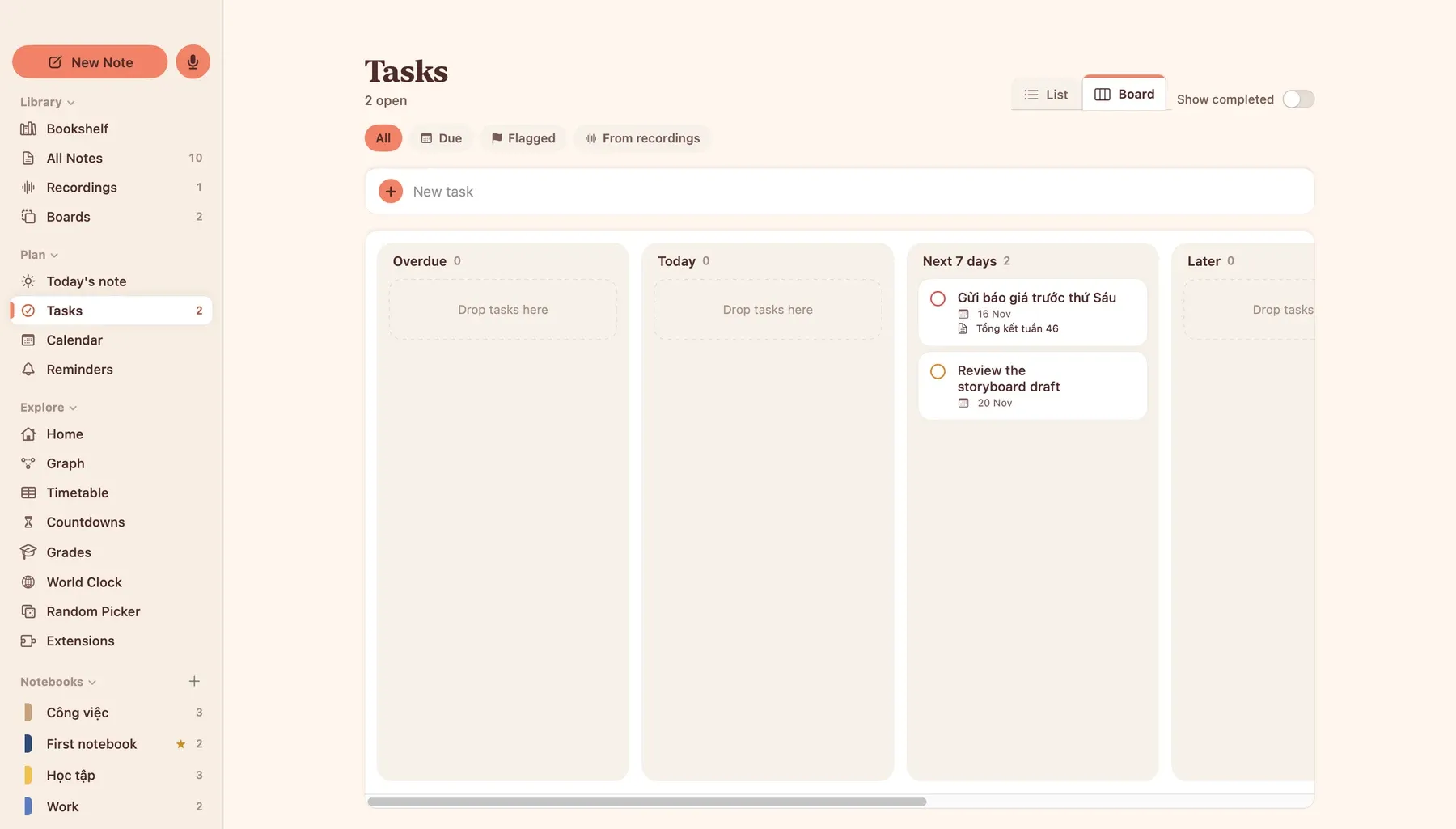
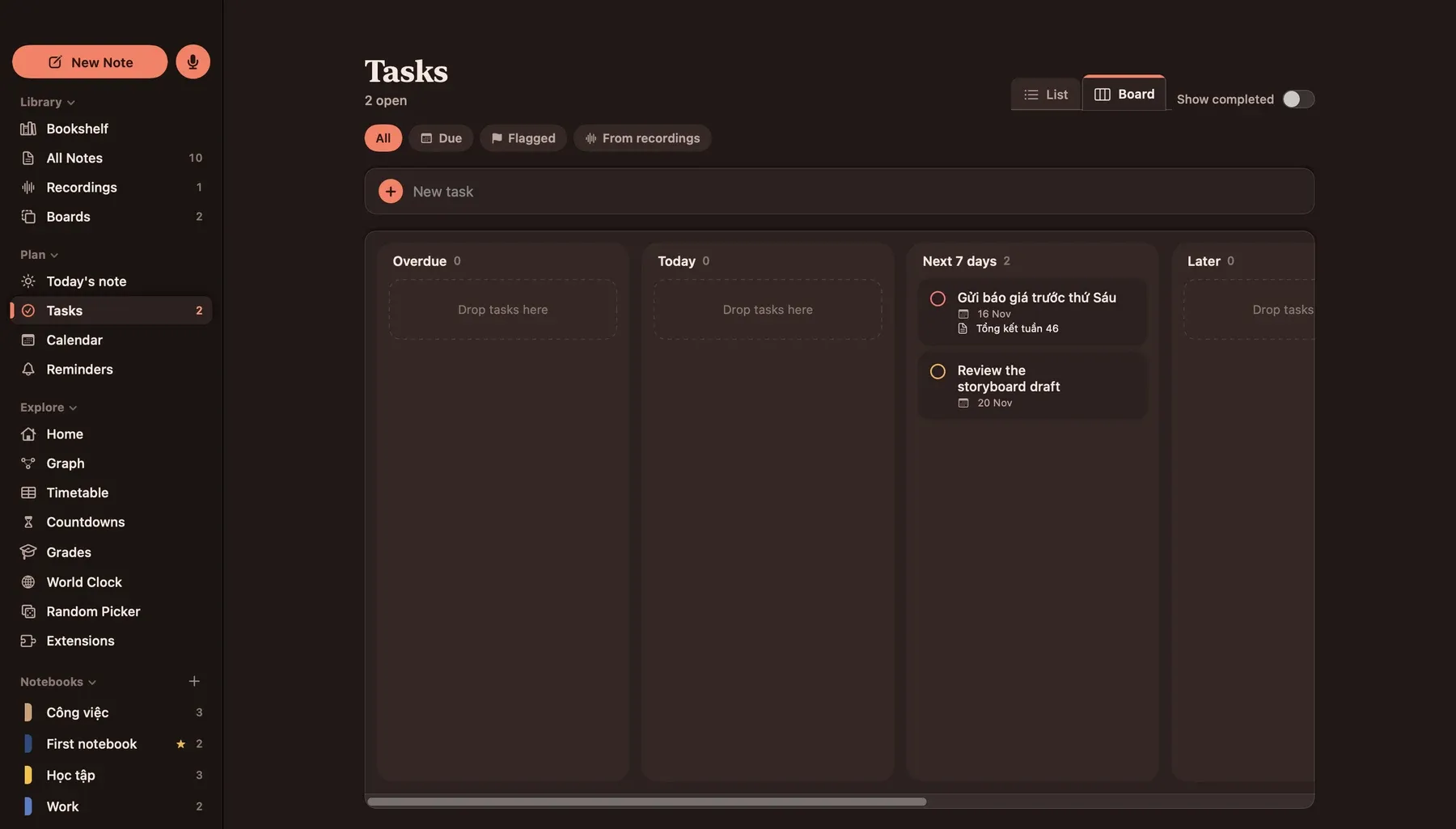
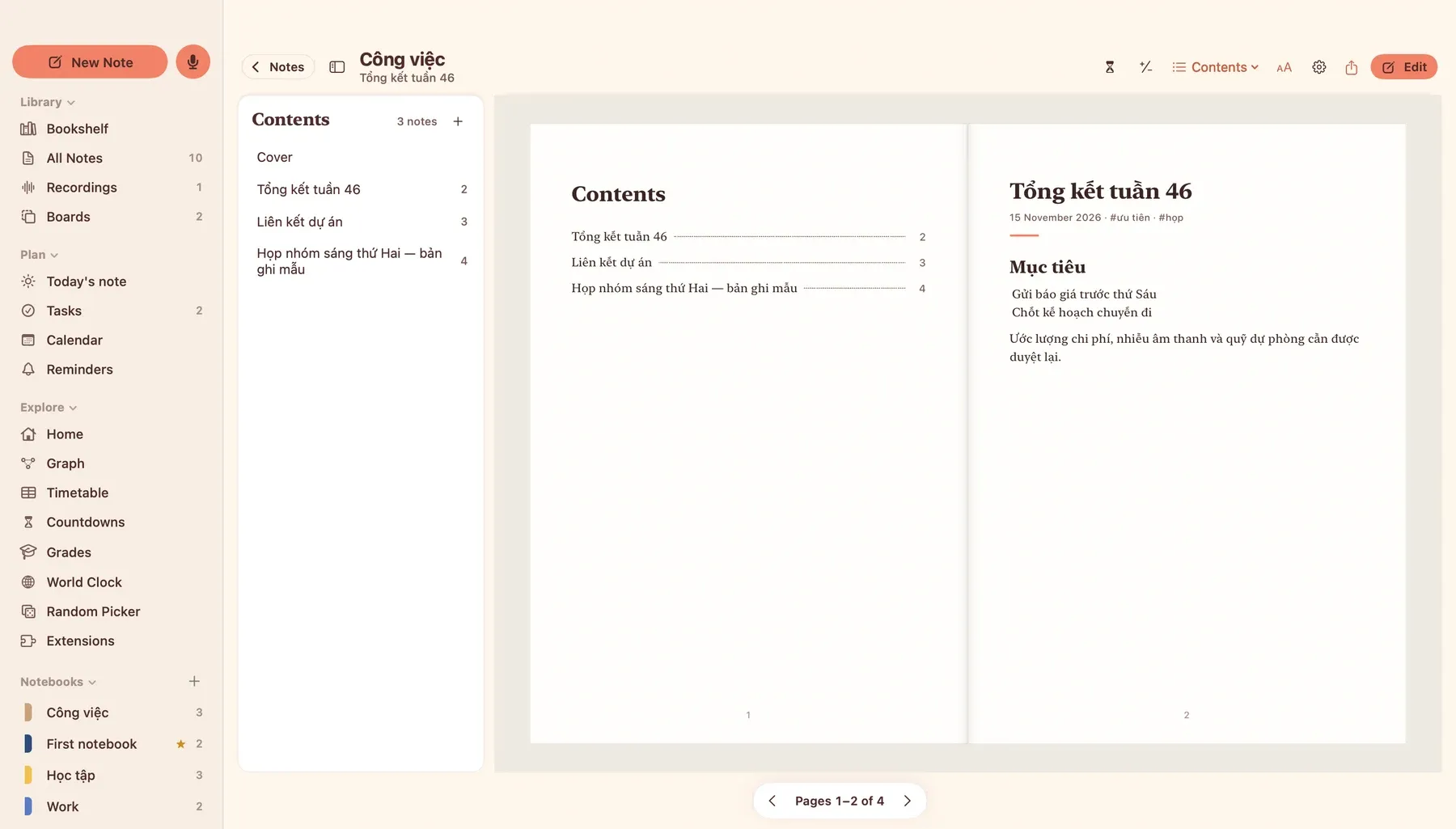
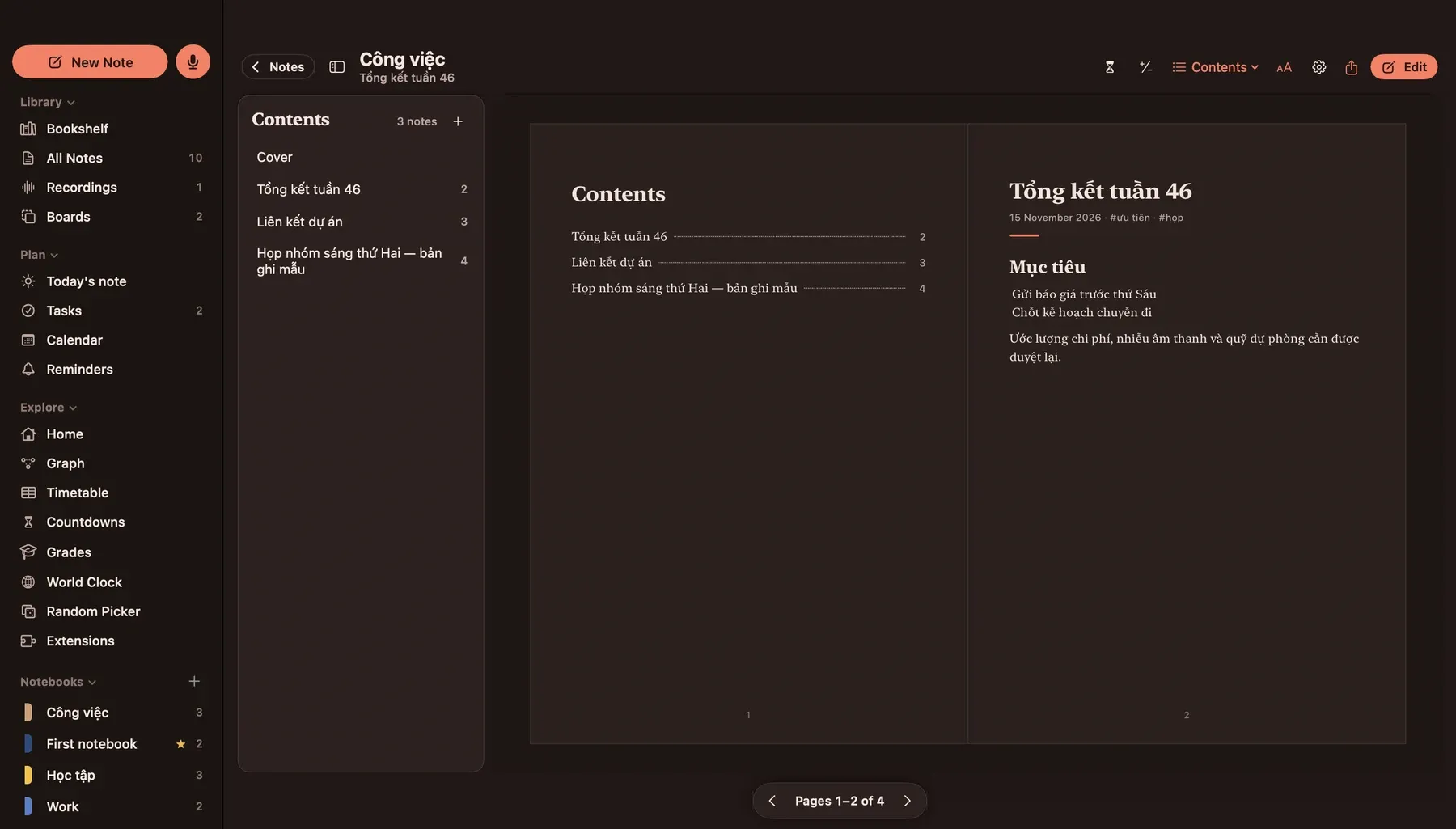
Renders from the current build, with sample notes. The app has started moving to the stationery-desk design on this page: serif headings and paper cards are in, the rest follows.
Good to know
- Speech models are downloaded once, the first time you transcribe. After that transcription works offline.
- Summaries and quizzes use Apple Intelligence on macOS 26 or later. On older systems they fall back to a simpler method that picks sentences from the text.
- Locked notebooks are hidden behind Touch ID. They are not encrypted, and backups contain them.
- There is no iCloud sync, no shared links and no live collaboration yet.
- How well it hears depends on the microphone and the room. We have not published accuracy figures.
Privacy
Notes, audio, transcripts, models and AI processing stay on your Mac. No analytics, no cloud AI. It records only when you press Record.
For your AI assistant
A command-line tool and a local MCP server expose more than 240 actions. Deleting needs explicit confirmation, and recording starts only when asked.
$6, once.
Pay once and keep the app. Every purchase includes one year of updates. After that you keep the version you have, forever, and you can renew any time to get the newest.
- Day oneYou pay once
- 1 yearEvery update is included
- After thatStill yours, still runs. Renew for the newest.
Total
Prices in US dollars. Tax is added at checkout.