Know how hot. Decide how fast.
A fan controller that reads every sensor in your Mac and lets you set each fan to a fixed speed or a curve.
Version 0.12.1 (26)Release notes
RPM
See it on the dials
The app's own panels, replayed step by step with demo readings. Point at a step to jump to it.
One click in the menu bar
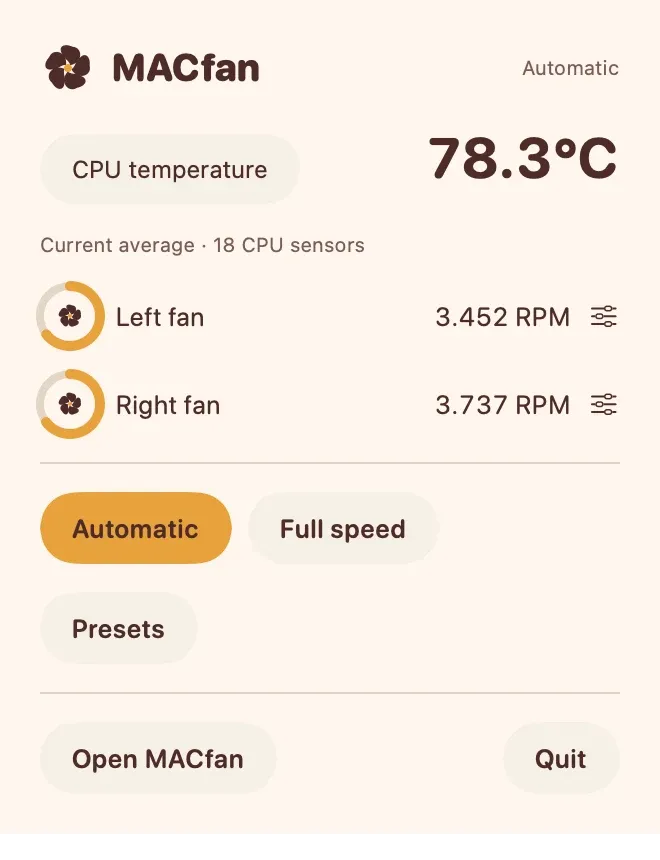
Click the temperature in the menu bar. The panel shows the CPU temperature, each fan in RPM and the last 15 minutes as a trend.
Your saved presets sit in the panel as keys. Click one and it lights up; its name replaces Automatic at the top.
Each fan climbs to the speed the preset asks for. The RPM readouts and the rotor dials follow the real fans as they spin up.
The reading and the 15-minute trend show what the change does on your Mac. In this demo the CPU eases down a few degrees.
Click Automatic and macOS decides the fan speed again. The preset stays saved for next time.
Draw your own fan curve
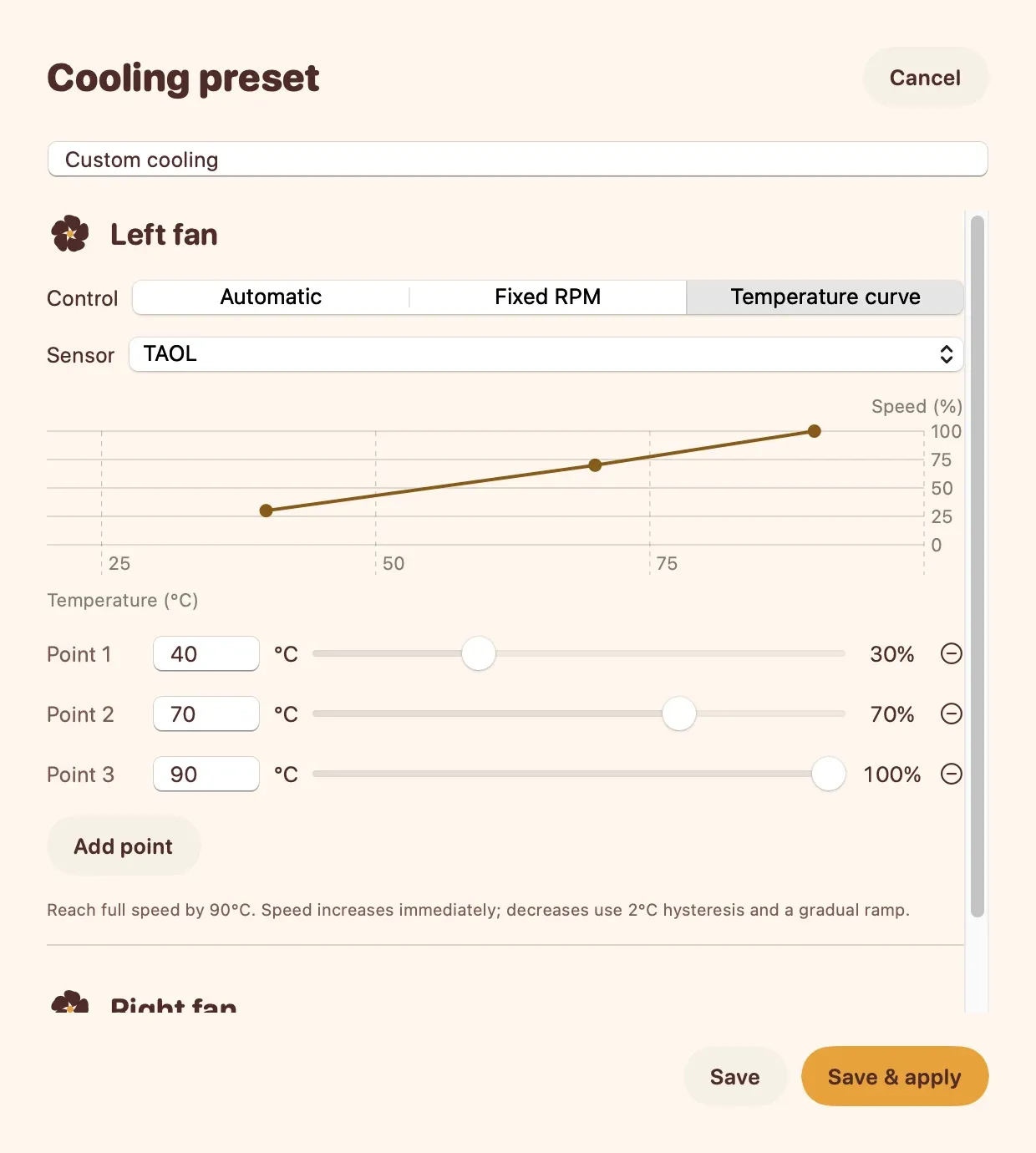
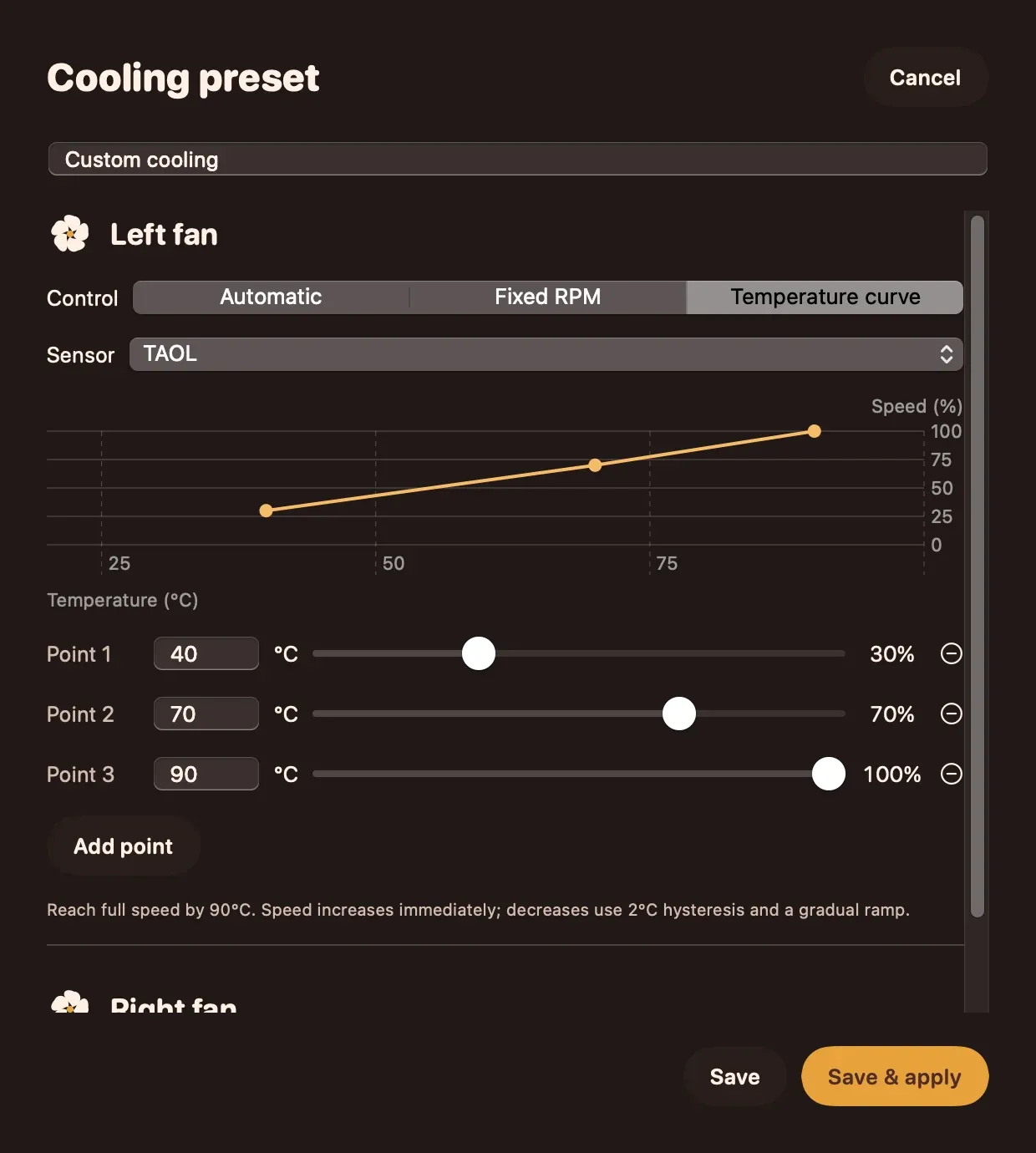
In a cooling preset, each fan has its own control. Switch one from Automatic to Temperature curve and the editor opens.
Choose the temperature sensor this fan should follow. The list holds the sensors MACfan reads on your Mac.
Each point is a temperature and a fan speed. Drag a point's slider and it rises on the chart: here 70 °C now means 85 % instead of 70 %.
As the sensor warms and cools, the fan speed moves along the line. Speed goes up at once and comes down gently, with 2 °C of hysteresis.
Save & apply stores the curve with your other presets and switches it on. A saved preset never switches on by itself at launch.
Draw the curve yourself
Pick a sensor, place a few points, and each fan follows the line: quiet while you write, faster when you render. Ramping and hysteresis keep it from hunting up and down.
Drag the four points, then move the temperature.
Instruments, each with its source
Your own dashboard
Up to twelve temperature widgets, as a value, a trend or a dial. Each one names the sensor it reads.
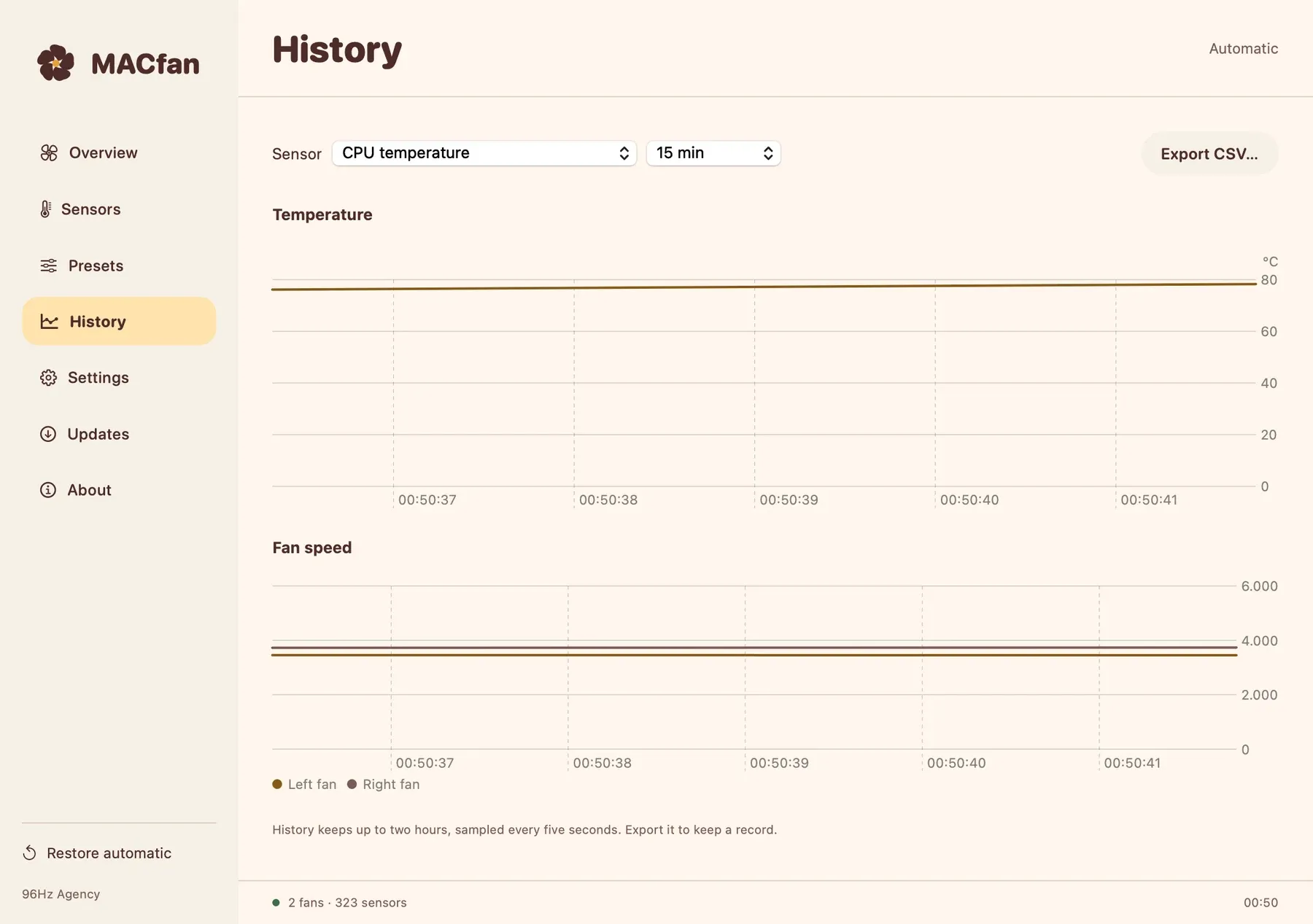
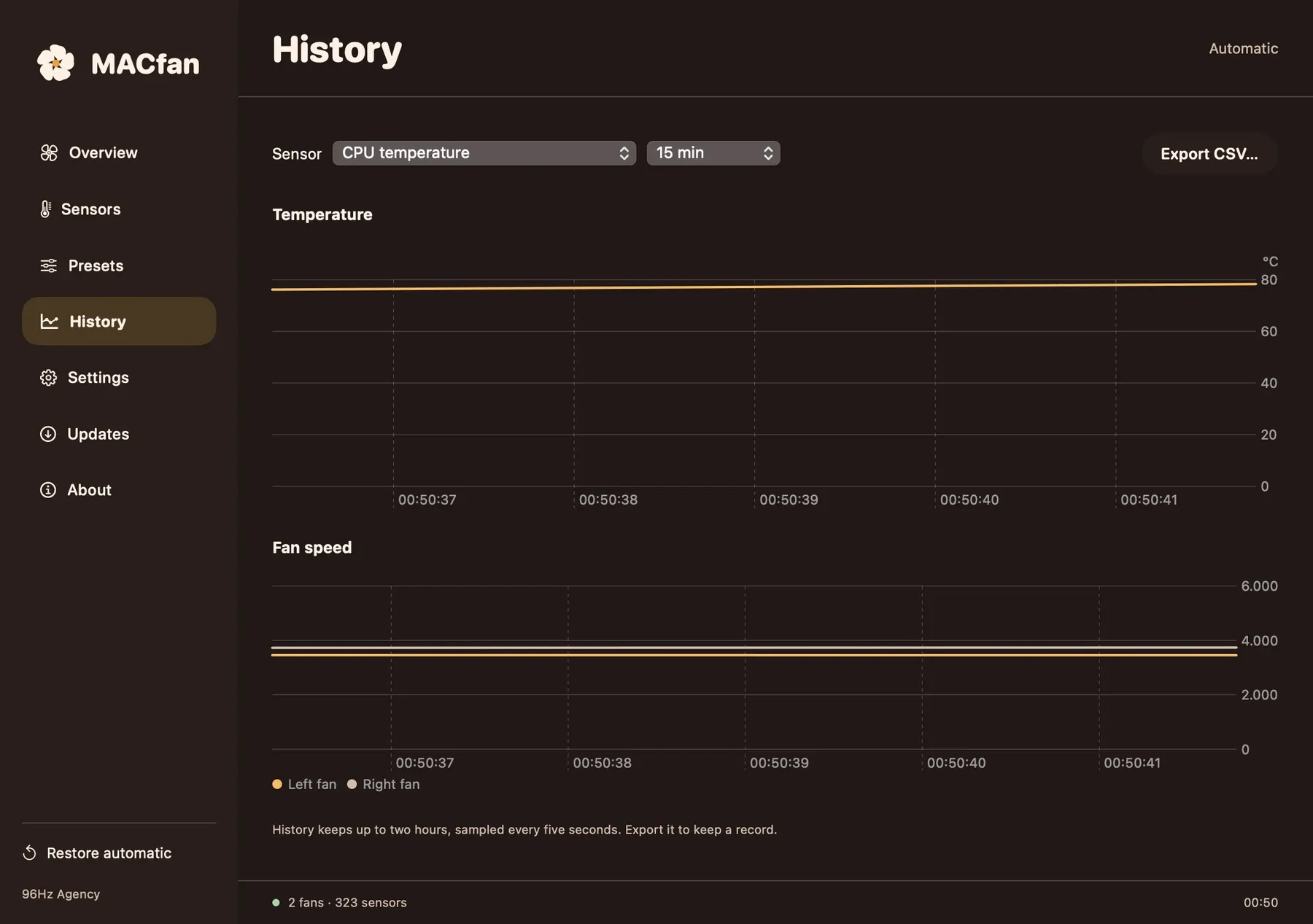
Two hours, every five seconds
Temperature and RPM history you can scroll back through and export as CSV.
CPU temperature up top
A compact reading in the menu bar, with fan speed if you want it and the controls one click away.
Presets you can share
Save, rename, duplicate, import and export. A saved manual preset never switches on by itself at launch.
The Mac stays in charge
MACfan works inside the hardware limits and never switches off Apple's thermal protection. If the app stops answering, a watchdog hands the fans back to Automatic within seconds. Every launch starts in Automatic.
The app today
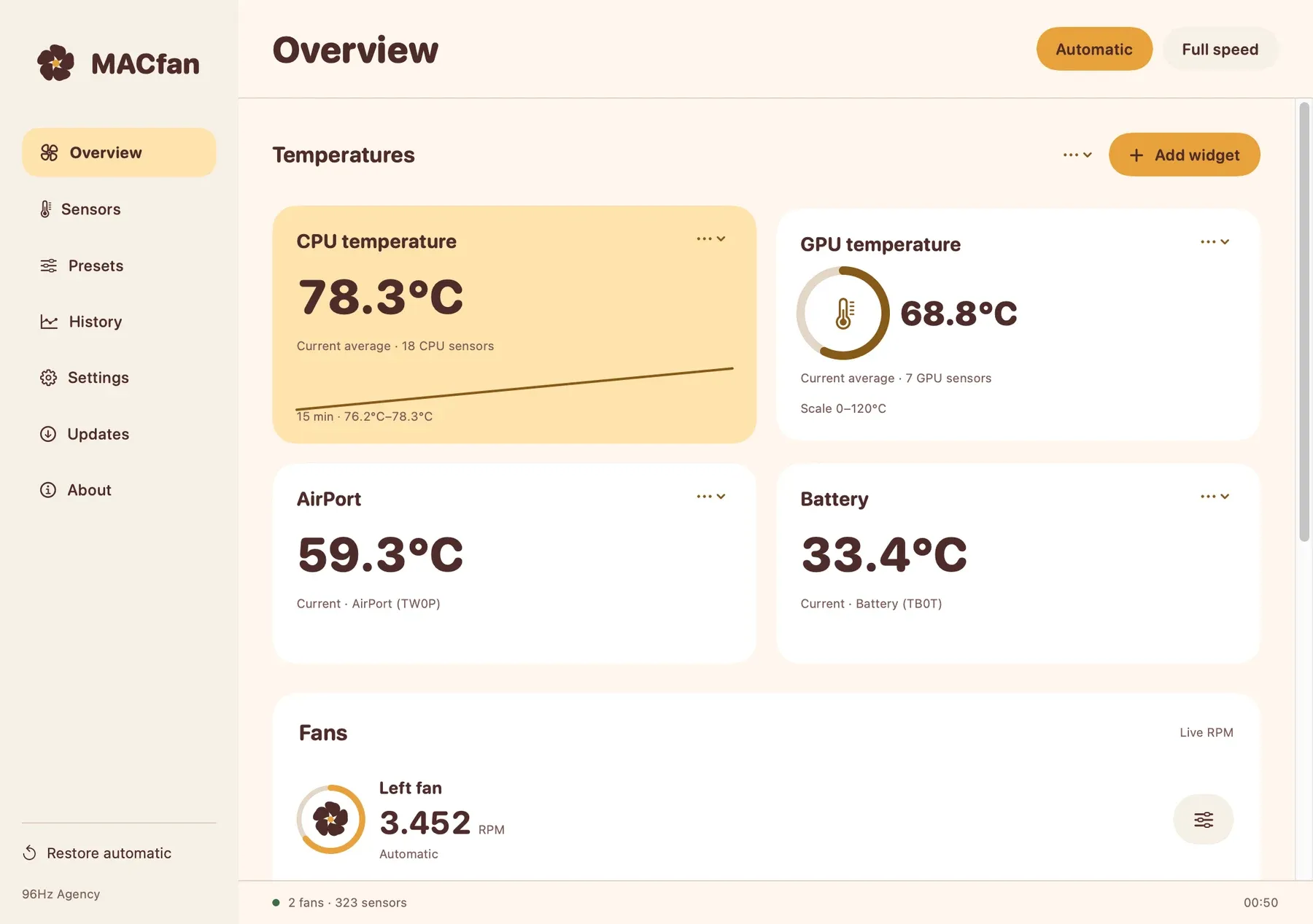
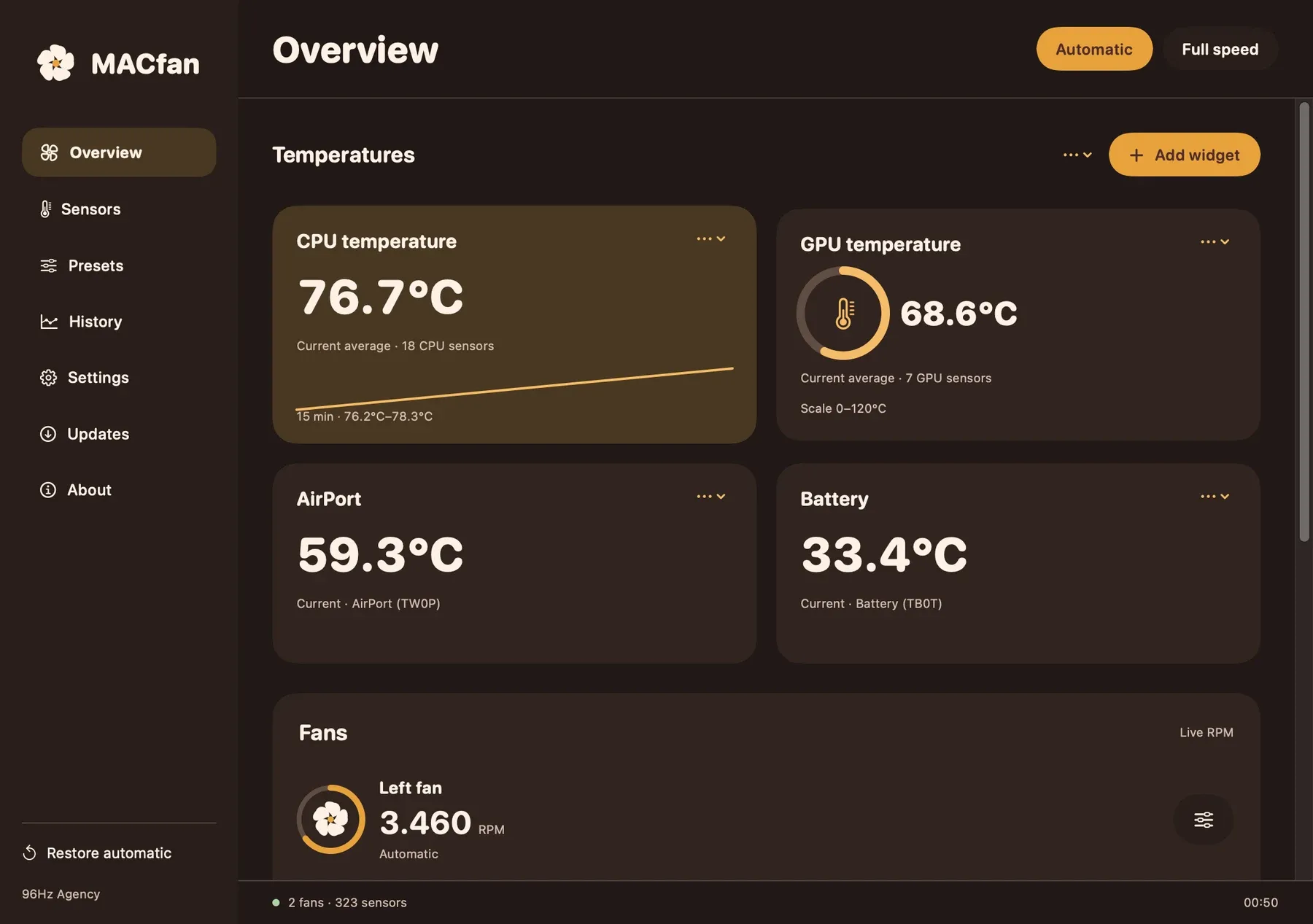
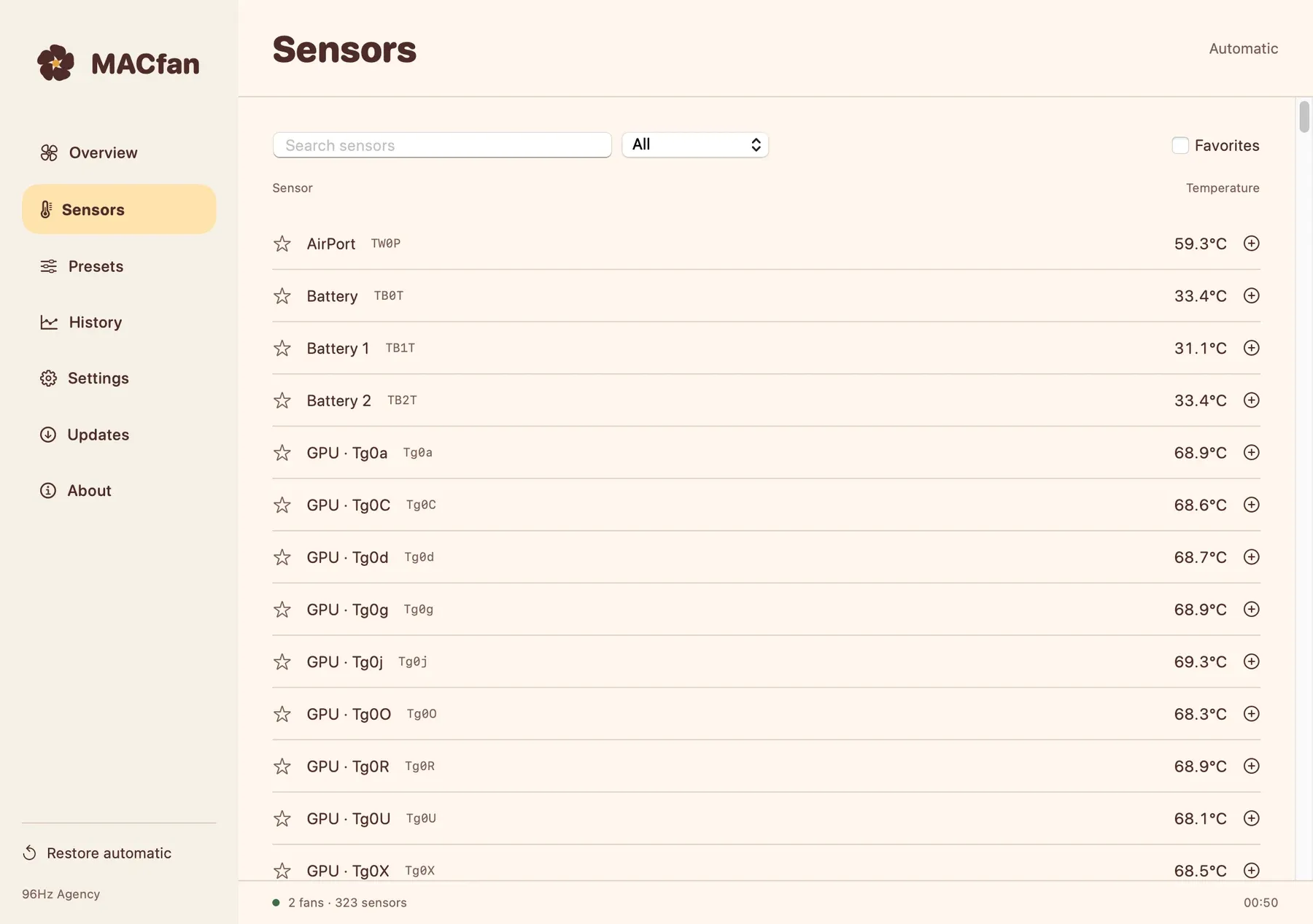
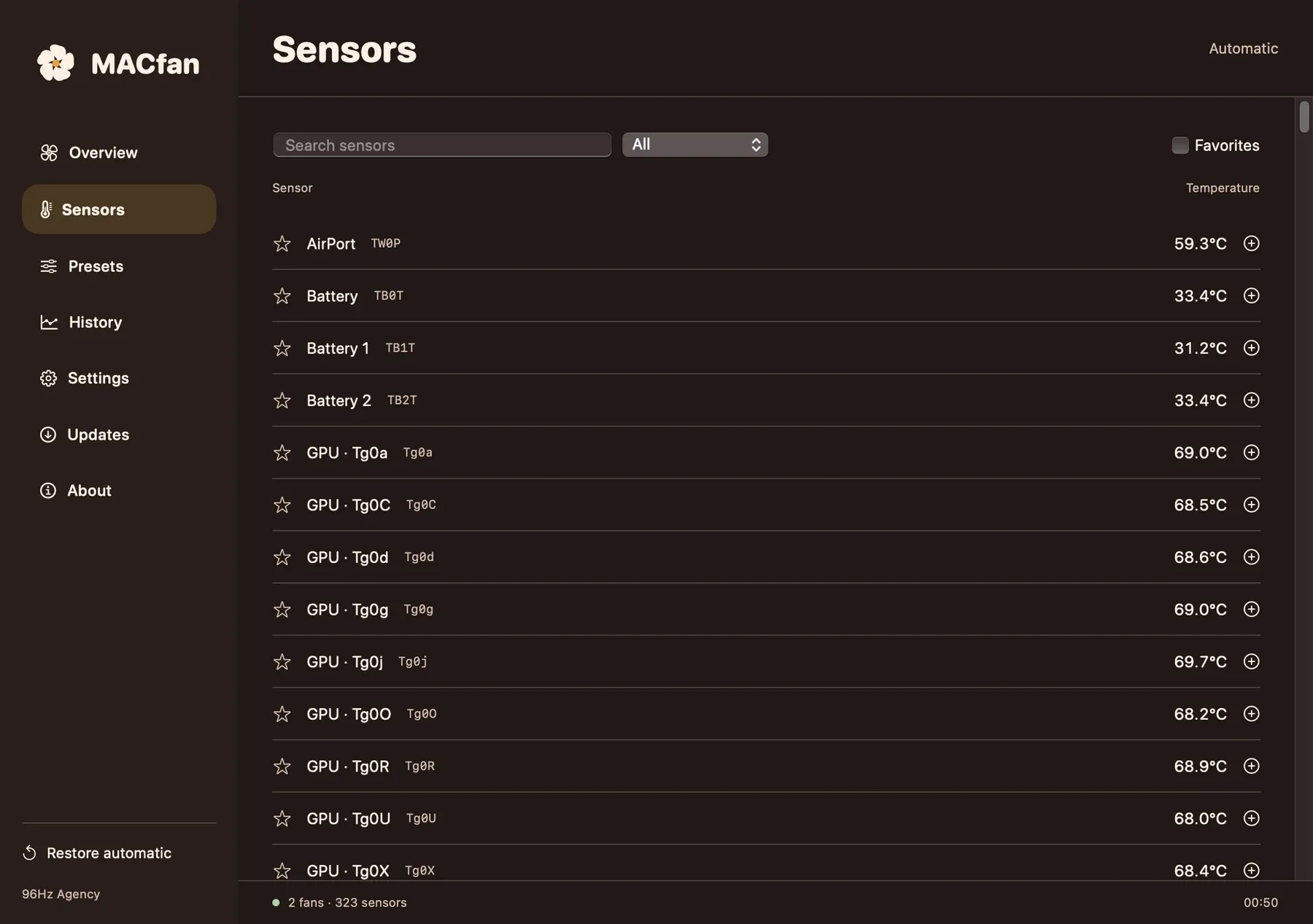
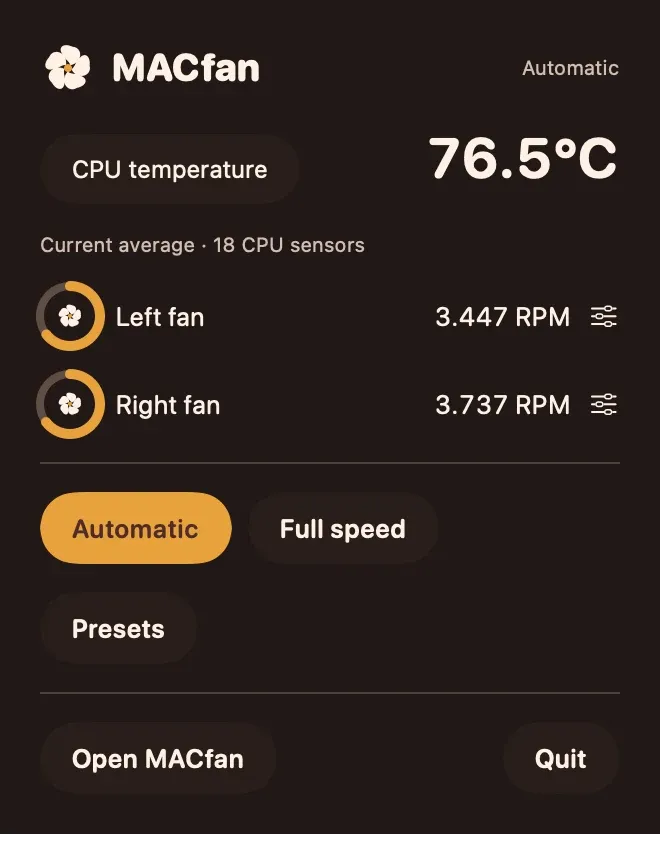
Renders from version 0.7.0, with readings from the Mac it was built on. This is the one app that already wears its own design.
Good to know
- It has been tested on one Mac model so far, an M5 Max with two fans. Other Macs, Intel included, are not confirmed.
- It does not promise a cooler Mac or a longer life for it. It shows the readings and sets the speed you ask for.
- Apple's sensor interface is undocumented, so sensor names and readings can differ between models.
- If any sensor passes 100 °C, manual control is cancelled and the fans go back to Automatic. Under heavy load that can happen.
- Setting fan speed needs a small background helper that you approve in System Settings. Reading sensors does not.
- Quit any other fan controller before you use manual control.
Privacy
Readings stay on your Mac. History lives in memory for two hours and is gone unless you export it. No analytics.
For your AI assistant
35 MCP tools cover readings, fan policies, curves, presets and settings. The macOS approval for the helper is never bypassed.
$6, once.
Pay once and keep the app. Every purchase includes one year of updates. After that you keep the version you have, forever, and you can renew any time to get the newest.
- Day oneYou pay once
- 1 yearEvery update is included
- After thatStill yours, still runs. Renew for the newest.
Total
Prices in US dollars. Tax is added at checkout.