







Everything MACnote does
147 features in 19 groups, with screens from the app itself. Everything shown is sample content.
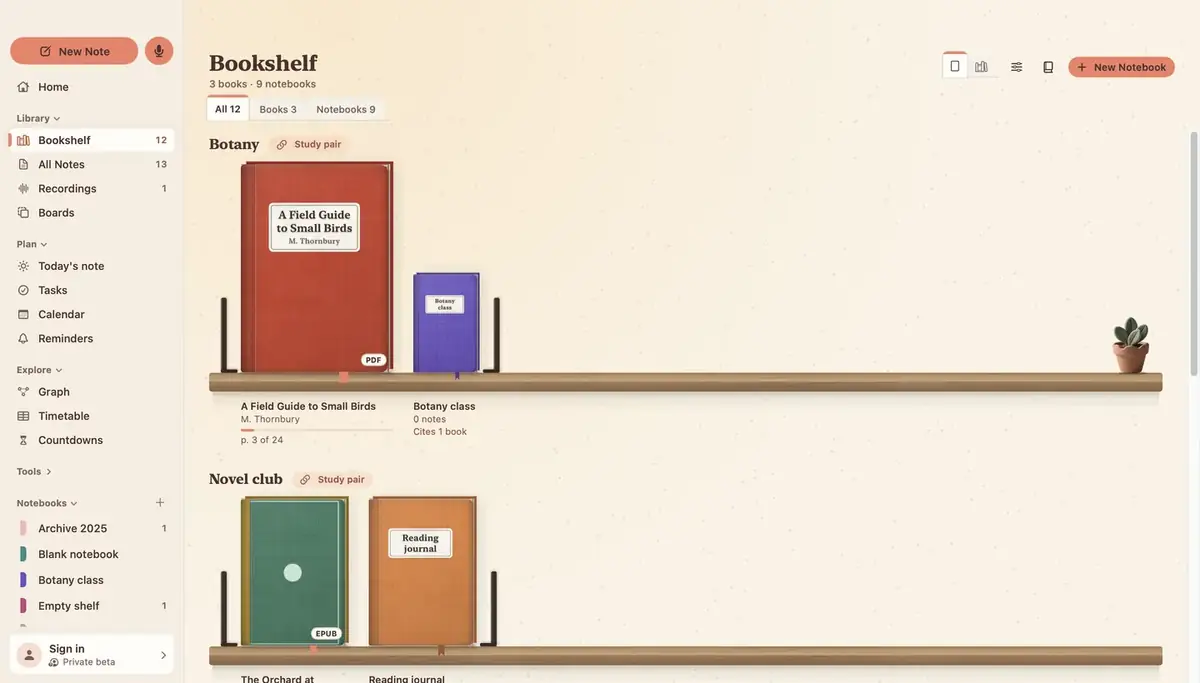
A bookshelf of your notebooks
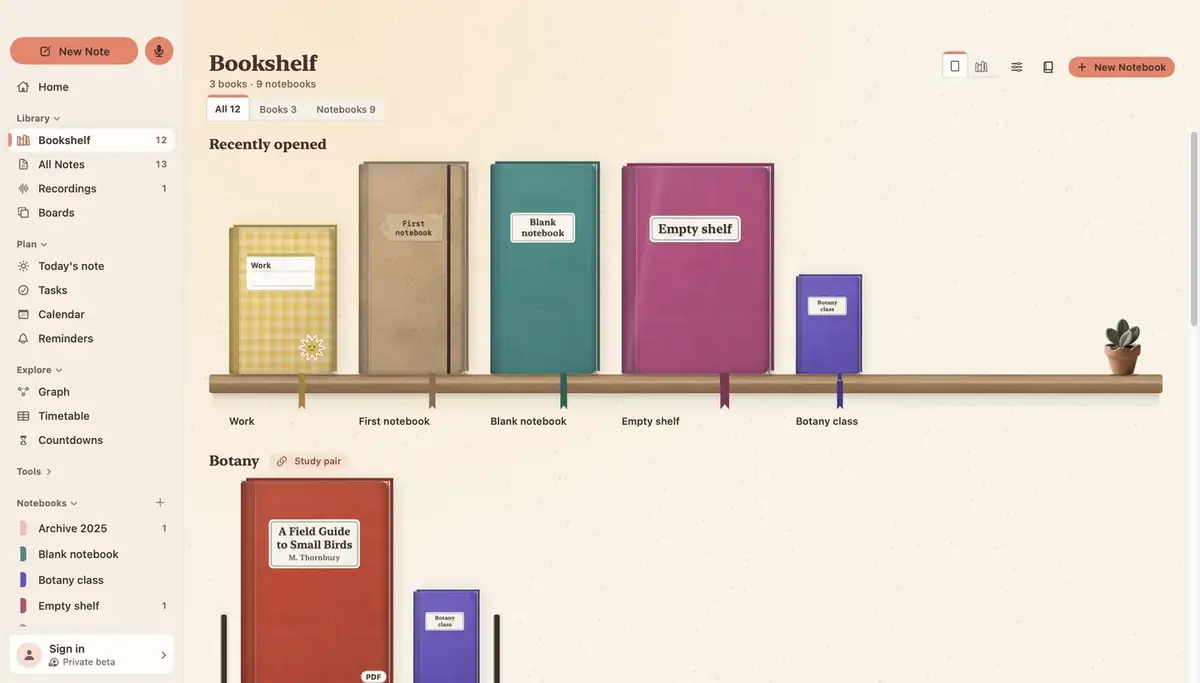
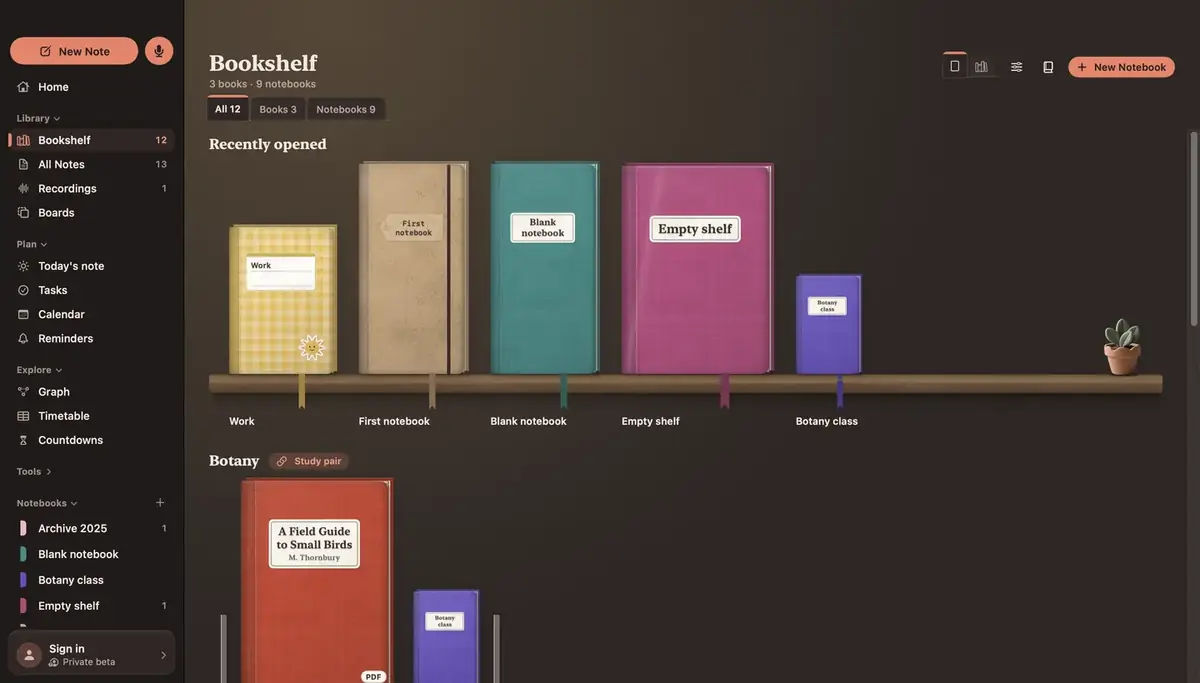
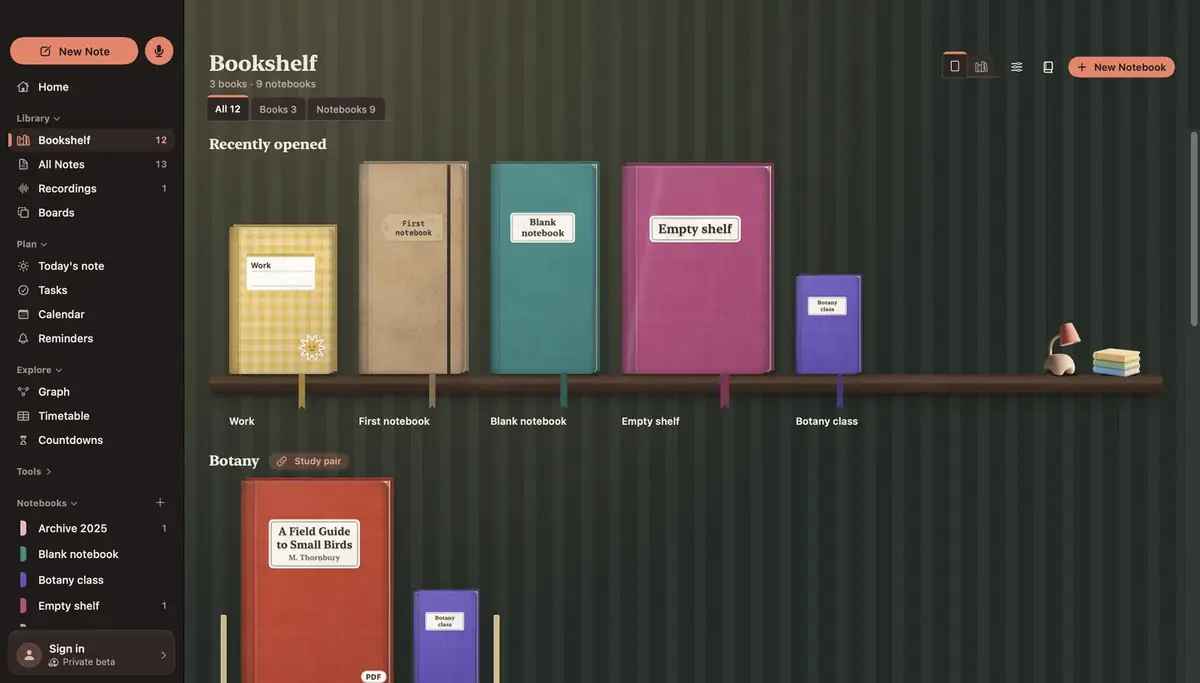
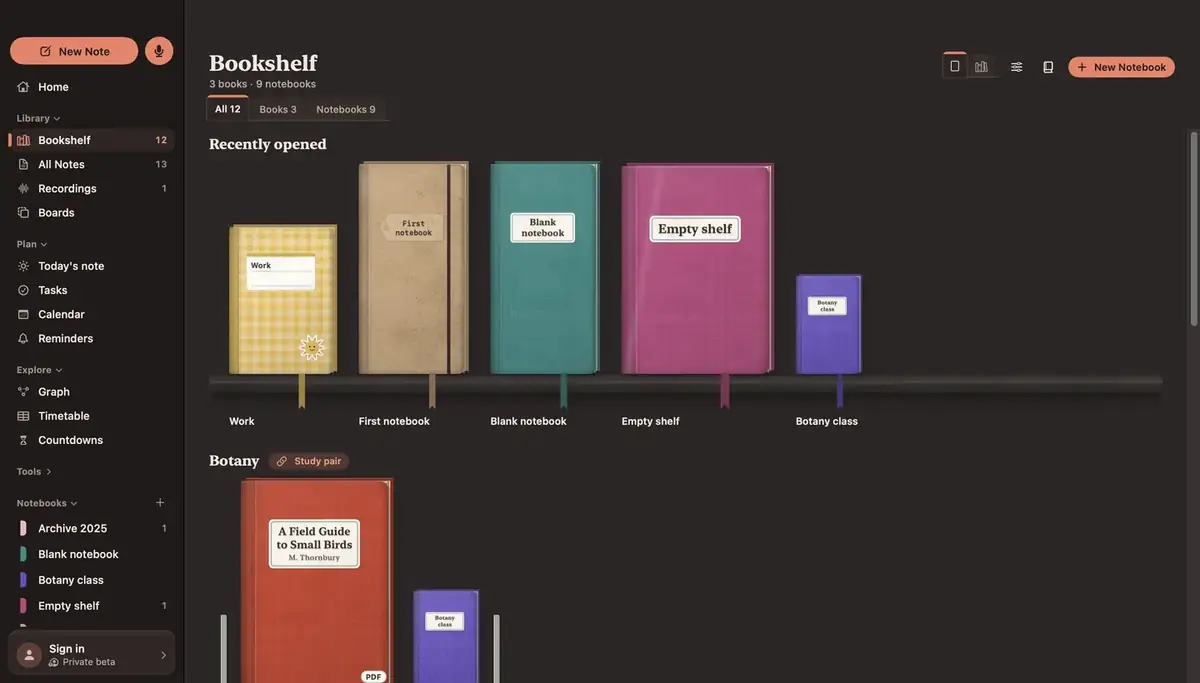
Every notebook stands on a shelf as a real book, with its own size, material and room.
Oak study 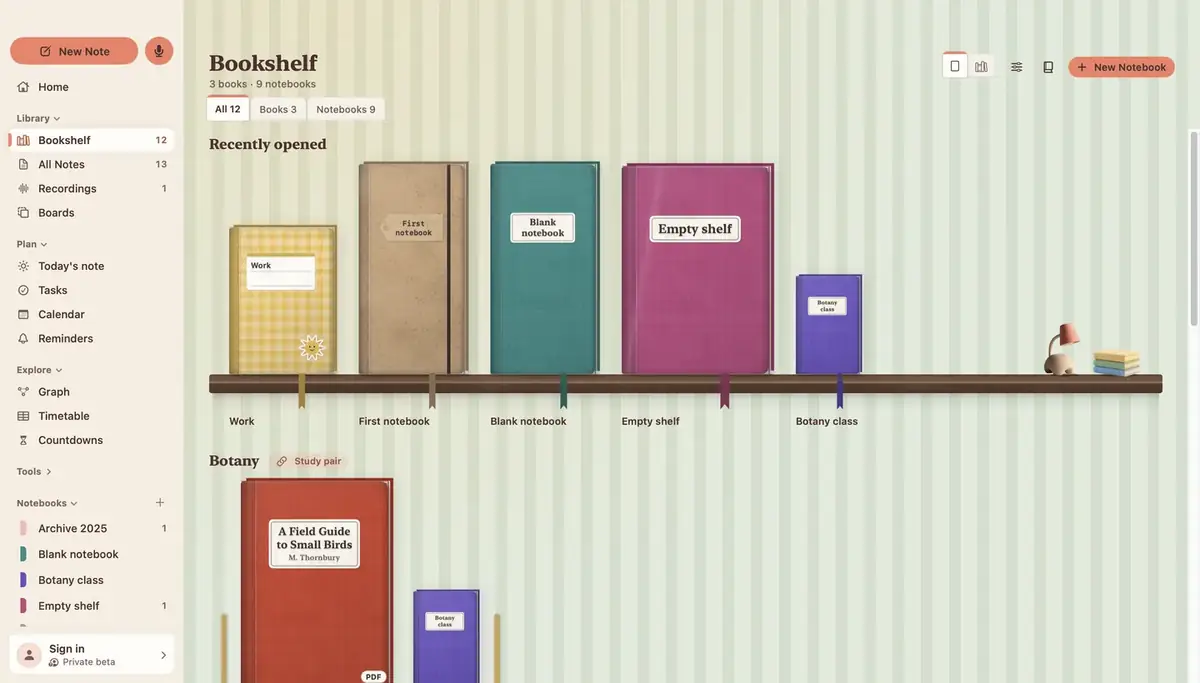
Walnut library 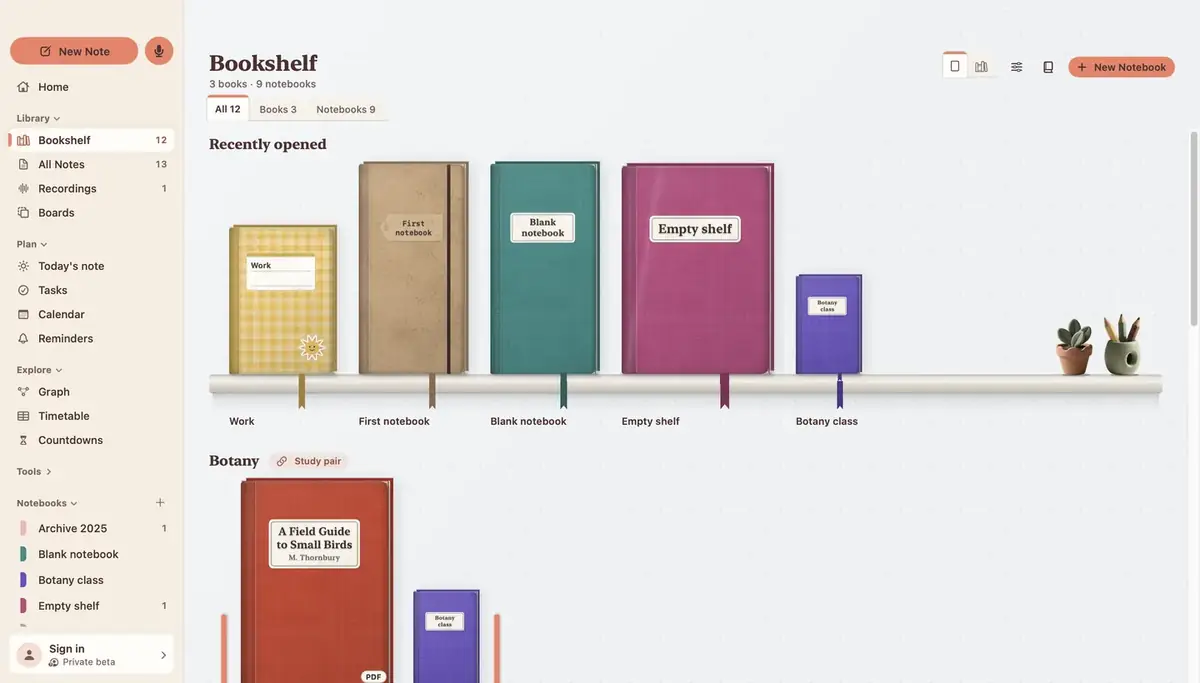
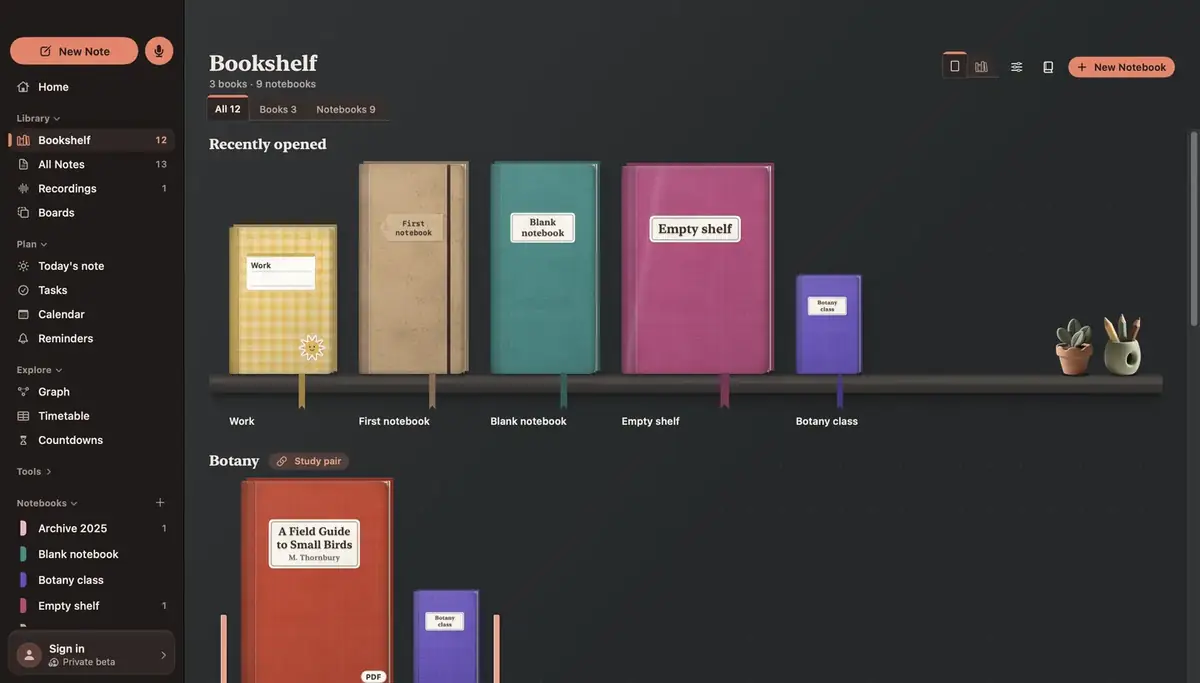
White lacquer 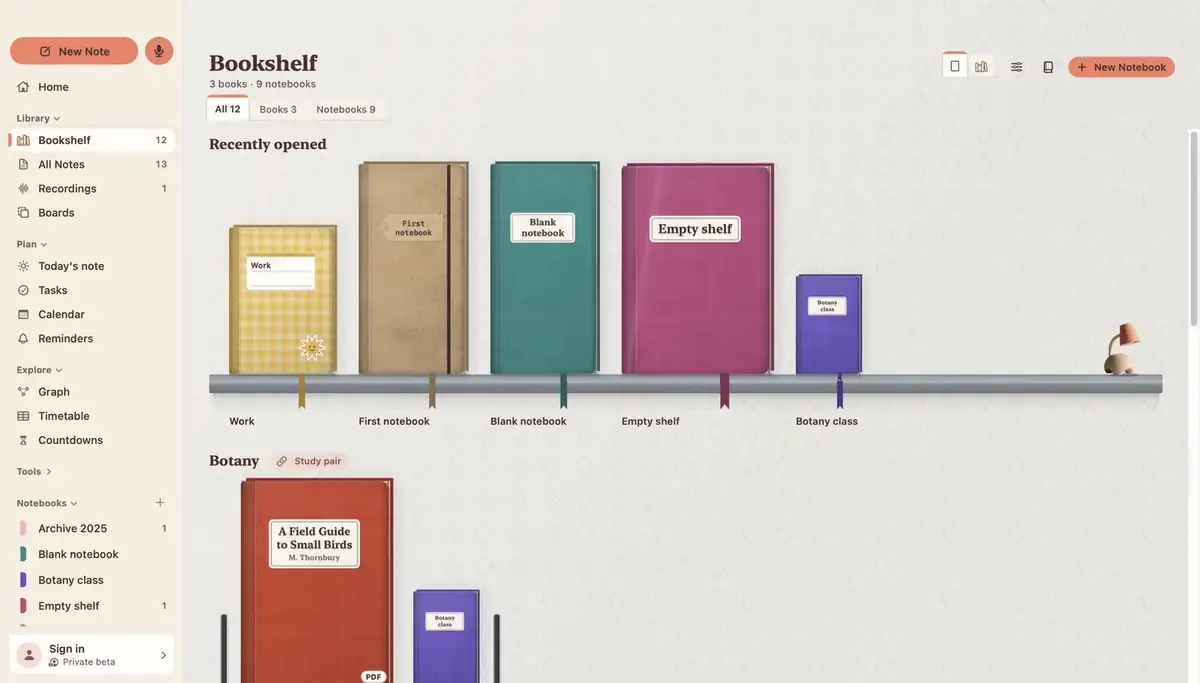
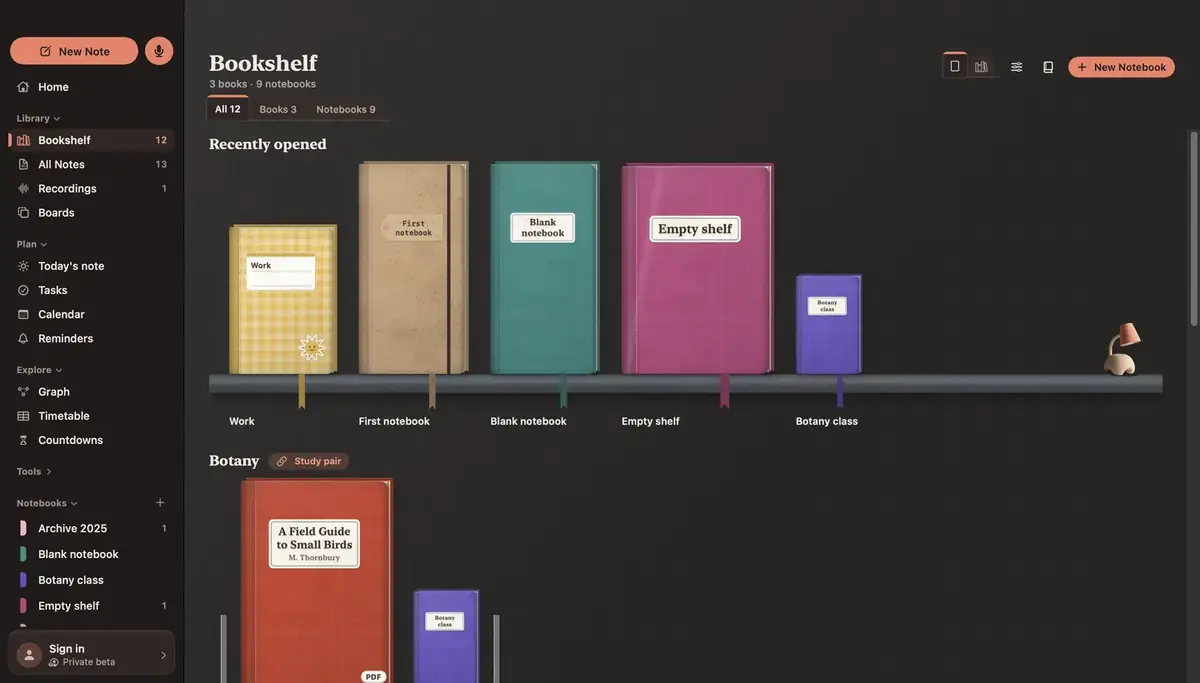
Metal studio 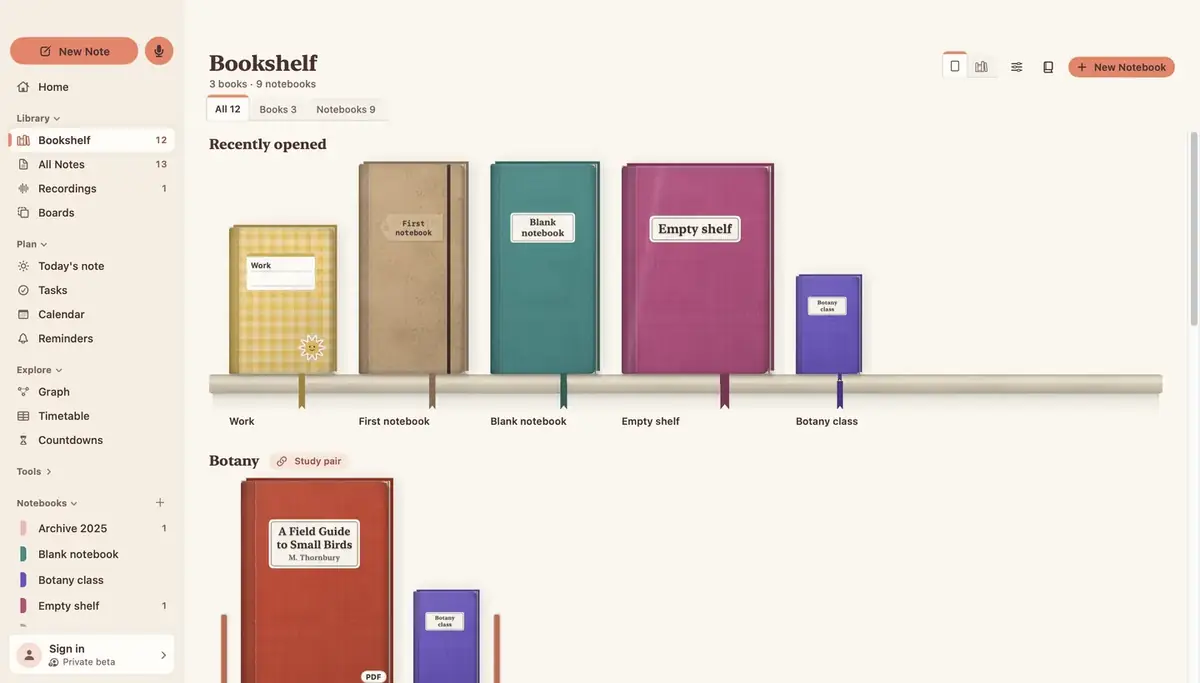
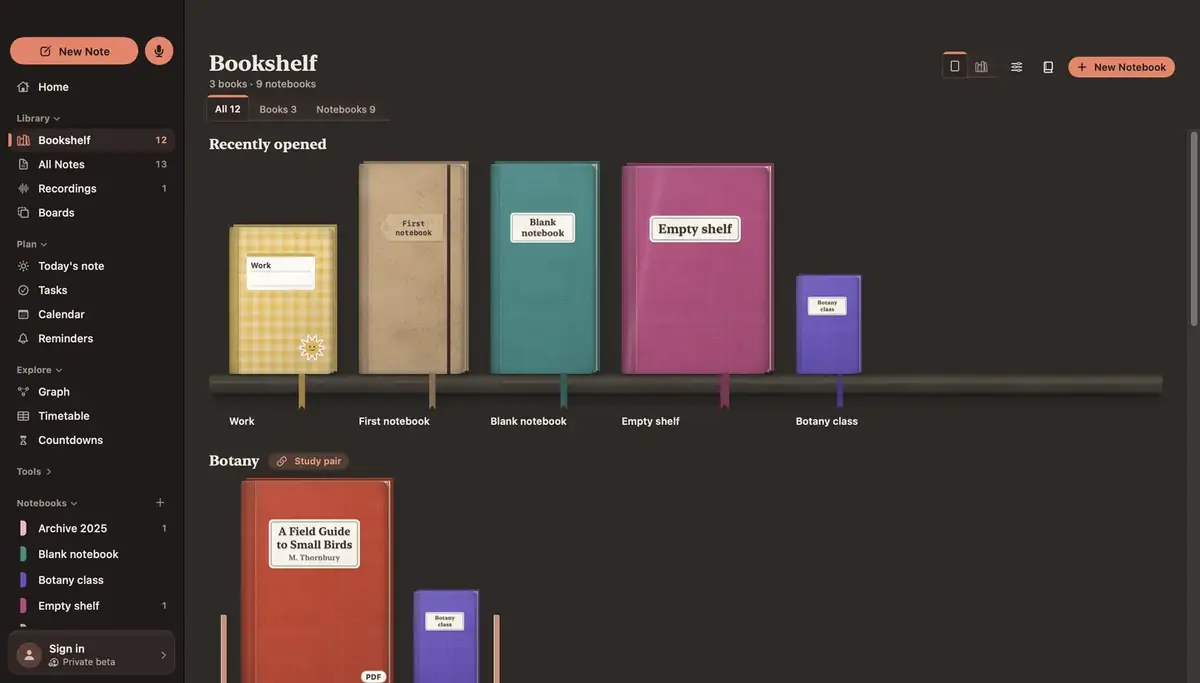
Sand 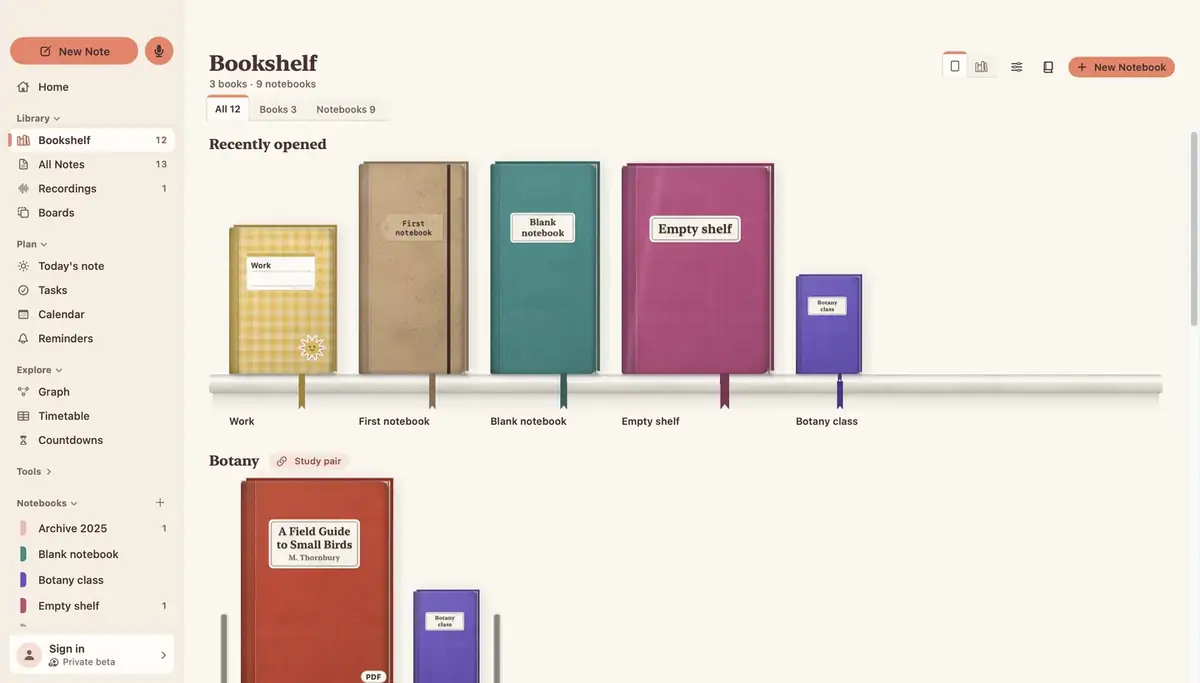
Paper
- Books in 3D with a page block, rounded spine and real shadows
- Sizes: pocket, A5, A4, tall, chunky, or any height, width and thickness
- Covers facing out, or spines out side by side; the last book can lean
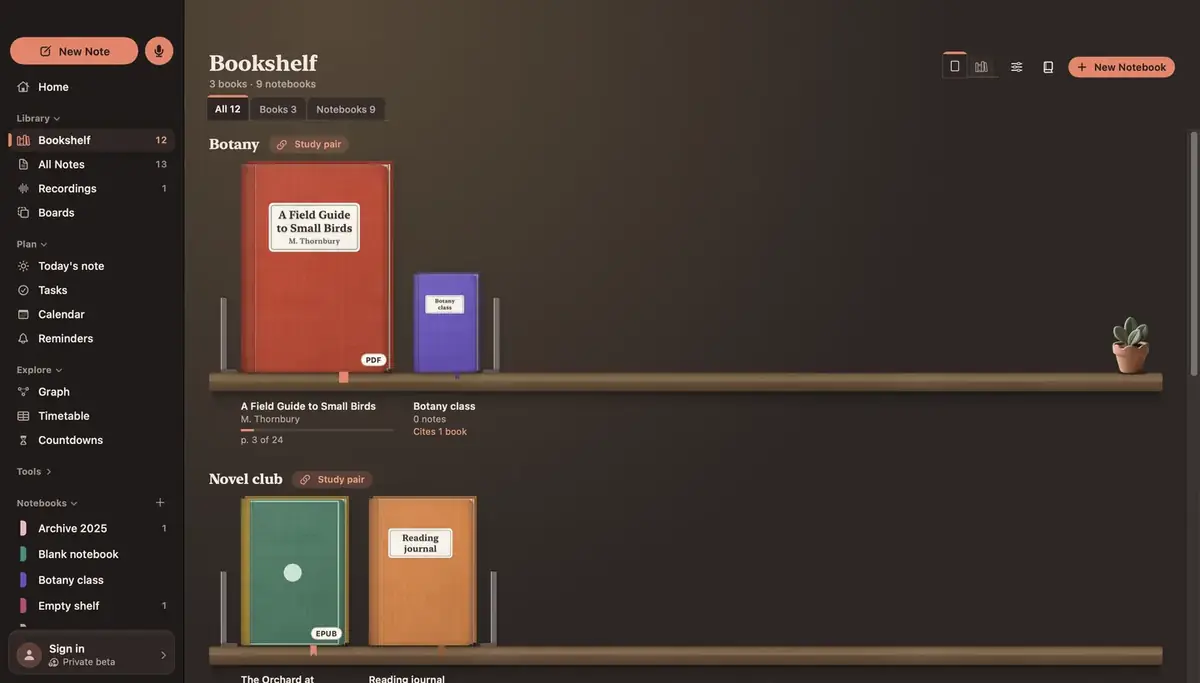
- Six shelf themes, each with its own room and a dark version
- Drag a book to move it, or sort by colour, height, name or date
- Bookends, and one shelf for each stack of notebooks
- Books you opened lately face out with a ribbon; ones untouched for 60 days rest in a pile
- From Home, the shelf tile opens with every book flying to its place
Design every cover
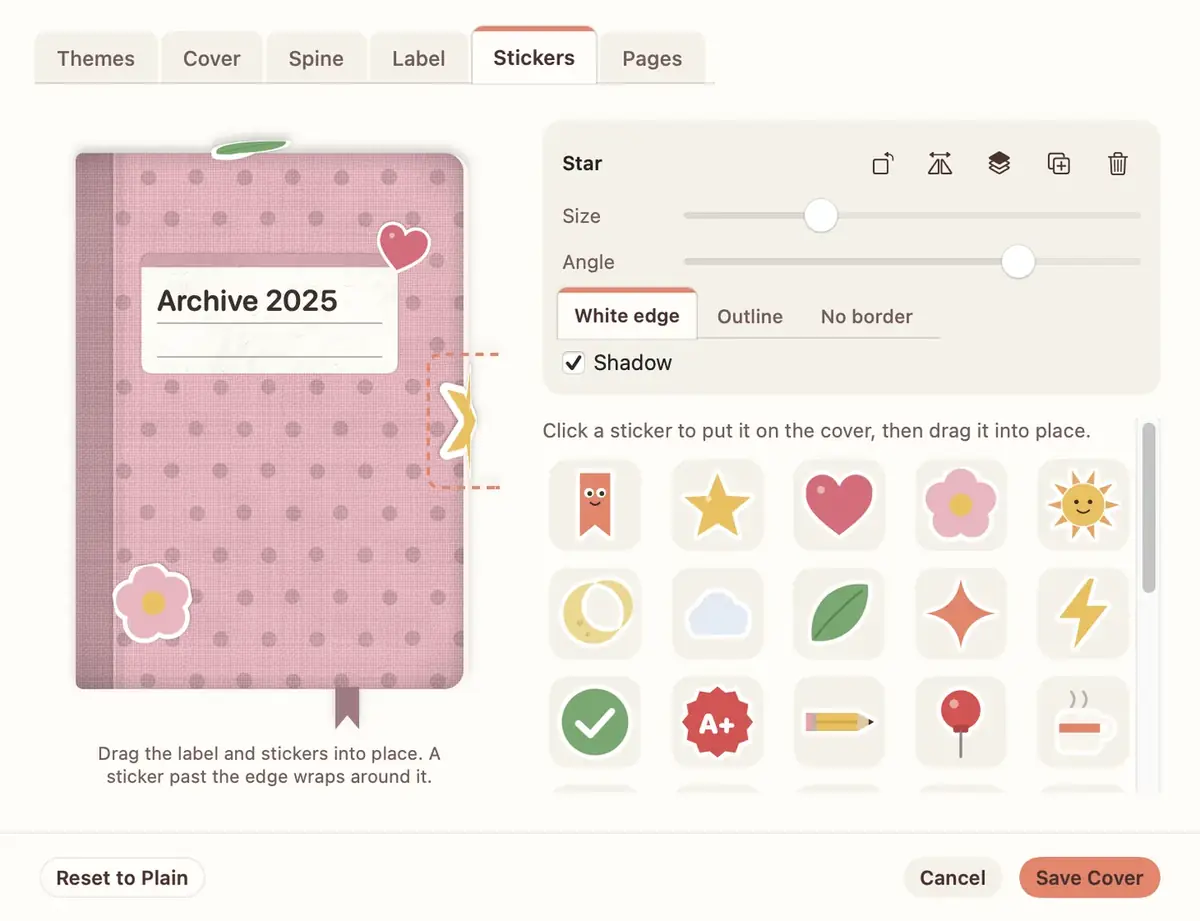
A cover designer for the front, the spine and the pages. Return saves, Esc cancels.
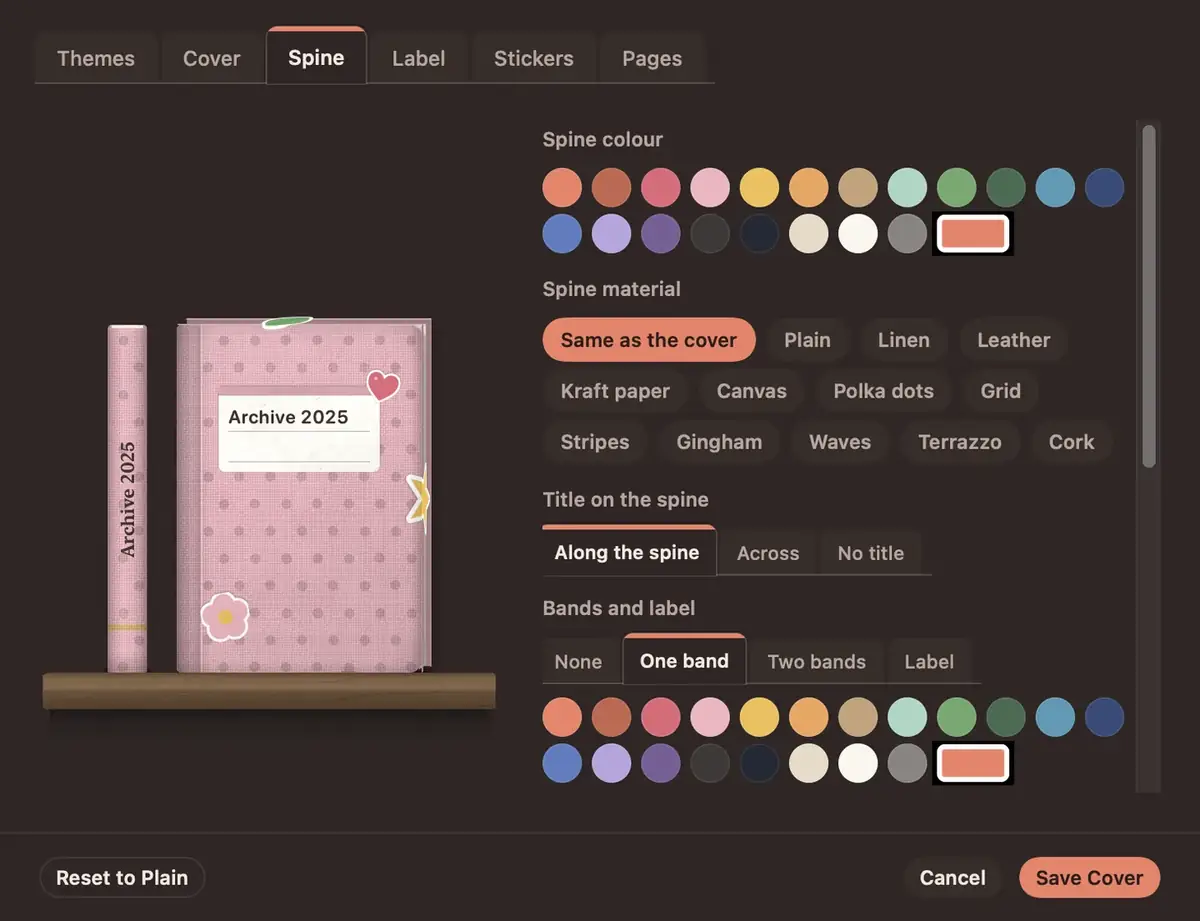
- Cover
- Any colour, 12 textures, your own picture or one of 14 ready themes
- Material
- Cloth, canvas, leather, kraft board or coated card; matte, satin or glossy
- Label
- Name plate, school label, kraft tag, washi tape, stamp, ribbon or your own picture, with a title and a second line
- Details
- Ribbon bookmark, elastic band, corner guards
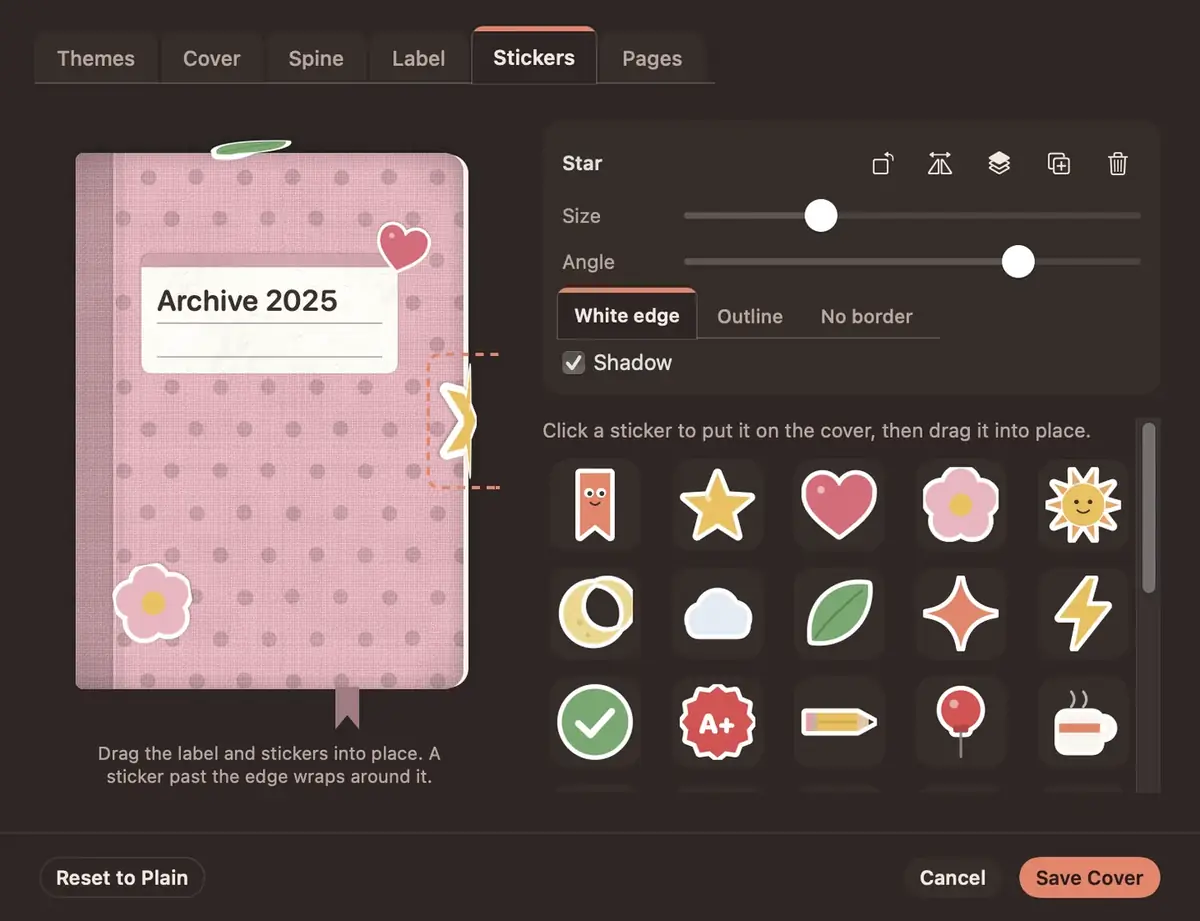
- Stickers
- Drag them onto the cover; over an edge they wrap round it
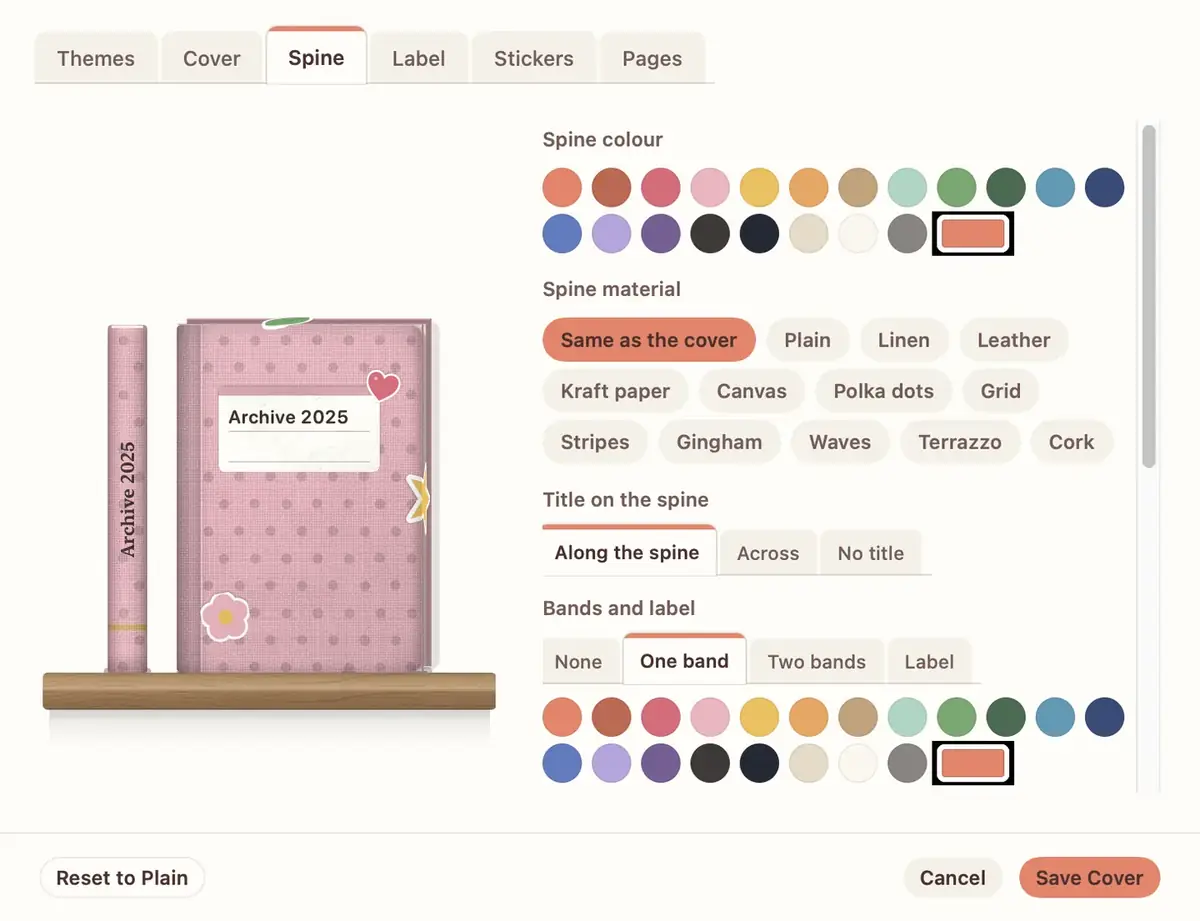
- Spine
- Colour and material, title along or across, one or two bands, a label, small stickers
- Pages
- Ruled, wide ruled, grid, small grid, dotted or Cornell; white, cream, recycled or mint; a red margin line
Read and edit a notebook as a book
Double-click a notebook on the shelf. It opens with a cover, contents and spreads.
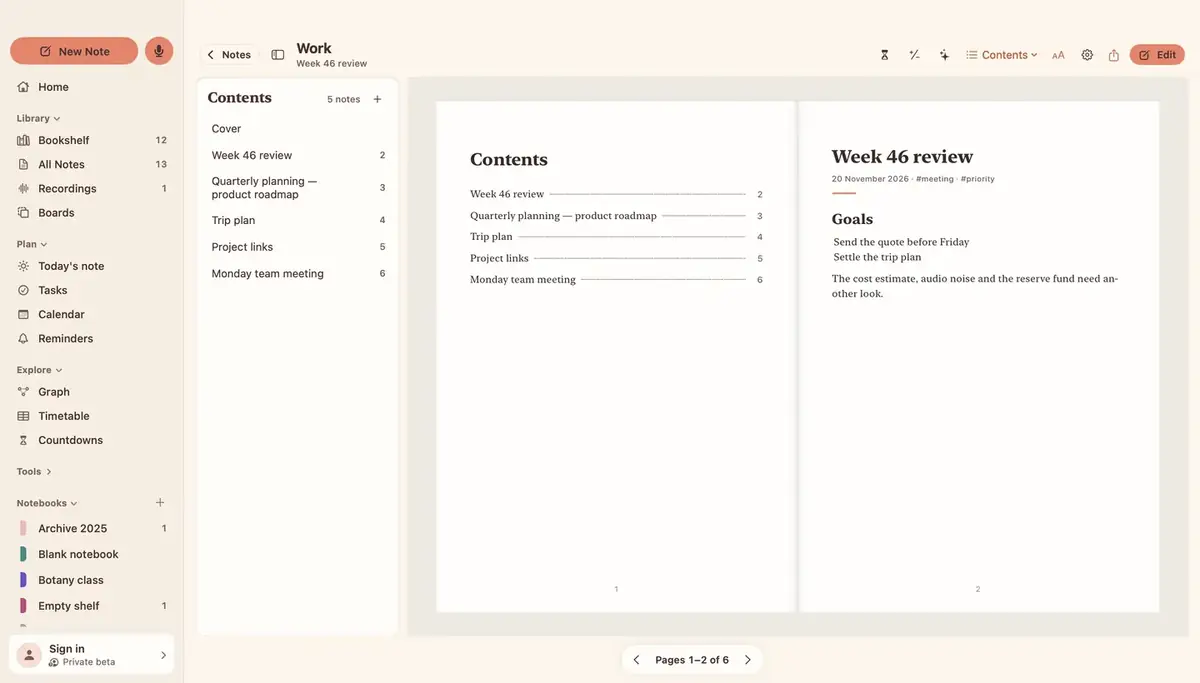
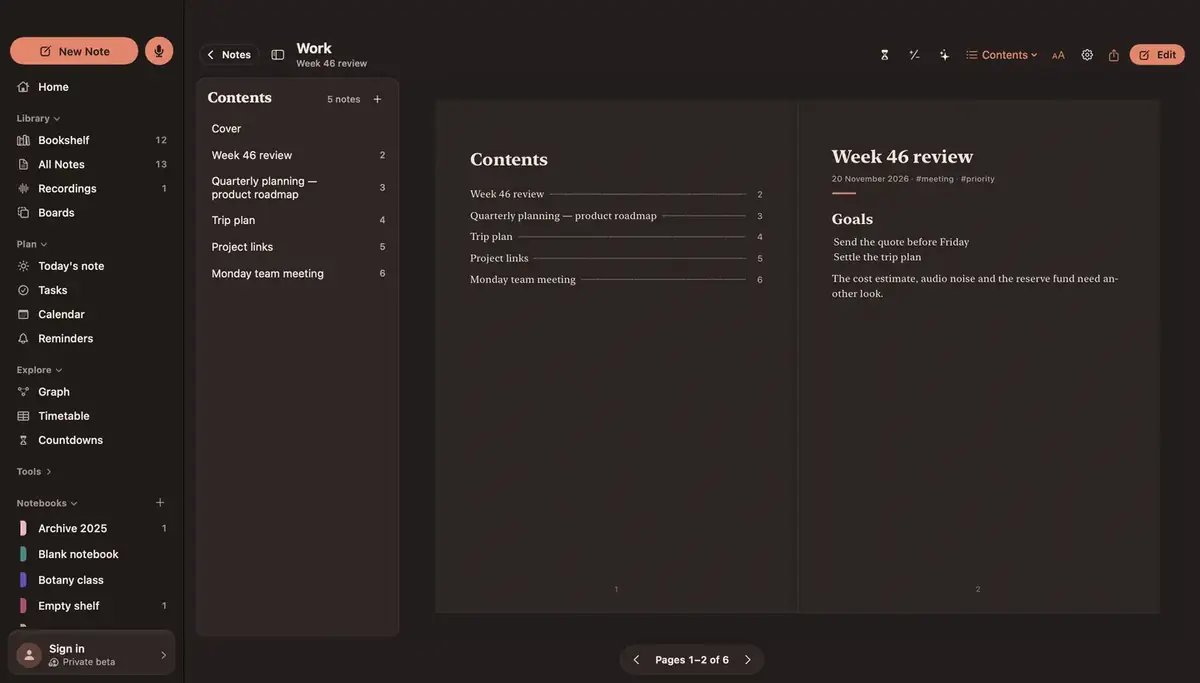
Cover, contents, spreads
Contents in a sidebar with page ranges, the note title running at the top, a page turn between notes.
Write beside the page
The full editor opens next to the live page, so you edit and see the book side by side.
Picks up where you left
The book reopens on the page you were reading.
Run the notebook from the book
New note, arrange by hand, merge, move, lock, cover and paper, import, export and print.
Export as a book
Right-click a notebook on the shelf to save it as a PDF book.
AI beside the book
The AI panel works in Book mode too (⌥⌘0).
Ebooks: EPUB and PDF
Import your EPUB and PDF books and read them next to your notes. Books with DRM are refused.
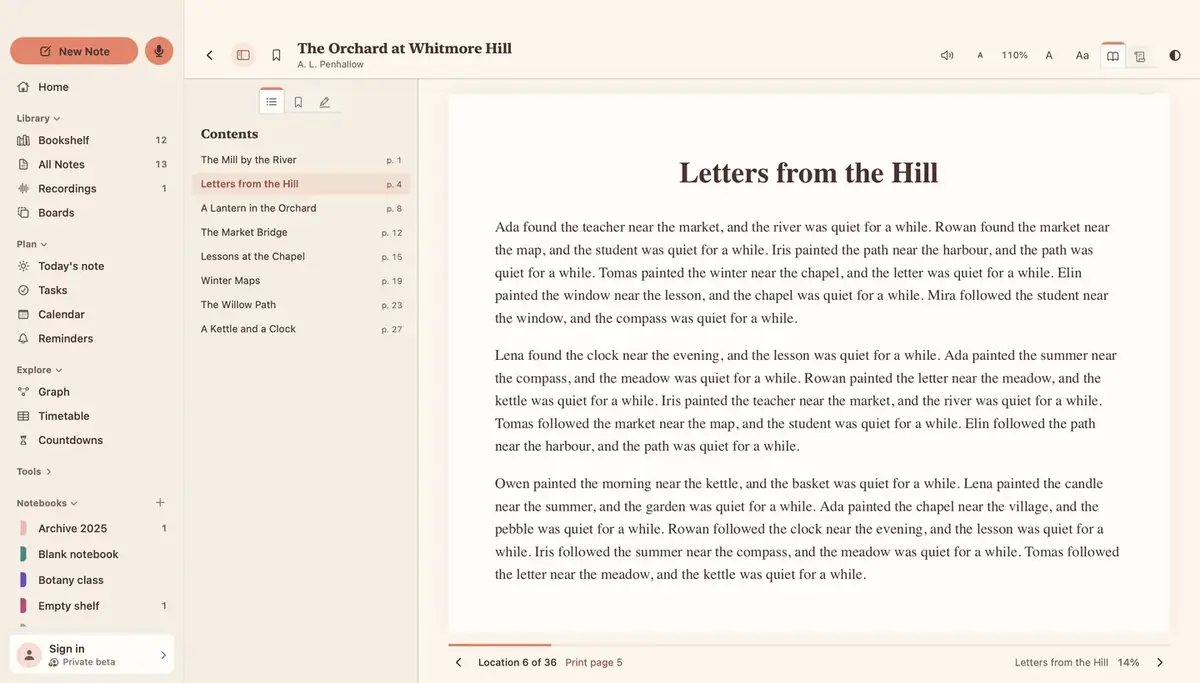
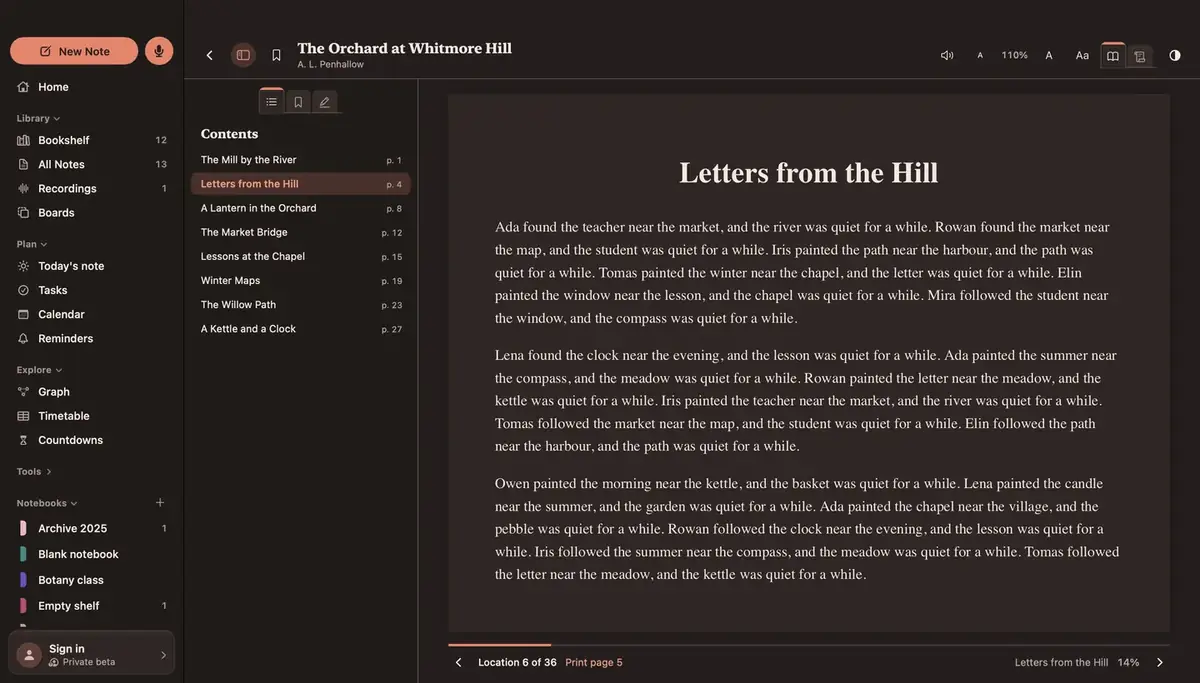
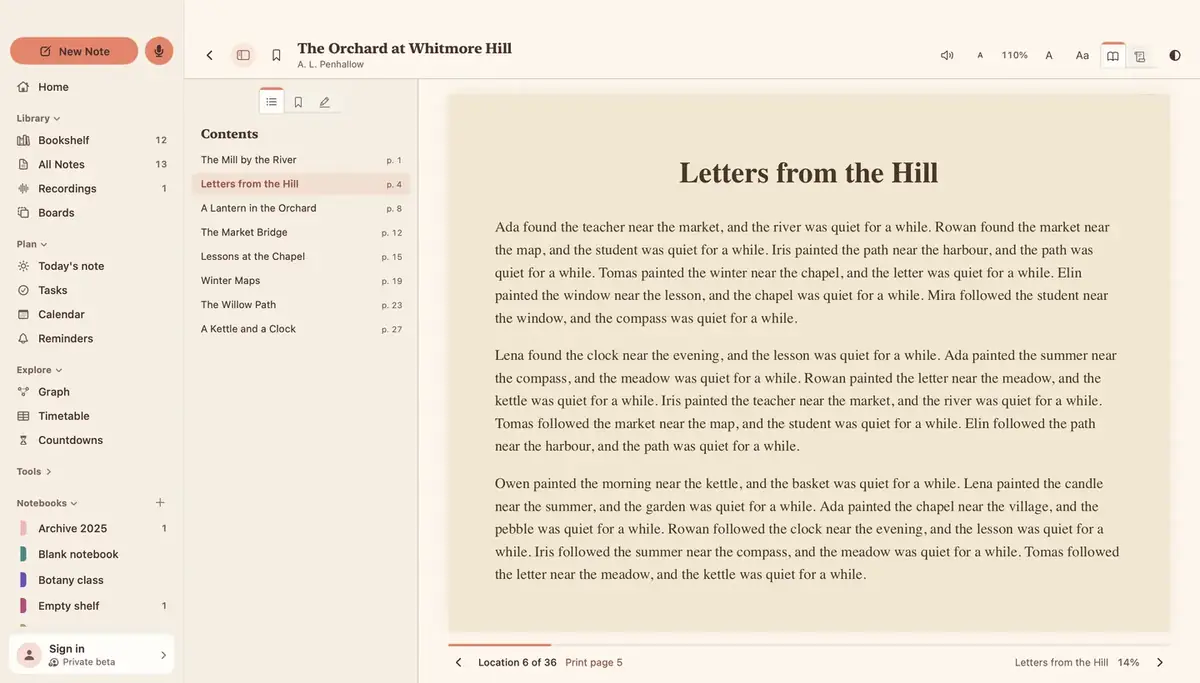
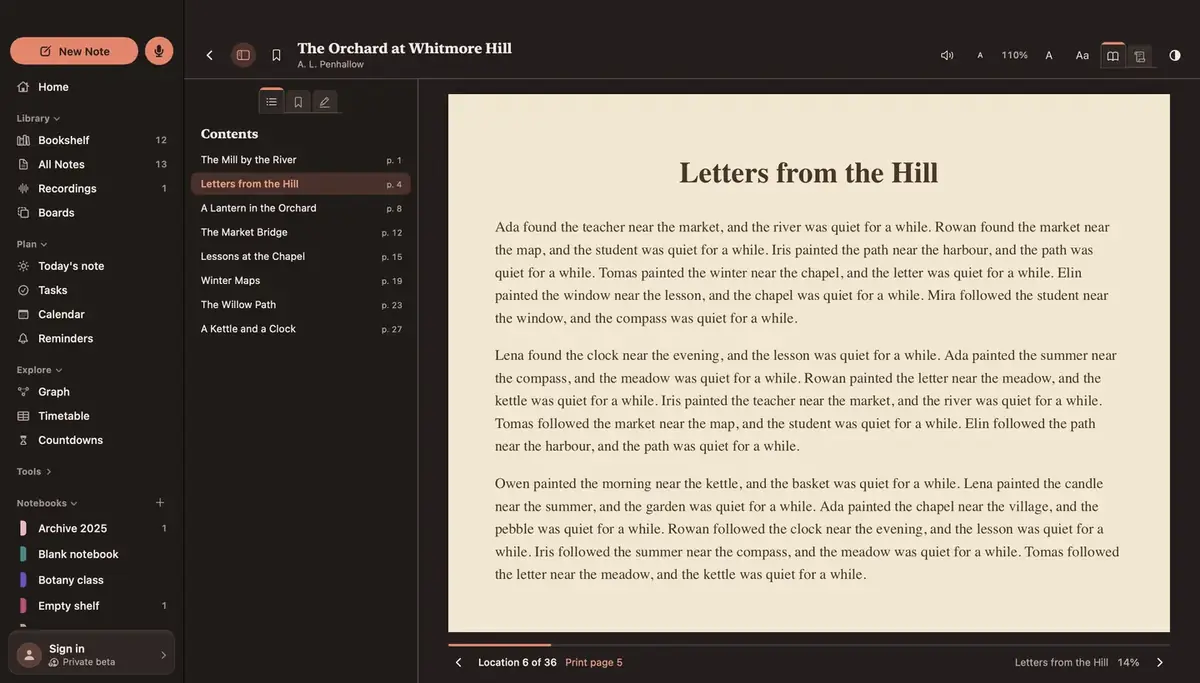
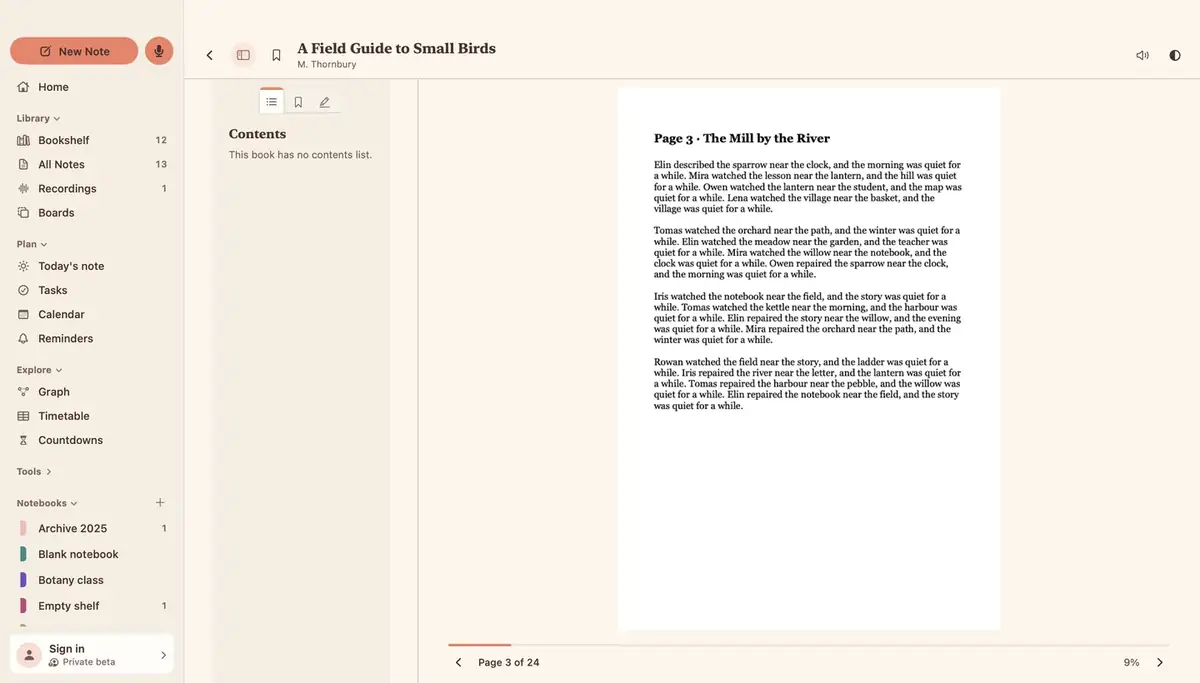
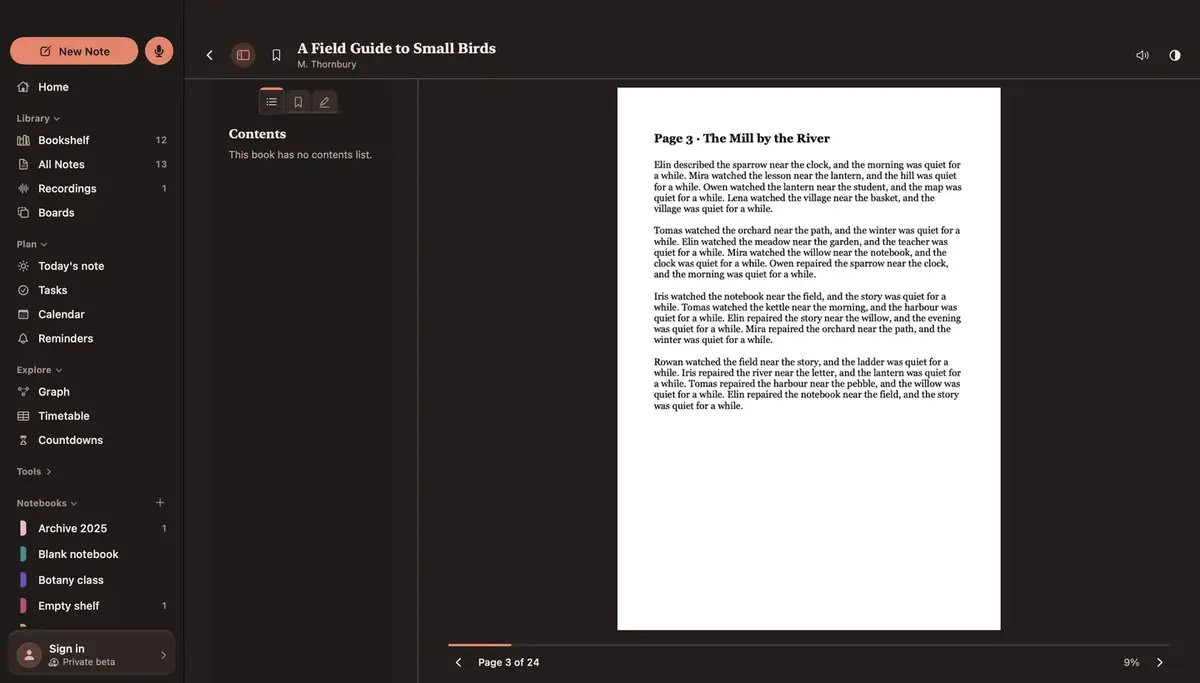
- Contents, print page numbers, and your place kept
- Typeface, size, spacing and margins per book, with an easy-reading typeface
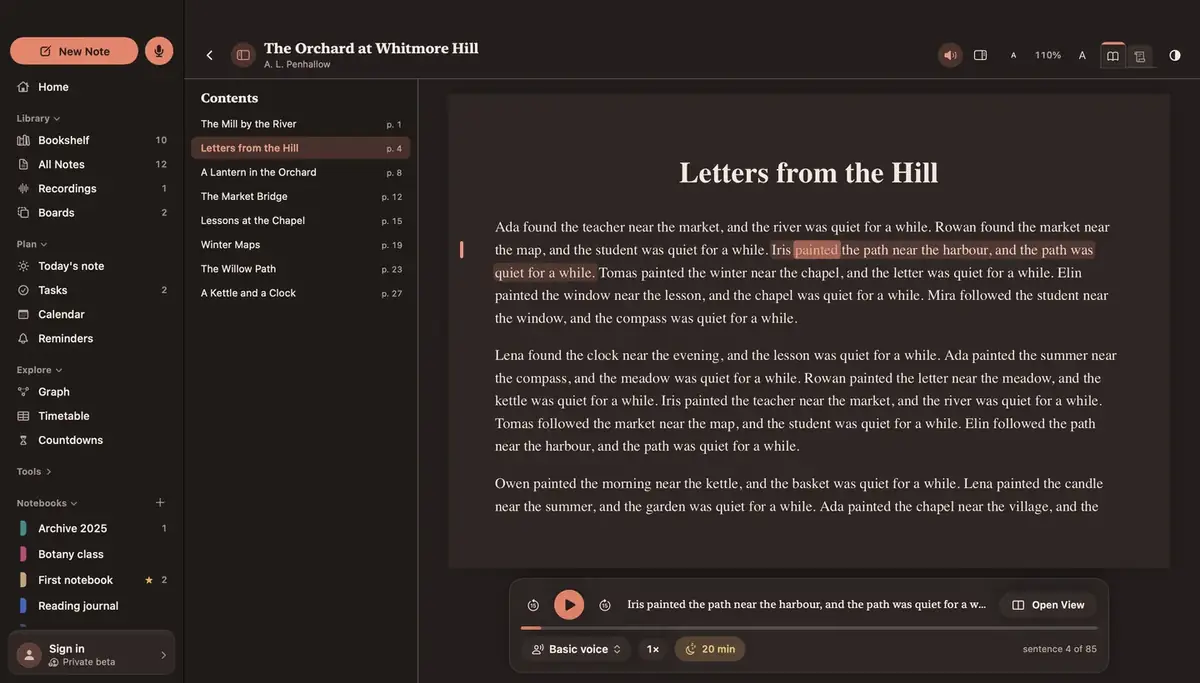
- Light, sepia and dark pages
- Highlights in five colours, each with a note
- Export highlights to Markdown, CSV or a note
- Footnotes open in a small card
- Look up a word or translate a passage on this Mac
- Ebooks get their own shelf, next to your notebooks
| ⌃⌘D | Look up a word |
| ⇧⌘L | Translate the passage |
| ⌃⌘A | Typeface, size, spacing, margins |
| ⌘D | Bookmark this page |
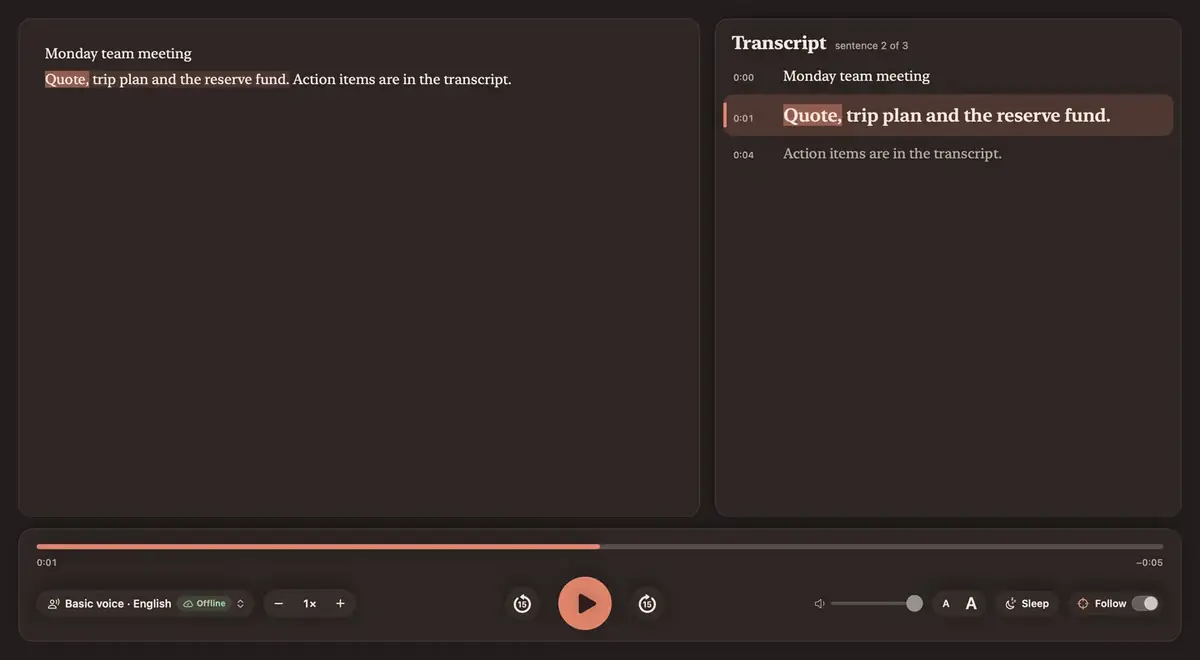
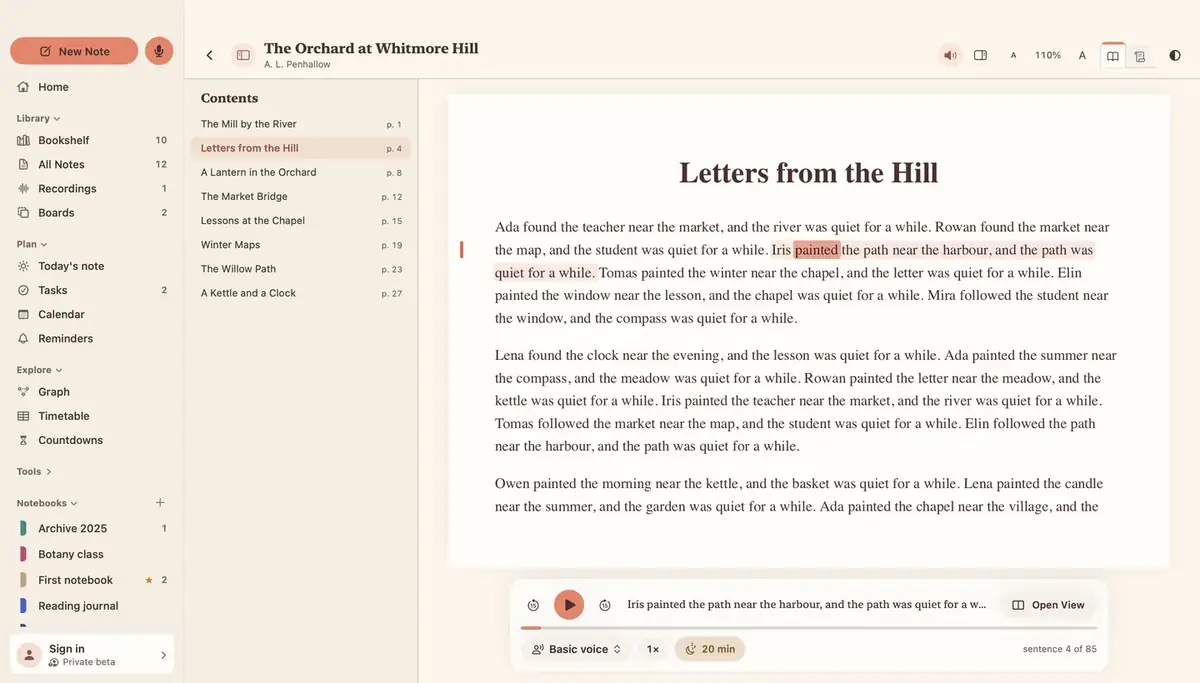
Listen to a book or a note
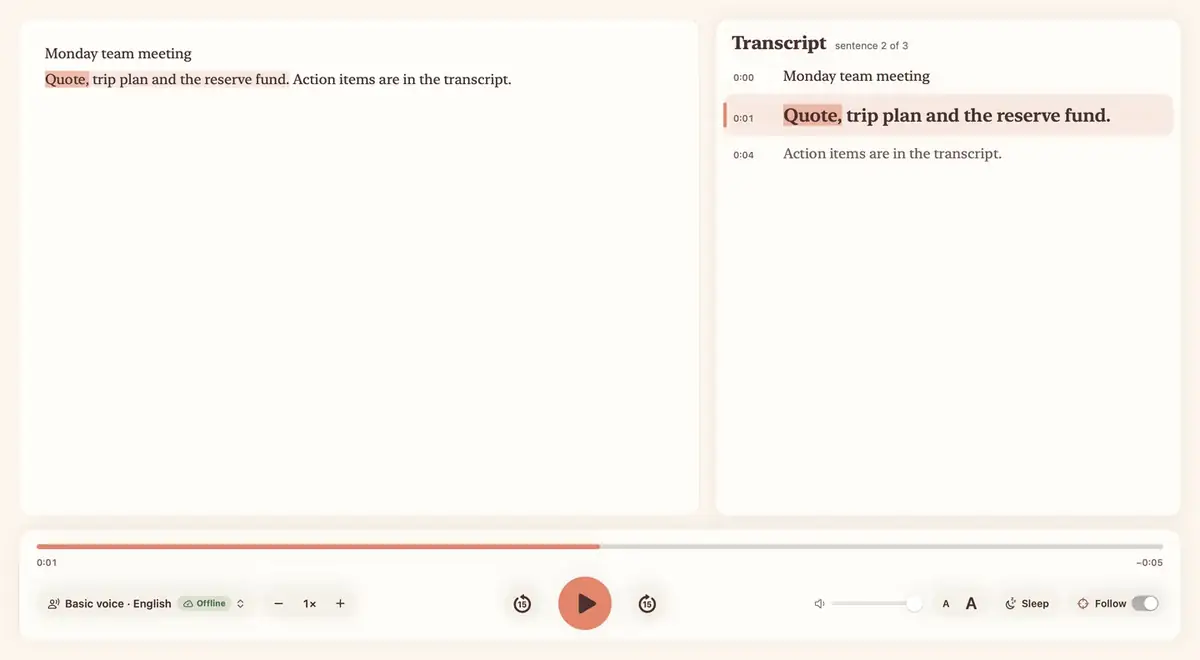
Natural voices that run on this Mac read books and notes aloud.
- Voices
- Natural voices downloaded once, or the basic Mac voice
- Follow along
- The page follows the voice word by word, with a large transcript
- Sleep timer
- Stops at the end of the sentence
- Mini player
- Keep listening while you do something else
Write notes
A full editor on ruled paper. Type / for the menu of blocks.
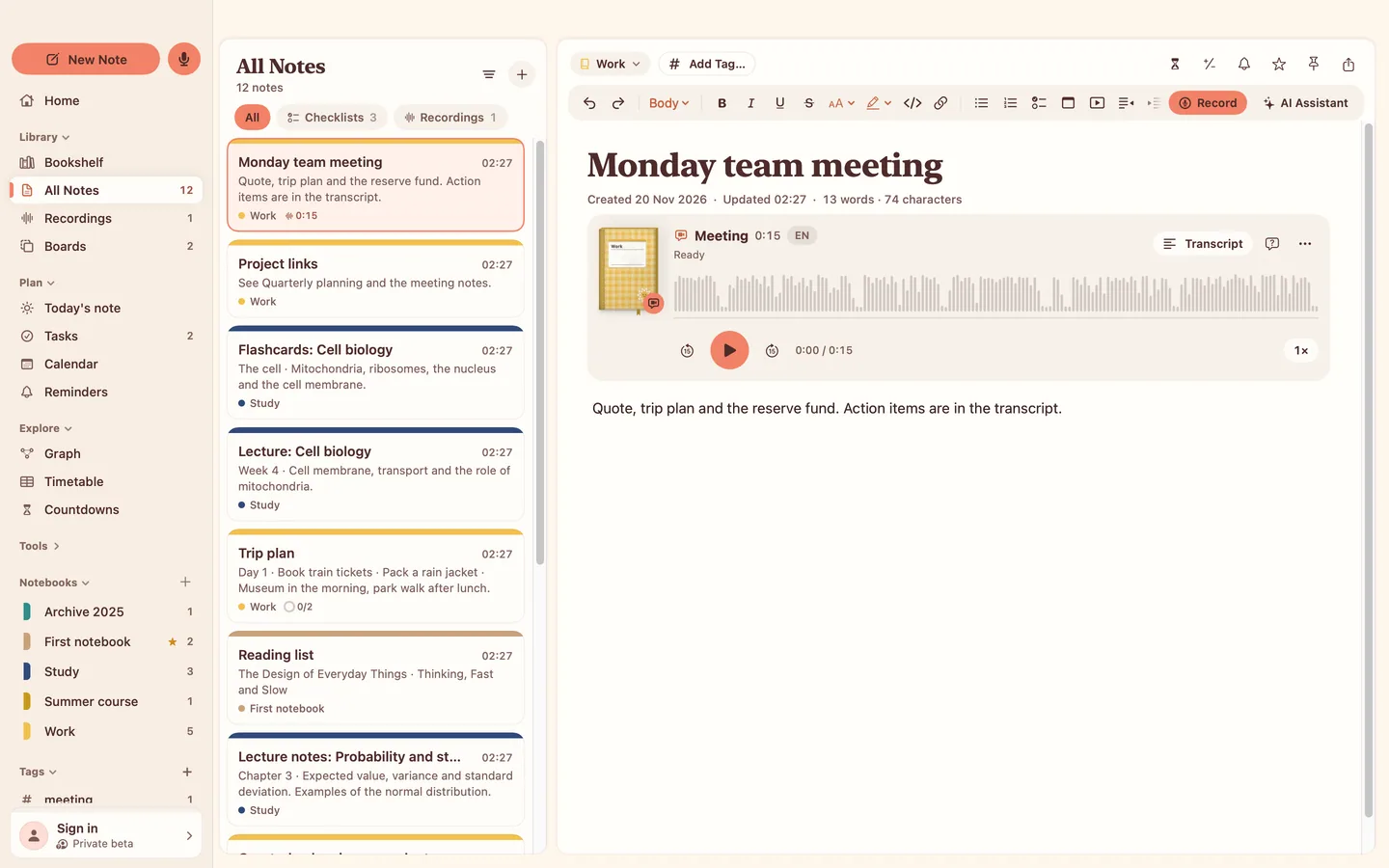
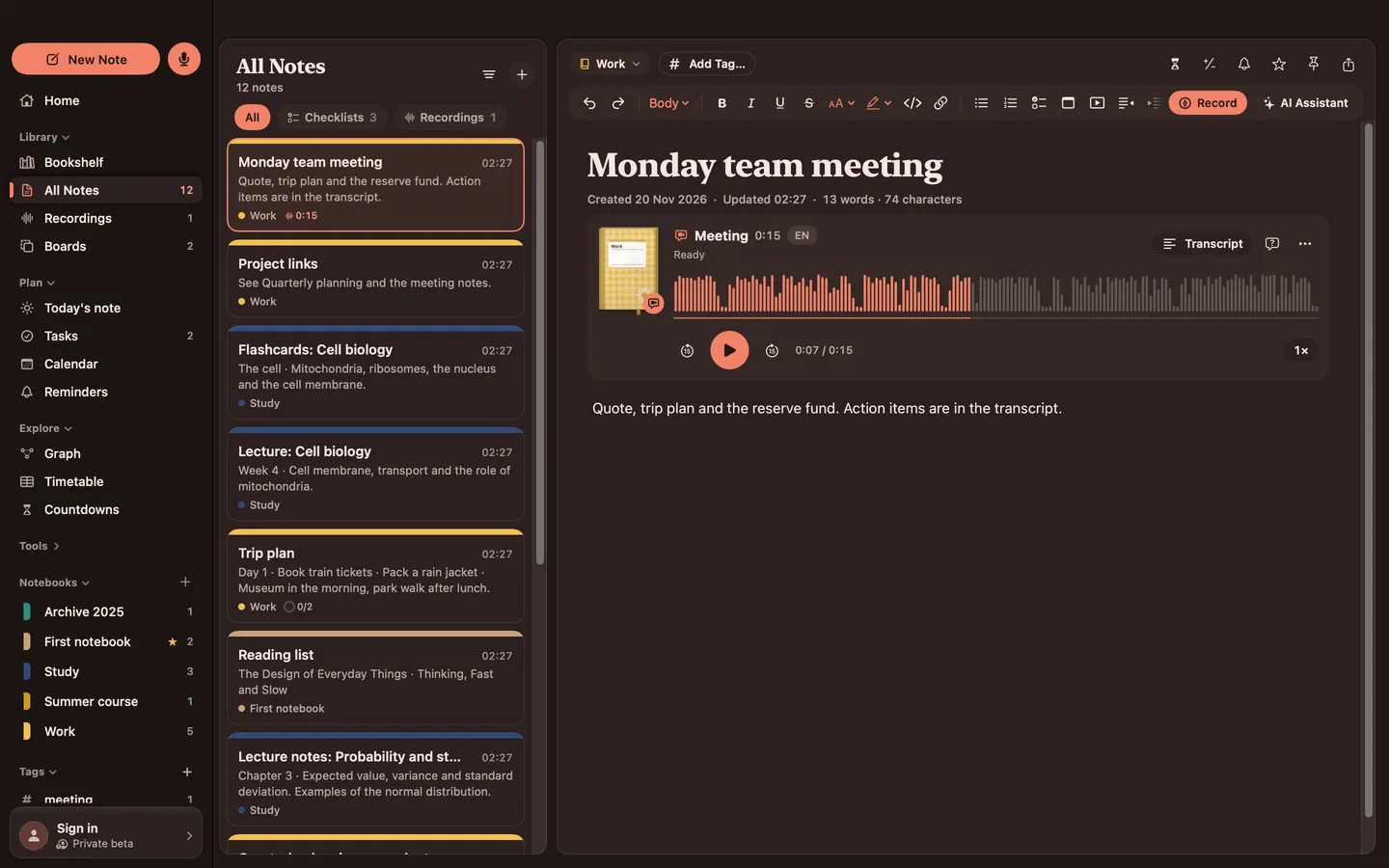
- Checklists, tables you can sort and merge, toggles, code, math and highlights
- Pictures, files, audio and video; video from a web link loads only when you press play
- Link notes with [[ ]], see backlinks and related notes
- Fonts for selected text: default, serif, rounded, monospaced, handwriting, up to 48 pt
- Sticky notes inside a note, in five colours
- Tags look like highlighter marks; pictures can have a photo border
- A finished checklist gets a round Done stamp
- Math while you type: the answer is offered in place, Tab accepts
- A formula library: save a calculation and reuse it in other notes
- Templates, version history and the Trash
- Present a note as slides, one per heading (⌃⌘P)
- Share as PDF, Markdown or text with Mail, Messages, AirDrop (⇧⌘E)
- Lines sit on the paper rules, like a real sheet
- Locked notebooks open with Touch ID
Handwriting, sketches and PDFs
Paper notebooks with fixed pages, pens and a highlighter, or a sketch inside any note.
Pens with pressure
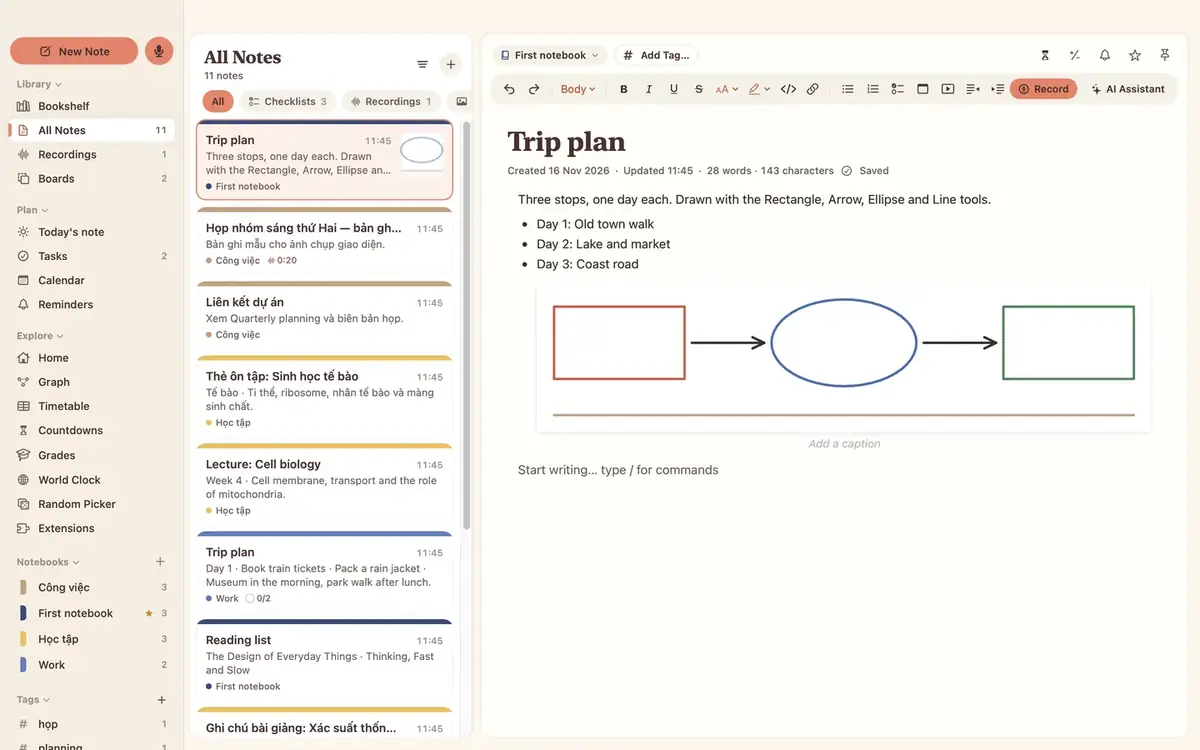
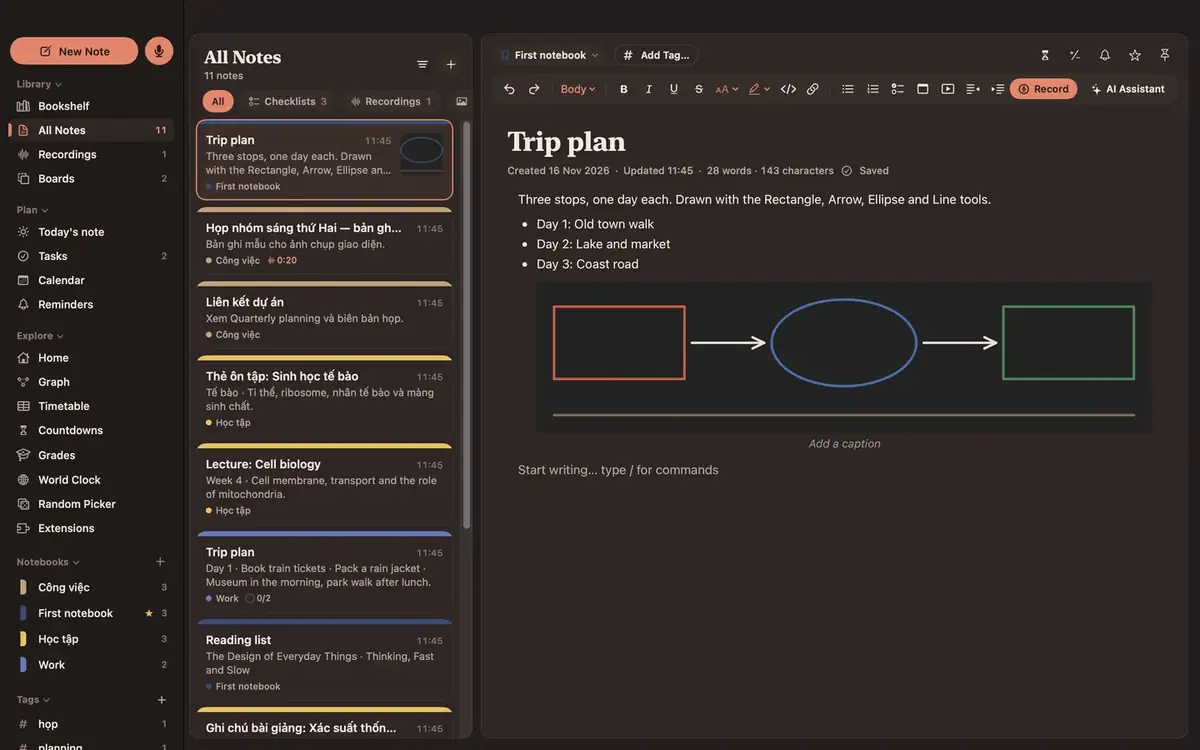
Pens, highlighter, eraser and a page strip, on ruled, grid, dotted or Cornell paper.
Shapes
Line, arrow, rectangle and ellipse; hold Shift for 45° lines, squares and circles.
Handwriting to text
Convert to Text reads your handwriting on this Mac, in Vietnamese and English.
Searchable everything
Text in pictures, PDFs and handwriting is read on this Mac and found by search.
Write on PDFs
Import a PDF as pages, write on it, and pull the highlighted text into a note.
Record meetings and lectures
Microphone and the sound of your call, no meeting bot. Everything is transcribed on this Mac.
Press Record
Or join a Zoom, Meet, Teams or Webex meeting from the reminder.
Words appear
Live transcript, and live notes every one or two minutes.
Press Stop
A draft summary lands at once; the final one replaces it.
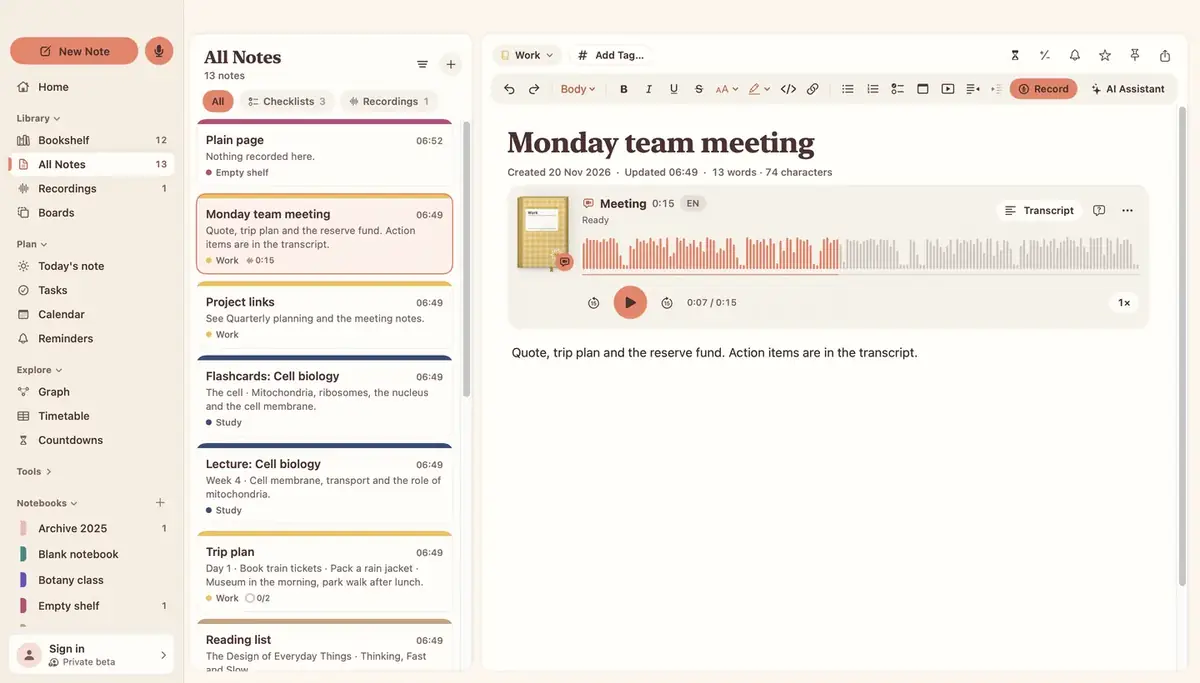
Play it back
Like an audiobook: cover, waveform, chapters, 15-second skips.
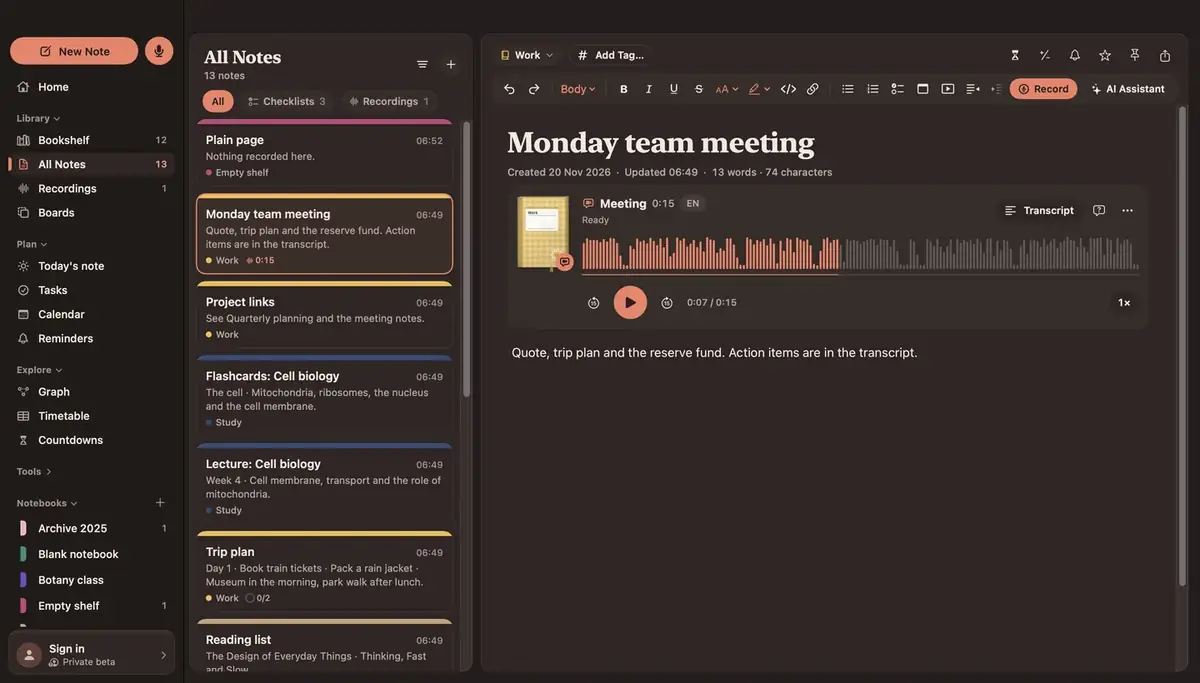
- About 90 languages, Vietnamese, English and both mixed
- Crash-safe: at most a few seconds lost after a crash or power cut
- Catch me up: a recap of the last five minutes while recording
- Bookmarks while recording (⌥⌘M), labelled by what was said
- Live translation English ↔ Vietnamese
- Import audio or video files and transcribe them
- Camera check before a meeting, only when you press it
- Records only when you press Record; meeting apps are detected to remind you, never recorded by themselves
Transcripts that know who spoke
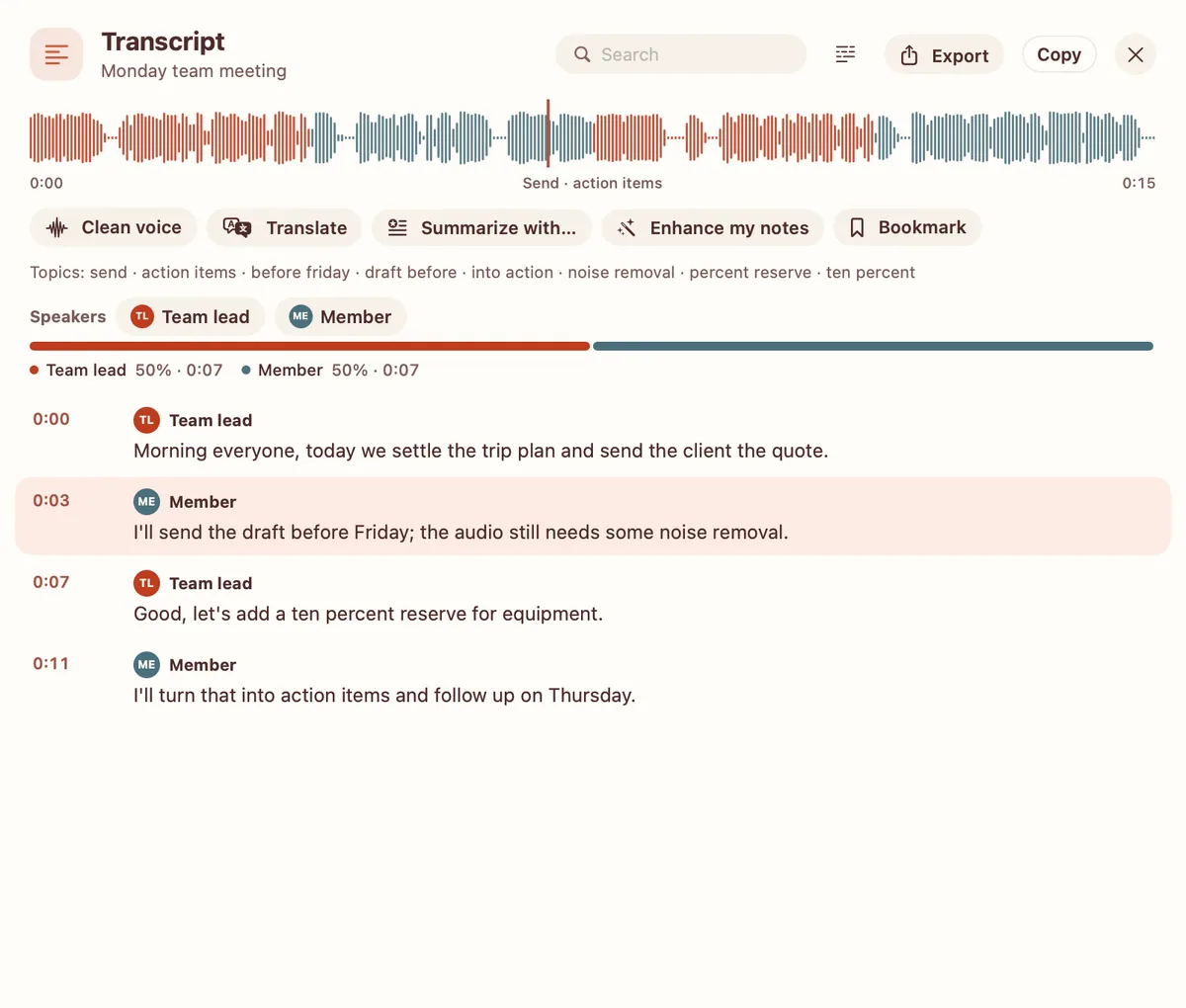
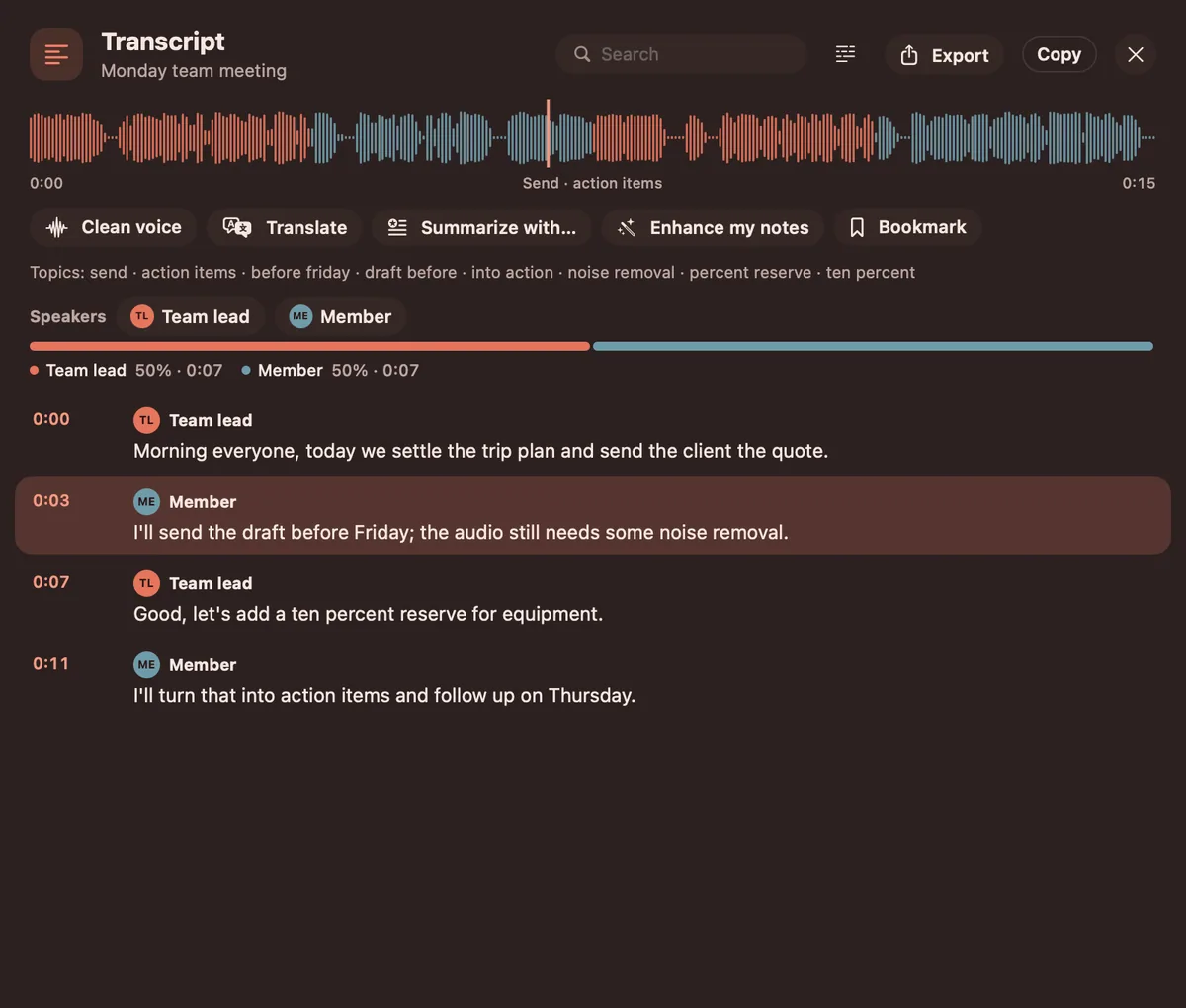
Every word has its moment. Click a word to play from there.
Speakers
Names, colours and photos; move a line or a whole turn, add or merge speakers.
Known voices
People you name are recognised in later recordings, on this Mac.
Clean voice
Removes background noise, hum and rumble for playback and clips.
Waveform timeline
Coloured by speaker, with chapter flags and bookmark pins.
Talk time
Share of the meeting, turns and words per minute for each speaker.
Topics and chapters
Keywords, chapters and their titles are worked out for you.
Clips
Save any line as an .m4a file or into the note.
Export
TXT, SRT, VTT and Markdown, also bilingual.
Summaries, decisions and to-dos
When a recording stops, the note fills in by itself.
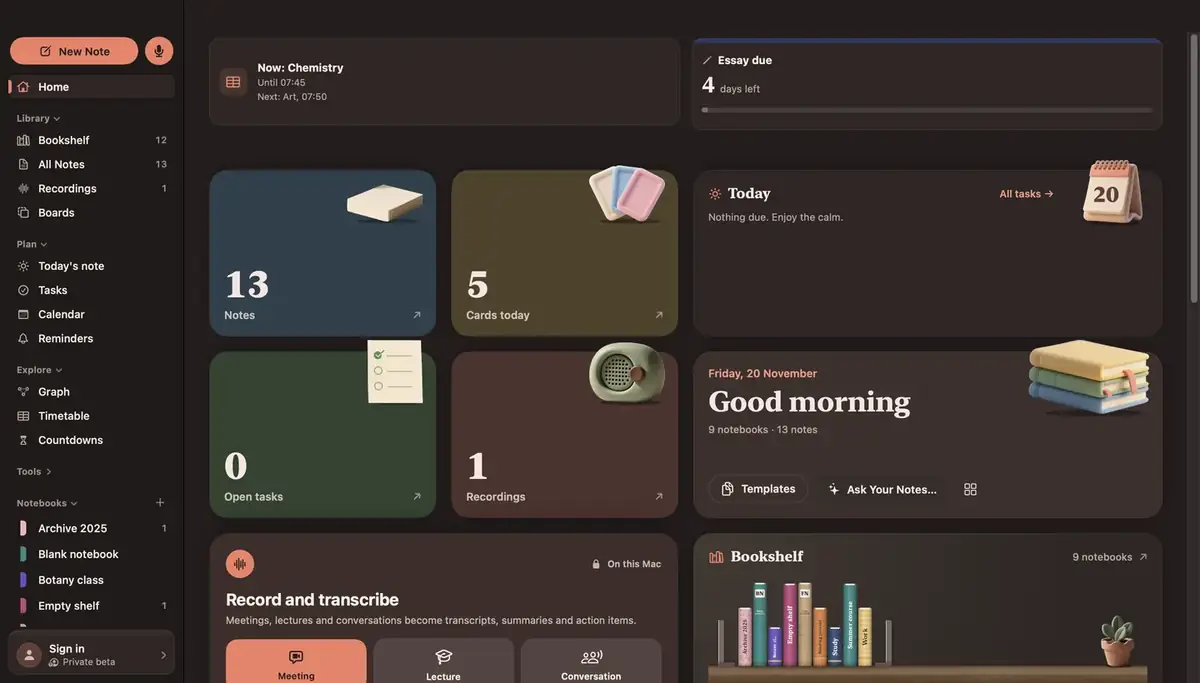
- A summary, key points, decisions and action items in the note
- 14 summary templates (lecture, 1:1, standup, sales call, interview, pitch…) and your own
- Switch the template and the summary is rewritten in place in a few seconds
- Each point links to the moment it came from
- Long meetings are read in overlapping parts, so the end is never dropped
- Action items become tasks with an owner and a due date
- Enhance my notes: each line you typed gets the details from the recording
AI that stays on your Mac
On-device AI on macOS 26. On macOS 15, the same tools pick sentences from your text instead. Nothing goes to a cloud AI.
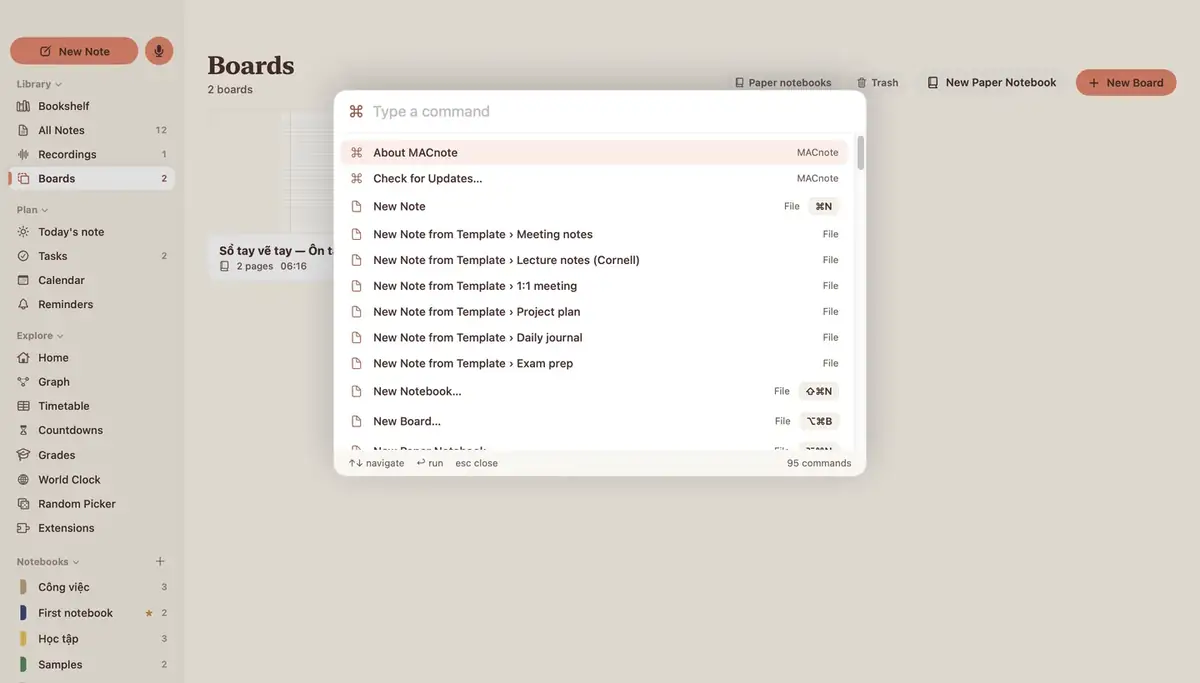
AI panel (⌘J)
Reads only what the chips show: a passage, this note, a notebook, a tag or all notes. Type @ to add one.
Ask your notes
Answers name the notes they came from; recorded notes play at the matching moment.
Explain
Simply, with an example, the terms, or step by step.
Rewrite
Tone and length, then keep or revert each paragraph.
Mind map
A board built from the outline of a note and its recordings.
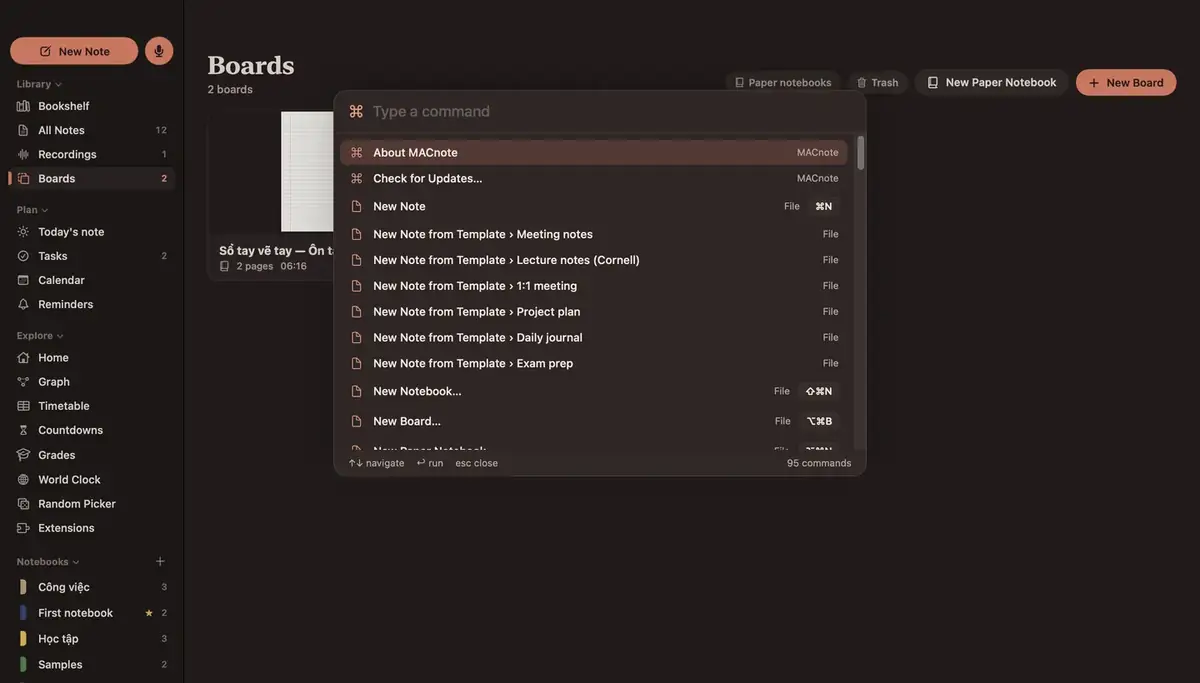
Command palette (⇧⌘K)
Every command by name with its shortcut, Settings pages and lessons.
Study tools
Turn a lecture into cards, quizzes and a study guide.
Flashcards that flip
Coloured cards that turn over when you click; spaced repetition decides what comes back.
Today's reviews
The day starts at 4 am, new cards are limited per day, you set how much to remember. ⌘Z undoes an answer.
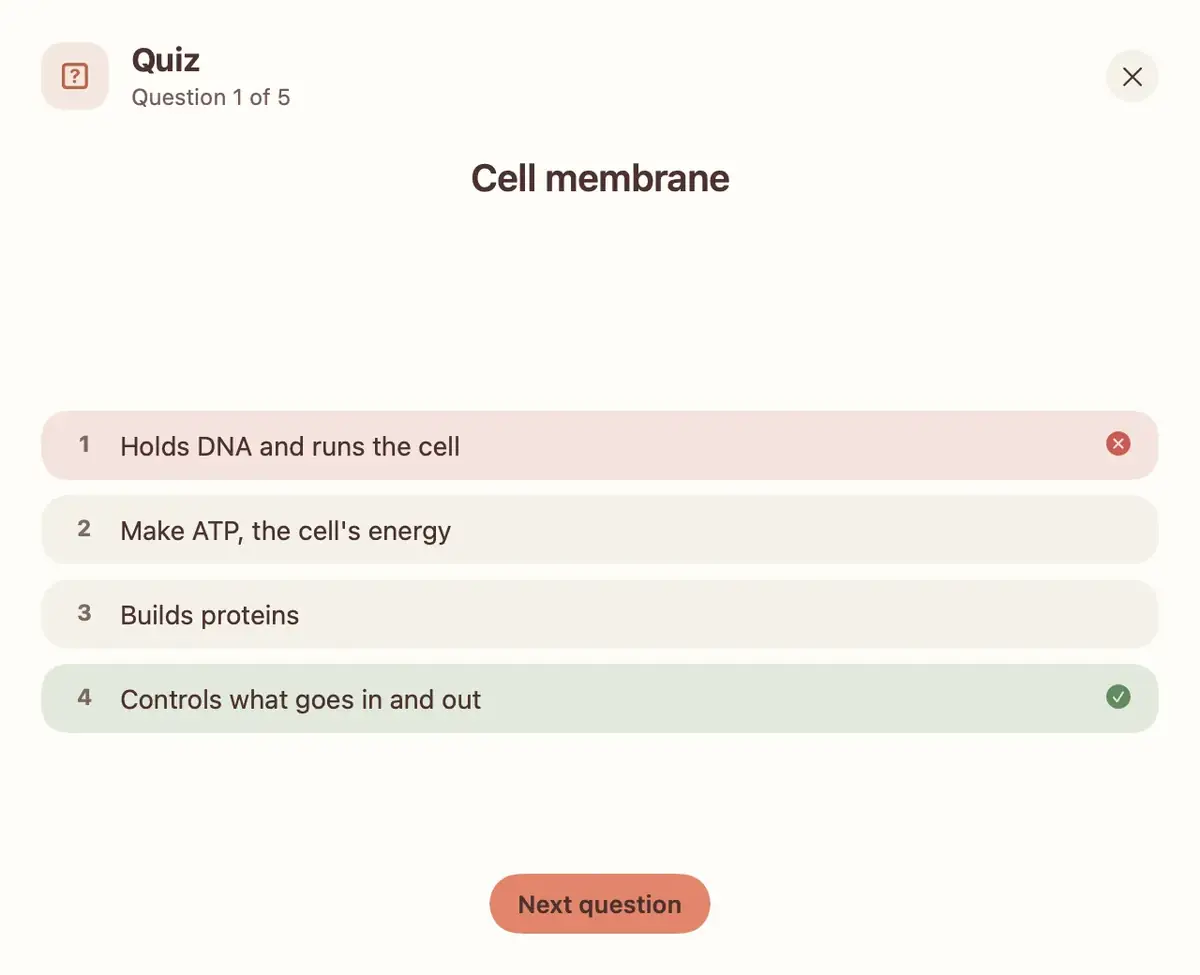
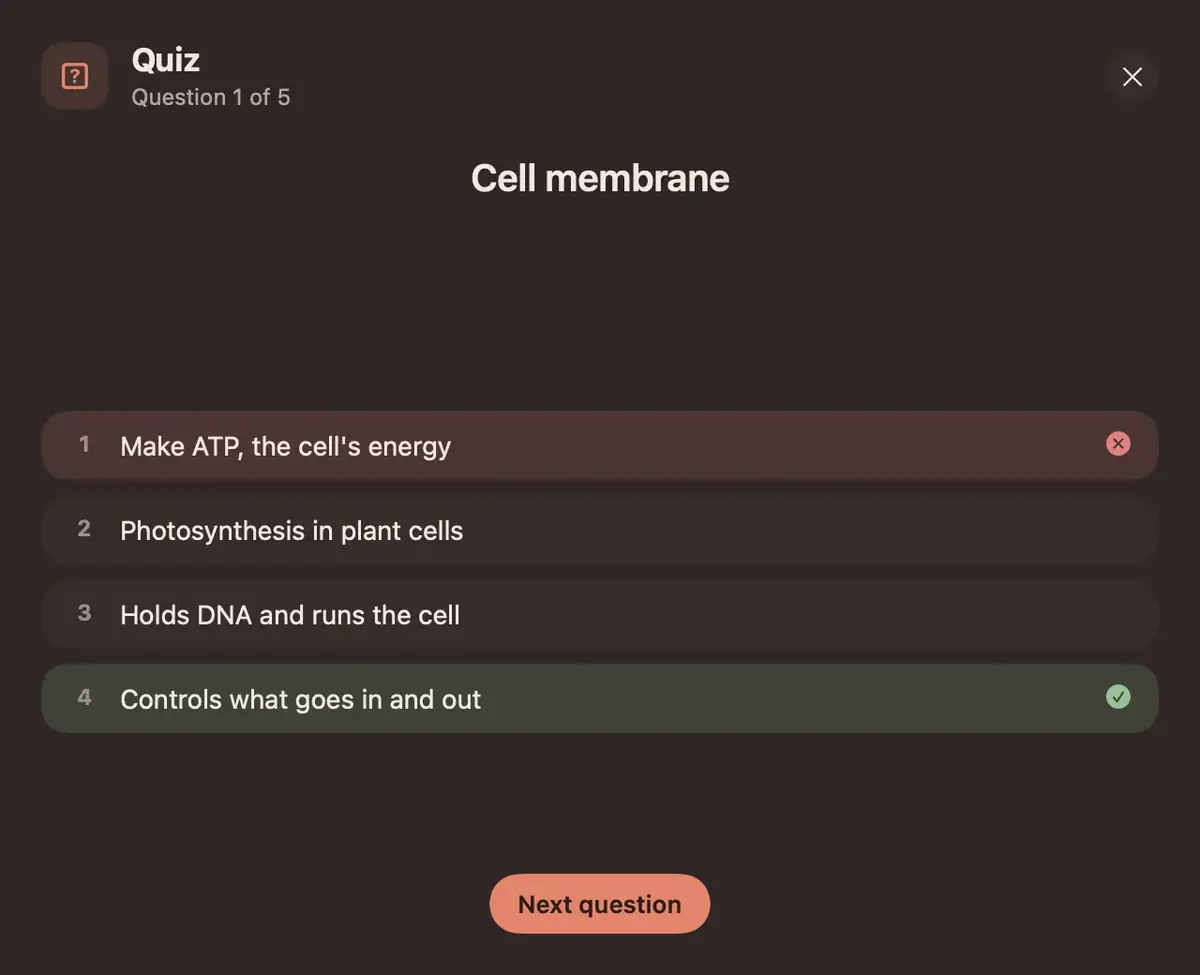
Quiz from a note (⌥⌘Y)
Multiple choice, true or false and short answer, each with an explanation and its source, with the time in the recording.
Practice exam
Over a whole notebook; written answers graded on this Mac; missed questions become flashcards.
Study guide and glossary
Overview, outline, terms and review questions, saved as a note.
Import and export cards
From CSV, TSV or text (you see what will be added first), to a deck file.
Study timer
25/5, 50/10 or 90/20 on a note or a book.
Study log
A heatmap and a weekly goal on Home, and a recap that makes three flashcards.
Boards with endless room
An endless canvas for plans, mood boards and pitches. Present it scene by scene.
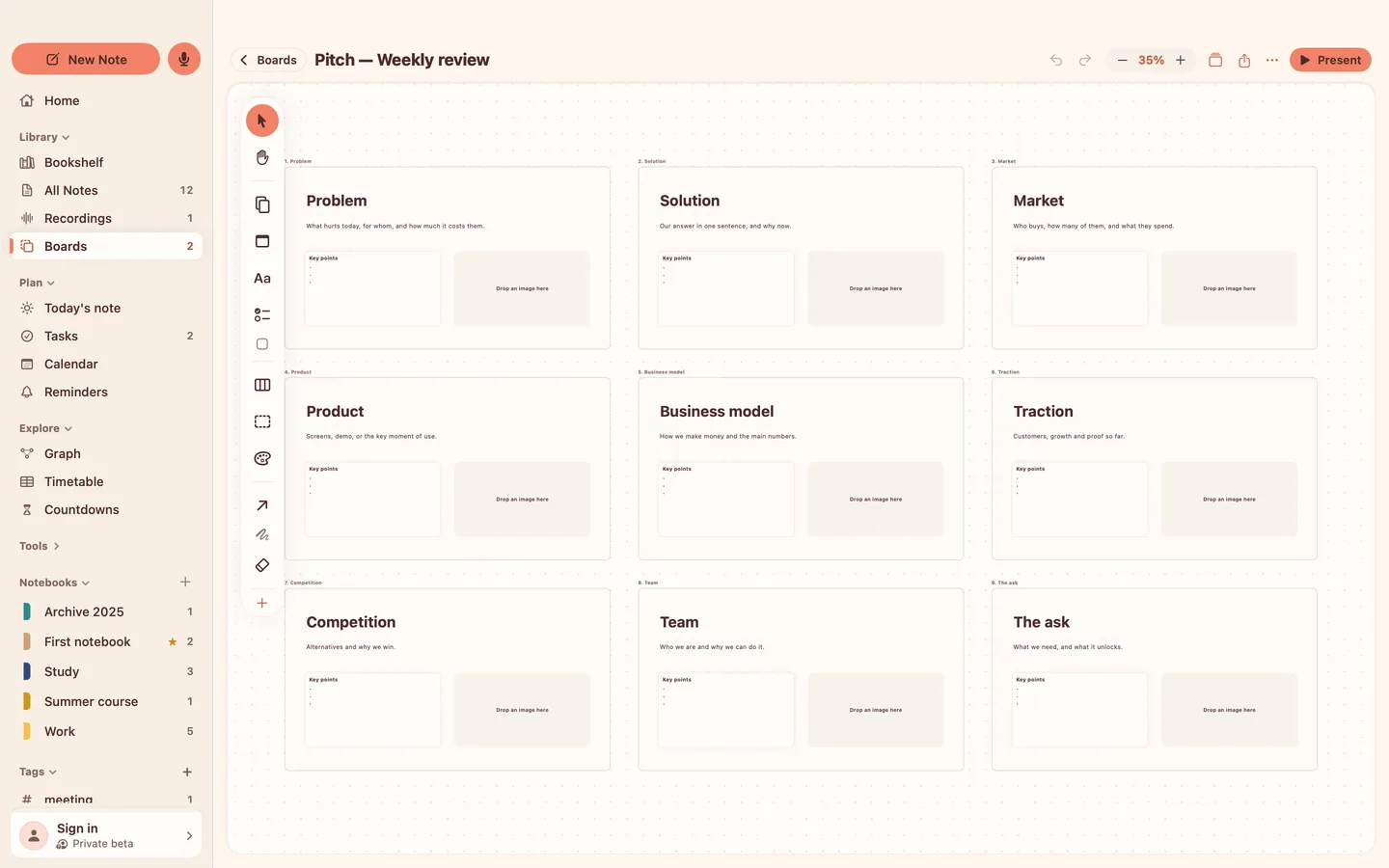
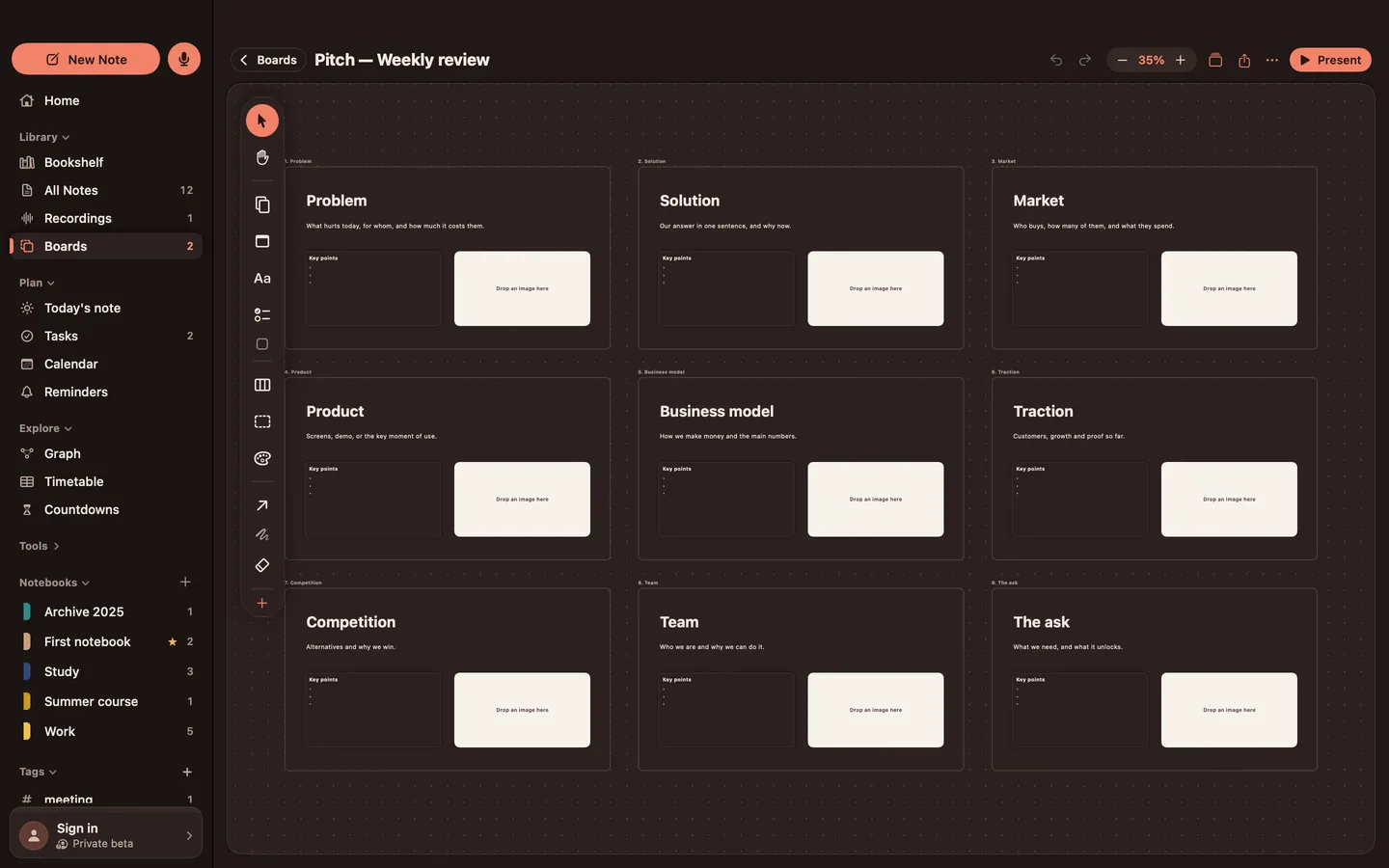
Templates: Mood board · Storyboard · Pitch deck · Brainstorm · Kanban · Mind map · Concept map · Customer journey · Shot list · Lecture map
Cards of every kind
Notes, sticky notes, text, headings, to-do lists, pictures, files, links with previews, audio and video, links to your notes.
Shapes and connectors
Eleven shapes, filled or outlined; curved, straight or elbow connectors with labels and arrowheads.
Layout tools
Columns, frames, groups, smart guides, snap to grid, align and distribute, lock, opacity.
Boards inside boards
Open a board from a card and come back with the breadcrumb; a minimap shows where you are.
Scenes and present
Save views as scenes, present with the arrow keys, export PNG or a PDF deck.
From a note or a recording
An outline becomes a mind map; a recording summary becomes a map.
Tasks, days and meetings
Plan the week next to your notes.
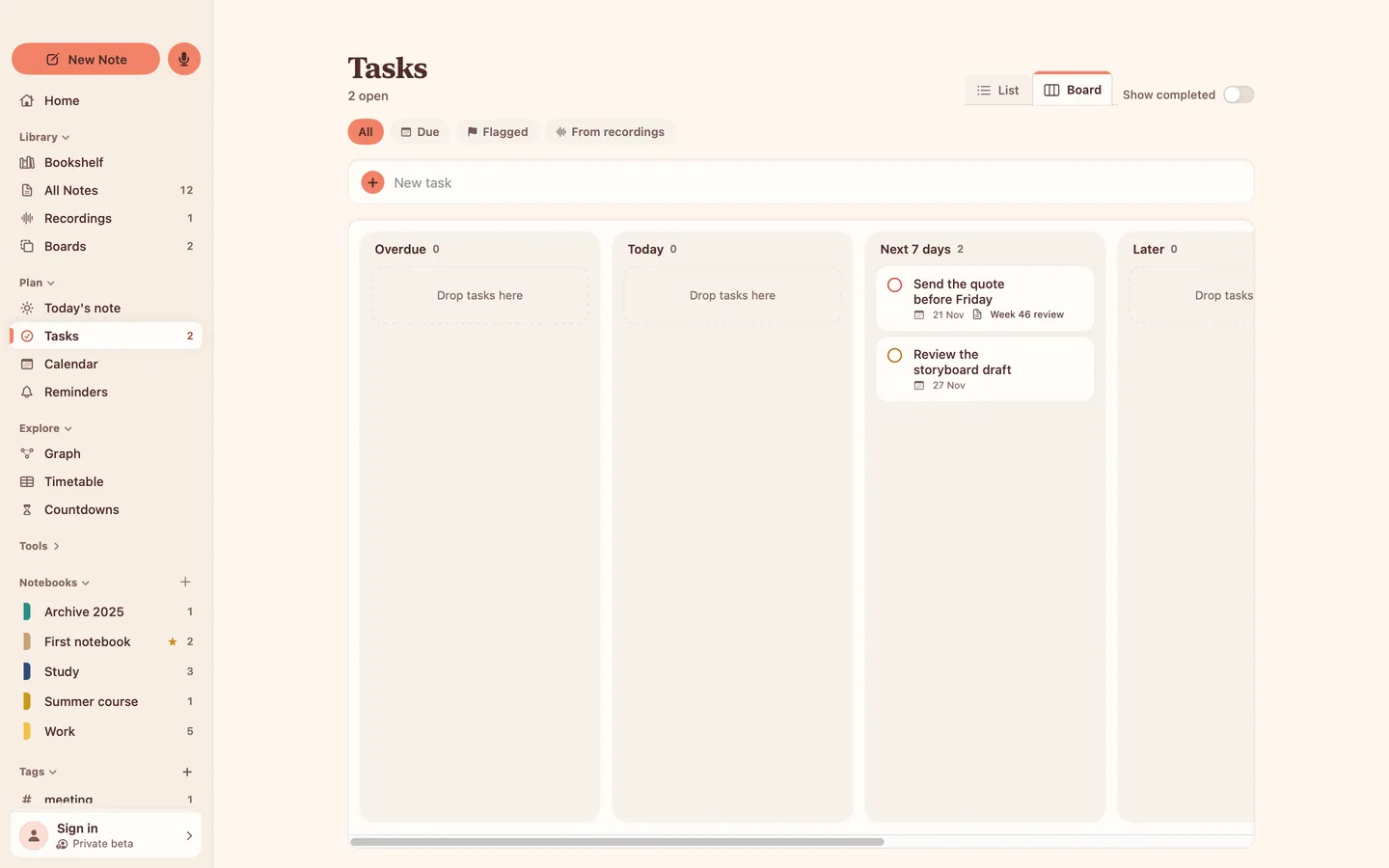
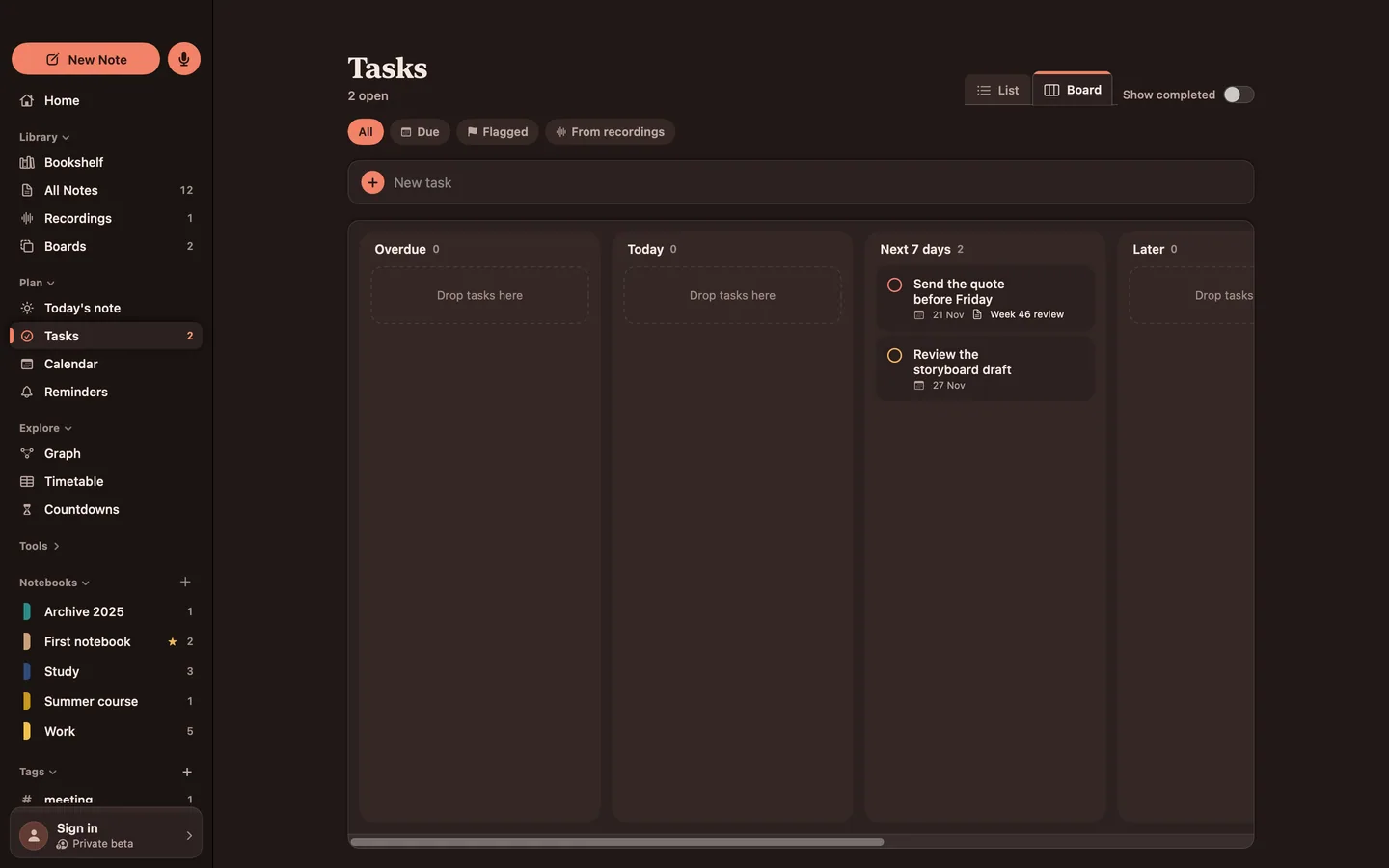
- Tasks with due dates, repeats and reminders that mirror to Reminders
- Tasks as a board by due date; drag a card to reschedule
- Today's note (⌃⌘T)
- Meeting notes that know your calendar, with a Join button
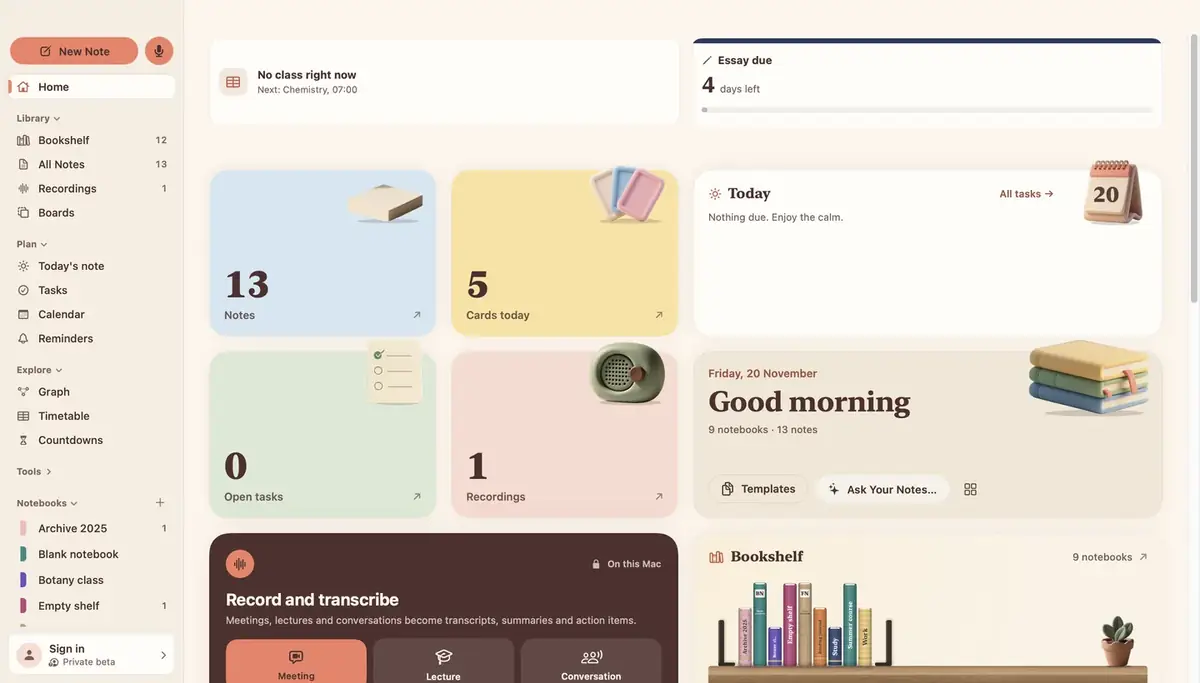
- Home is a desk of tiles you add, resize and drag
- A graph of linked notes
Jotter: scrap paper that does the sums
A floating window for quick jots (⌃⌥J). The first word picks the tool.
math
coffee = 45k
days = 22
coffee * days        990k
2tr - 990k           1.010.000
(1200 + 350) * 8%    124
3/4 + 1/8            7/8
5 km in mi 3.11 mi- math: answers beside every line, names, line references, fractions, dates, equations, loans and interest
- Units, your own currency rates, and 5k, 2tr, 1tỷ
- sum, avg, count; list with round checkboxes; code
- timer: stopwatch, countdowns, alarms at a time, Pomodoro
- paste: everything you copy lands in the jot (password managers skipped)
- Nine slots (⌘1–⌘9), and the Void for deleted jots
- Drop a screenshot to turn it into text
- Floating scratch (⌃⌥S) with a Pomodoro clock; Save as Note keeps lists and answers
Extensions you switch on
Small tools for school and work. Turn each one on or off in Settings › Extensions.
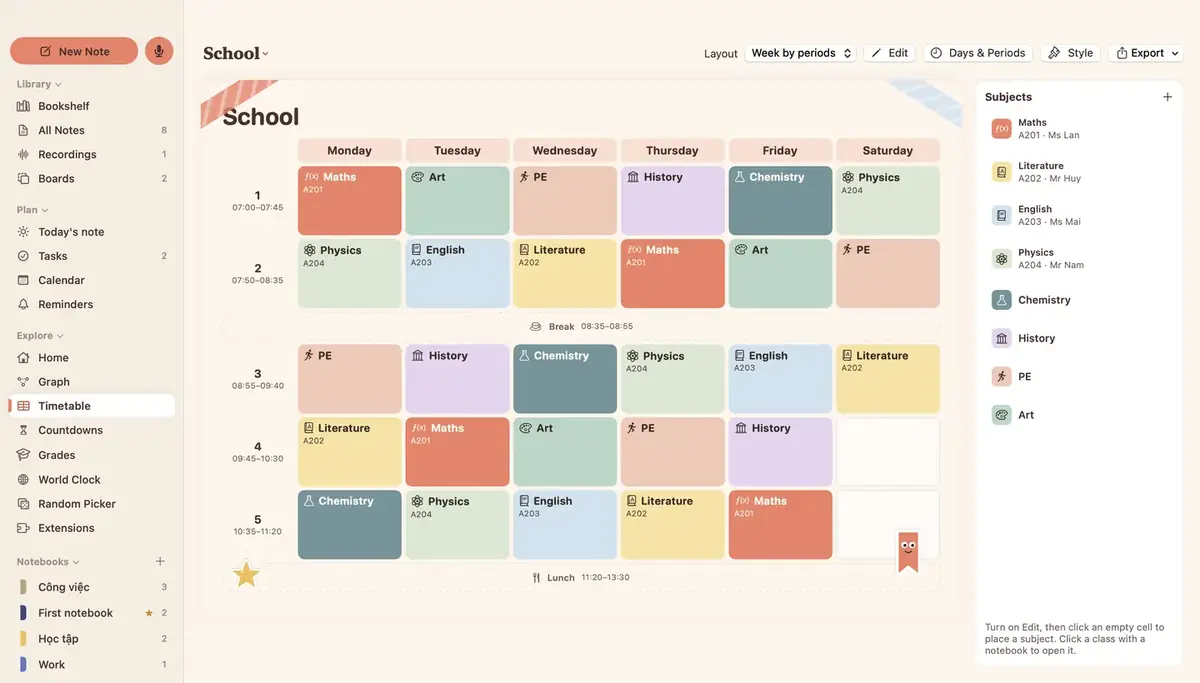
Timetable
Your week by periods, with subjects in colour; export or print it.
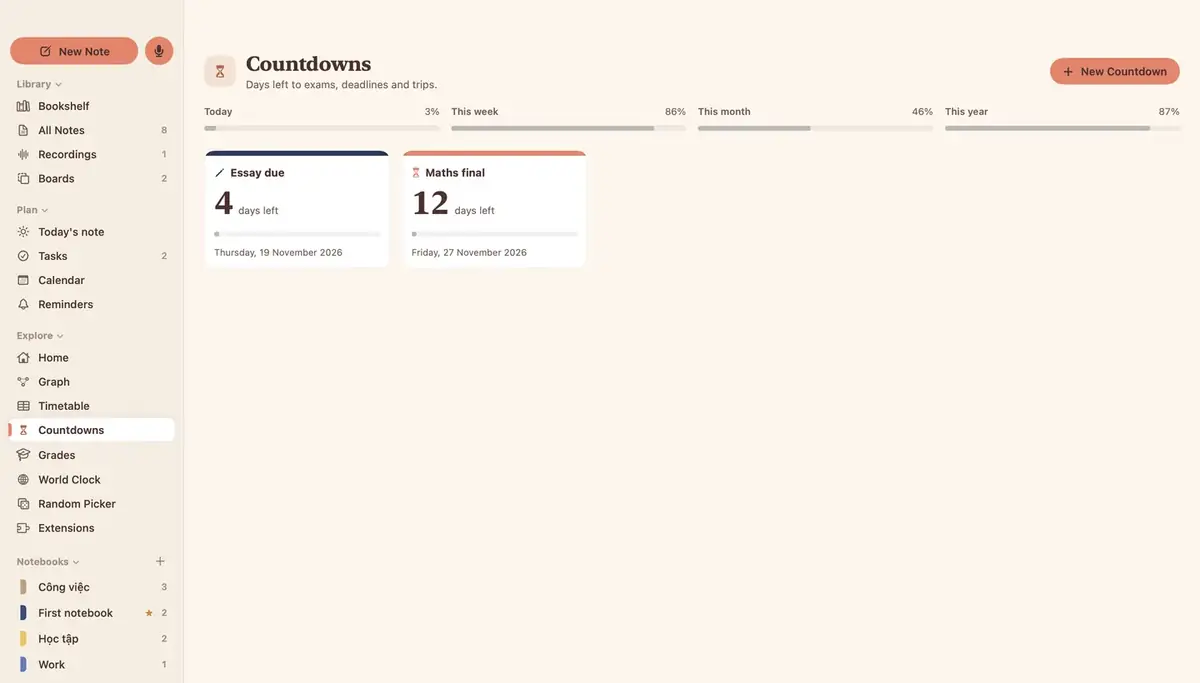
Countdowns
Days left to exams, deadlines and trips.
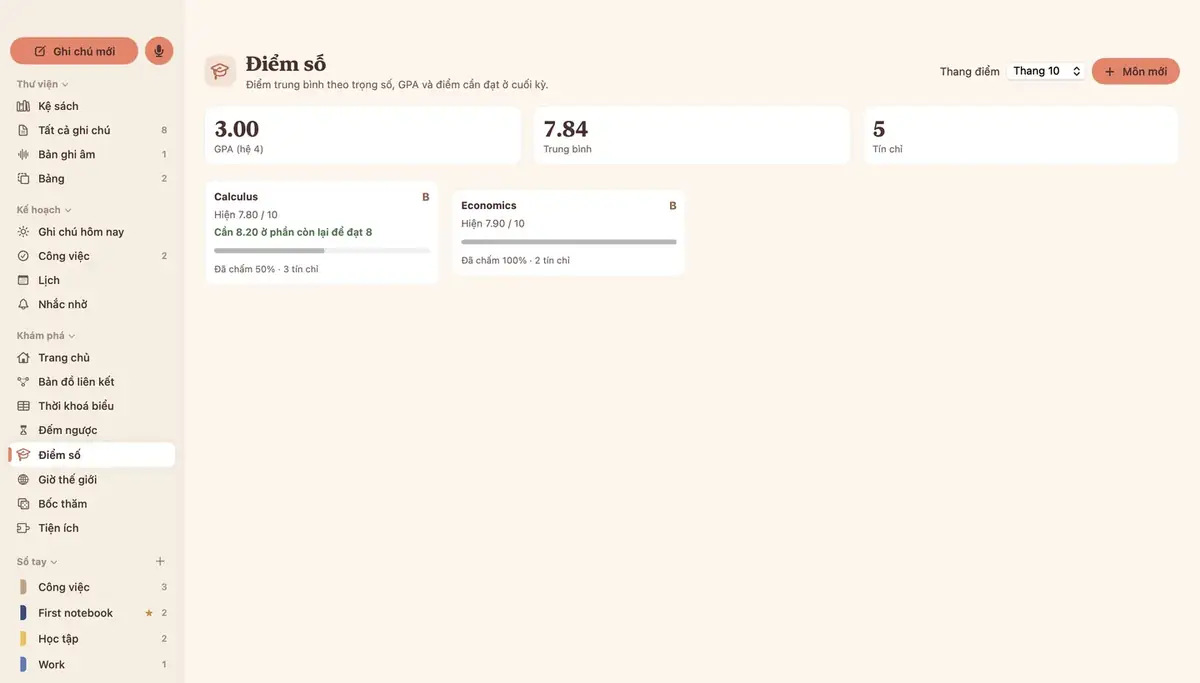
Grades
Marks by subject and their average.
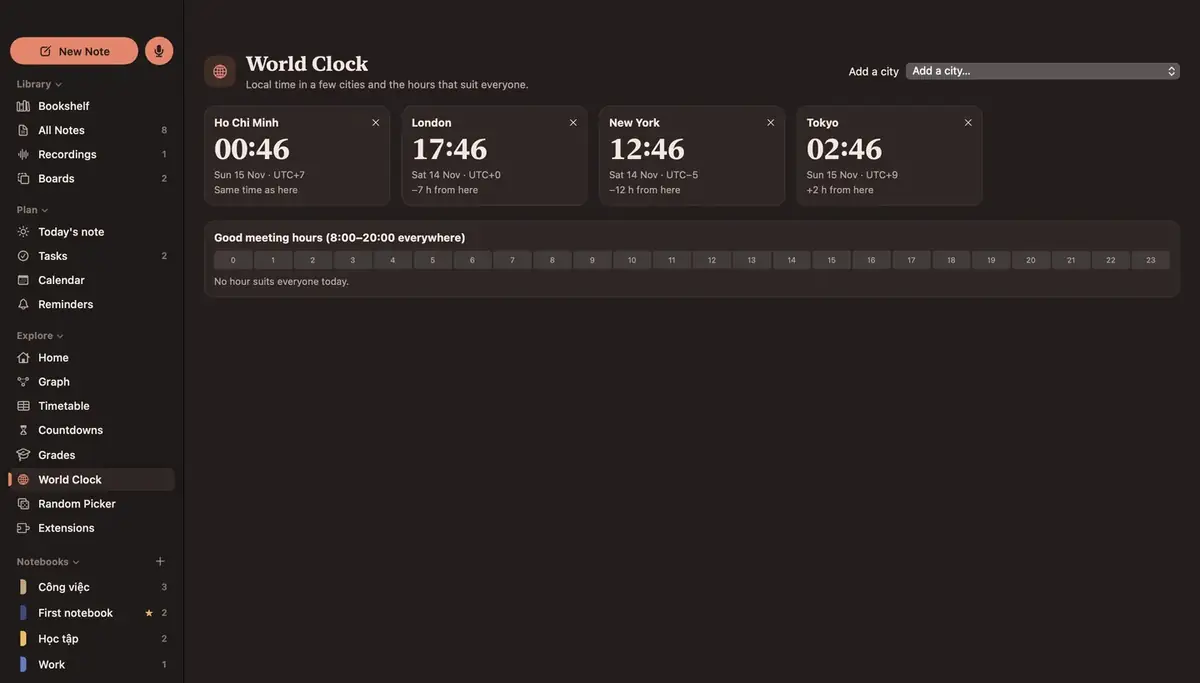
World Clock
Times in other cities and a good hour to meet.
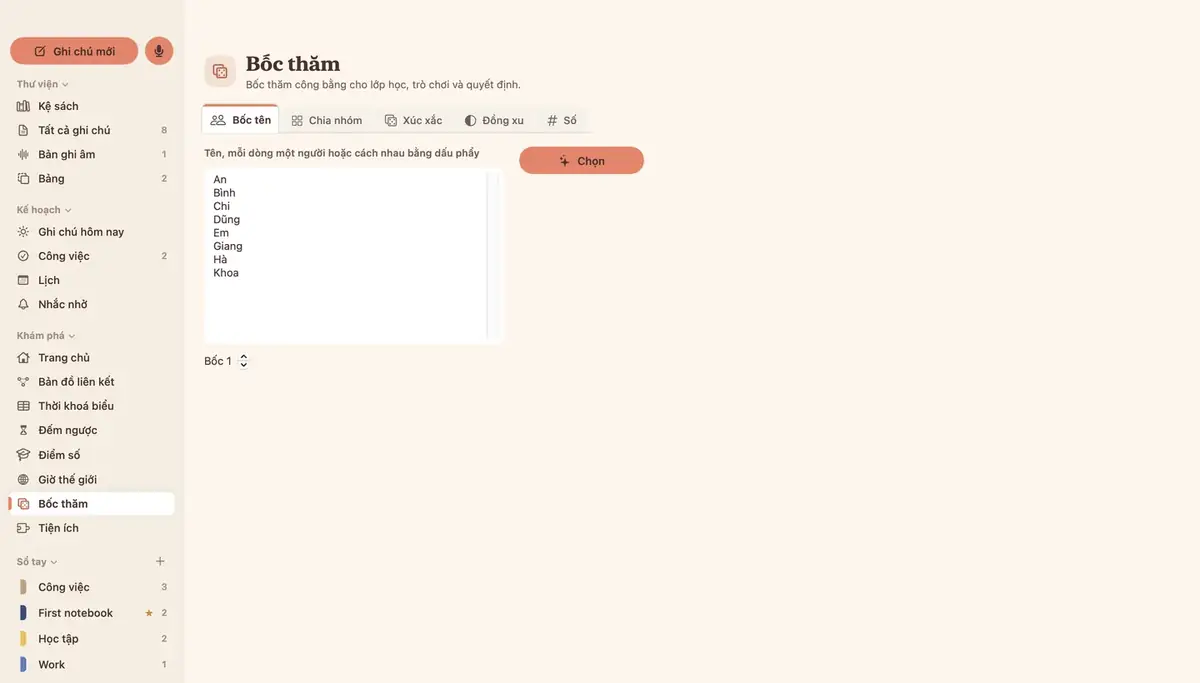
Random Picker
Pick a name or split a class into groups.
Organise and find anything
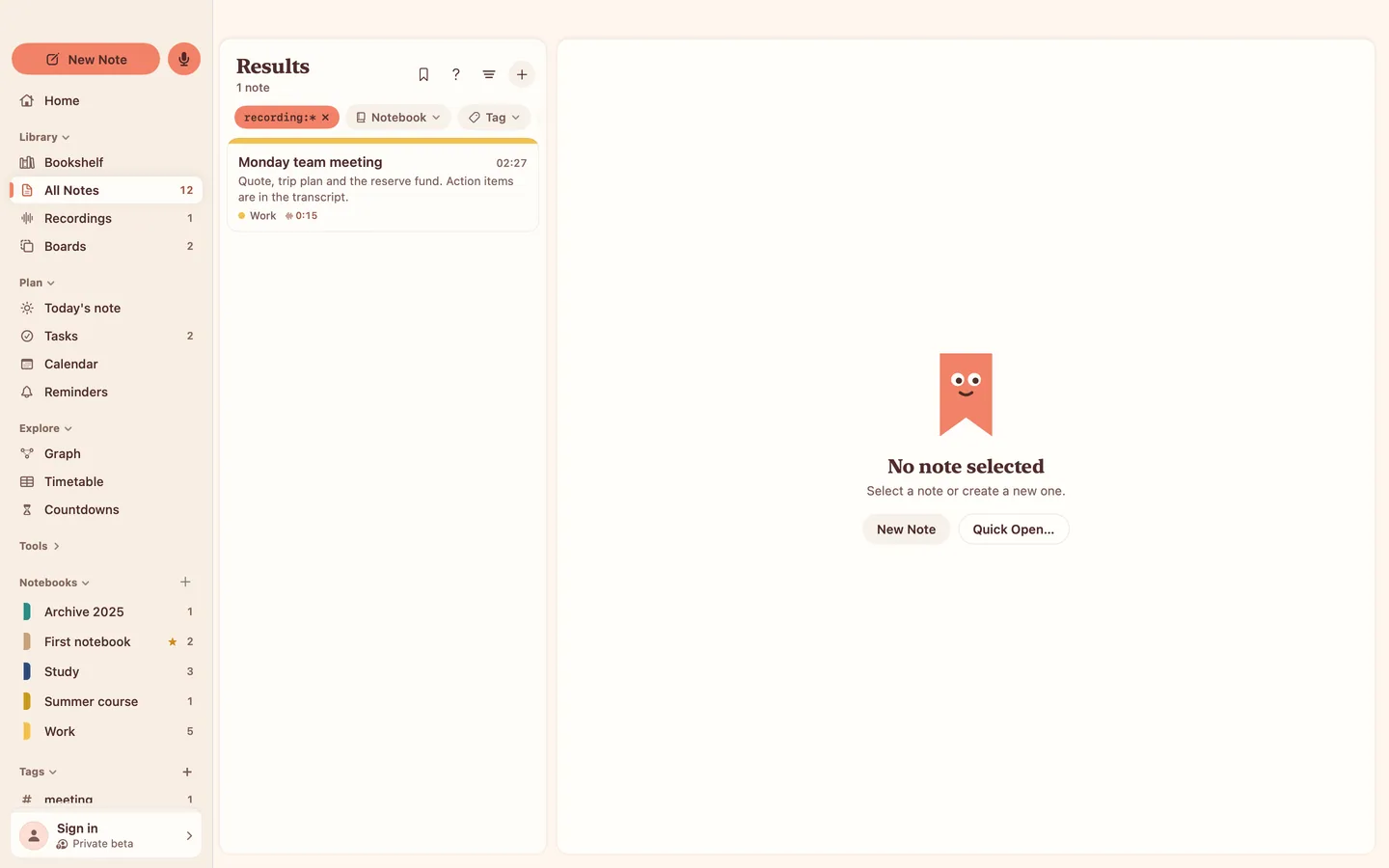
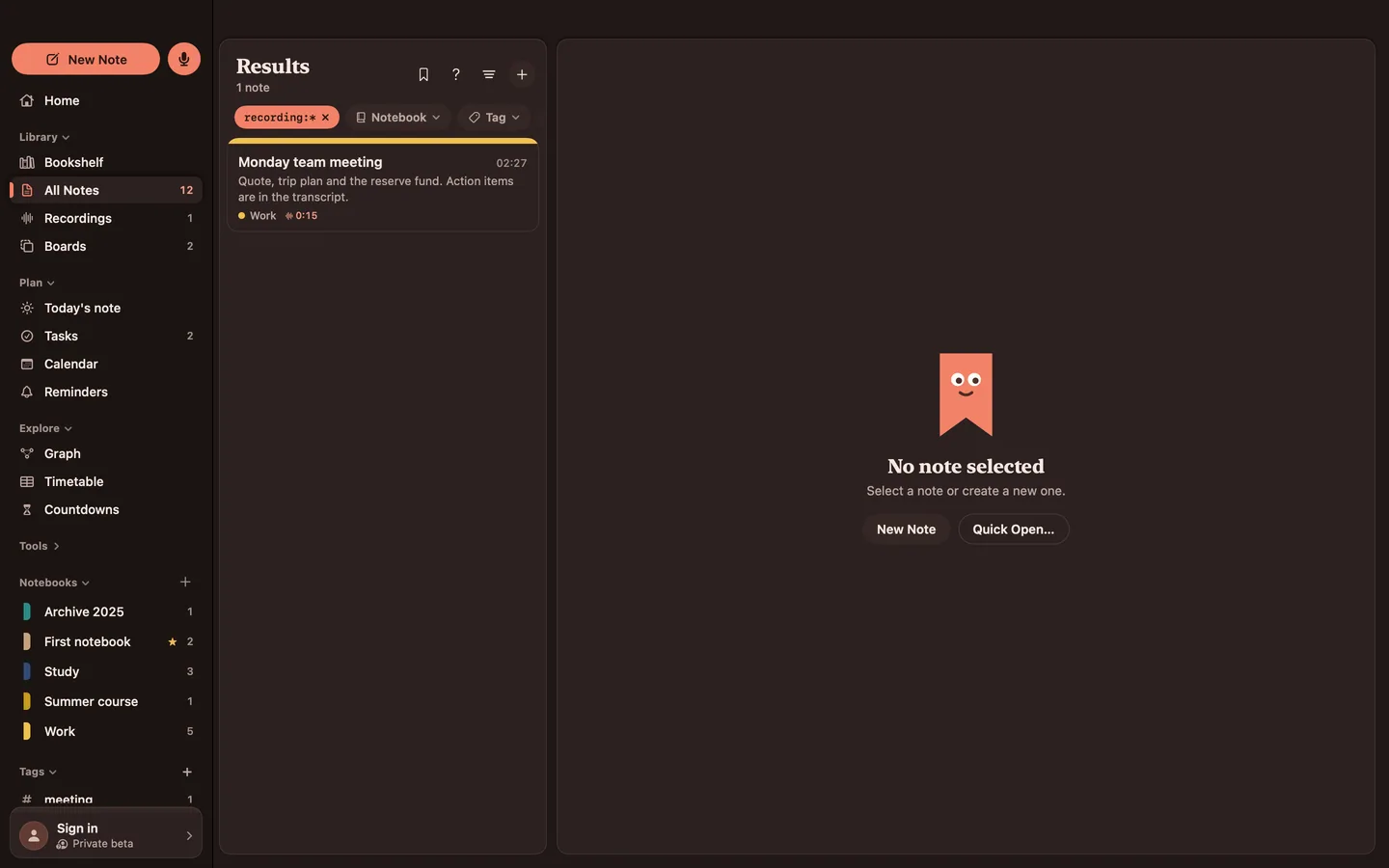
Search reads your notes, pictures, PDFs, handwriting and what was said in recordings.
- Notebooks and stacks, nested tags, Spaces, shortcuts and saved searches
- Accent-free: "viet nam" finds "Việt Nam"
- Filters as chips: notebook, tag, has a recording or checklist, created when, title only
- Search by meaning as well as by words
- Spoken moments from recordings above the results
- Query words: notebook:, tag:, intitle:, created:, todo:, recording:
- Quick Open (⌘O) lists what you opened lately
Your data comes in and goes out
Open formats both ways. Export All Data works even without a licence.
| Bring in | Take out | |
|---|---|---|
| Notes | ENEX, Markdown folders from other note apps, a folder of files | Markdown, HTML, PDF, TXT, ENEX, a Markdown vault with links and attachments |
| Books | EPUB and PDF | Notebook as a PDF book; highlights to Markdown, CSV or a note |
| Recordings | Audio and video files | Transcripts as TXT, SRT, VTT, Markdown (also bilingual); clips as .m4a |
| Flashcards | CSV, TSV or text | One deck or all cards |
| Boards | — | PNG, or PDF with one page per scene |
| Everything | A one-file backup from another Mac | Export All Data: Markdown, ENEX, JSON and the original files |
- Full backups with attachments and recordings, on a schedule; restore keeps a safety copy
- Simpel Sync through iCloud Drive or a folder you choose: no account, no server
- A note edited on two Macs keeps both versions; locked notebooks stay on this Mac
- Library health: where the space goes, weekly checks, free up space from old audio
- Consolidate Attachments: every file in one folder, by notebook and note
Made for the Mac
Fits the way macOS works, and stays private.
- A menu bar recorder that shows idle, recording and paused
- Shows in the Dock only while a window is open, or always; opens at login if you like
- English, Vietnamese, Korean, Chinese and Japanese
- VoiceOver, Increase Contrast, Reduce Motion and full keyboard use
- Help with lessons, tours and an article for every menu and setting
- A CLI and a local MCP server for AI assistants, each one approved by you
- No analytics, no cloud AI; records only when you press Record