An AI agent that wants to record, export, read many notes or delete asks you once. A notification names the agent and the real program behind it; press Allow or Don't Allow. Settings › Integrations lists the agents you allowed, with Revoke.
Allowing an agent never lets it delete for good on its own: emptying the Trash and permanent deletes still wait for your OK.
Floating scratch (⌃⌥S, or Window › Floating Scratch): a small window that stays on top, with the answer next to each line and Save as Note in one click (⌘↩).
A Pomodoro clock in the floating scratch: 25 minutes of focus, 5 of break, a long break every fourth round, with a notification at each change.
Join: meetings with a Zoom, Meet, Teams or Webex link get a Join button in the calendar, on Home and in the "starts soon" notification.
Camera Check: a mirrored preview before a meeting, only when you press it. macOS asks for the camera the first time; nothing is recorded.
In-app sign-in for licences (email code or licence key), for the commercial version.
Agents now reach MACnote through a private socket on this Mac instead of a network port. Emptying the Trash and permanent deletes wait for your Allow. Agent activity is listed in Settings › Integrations.
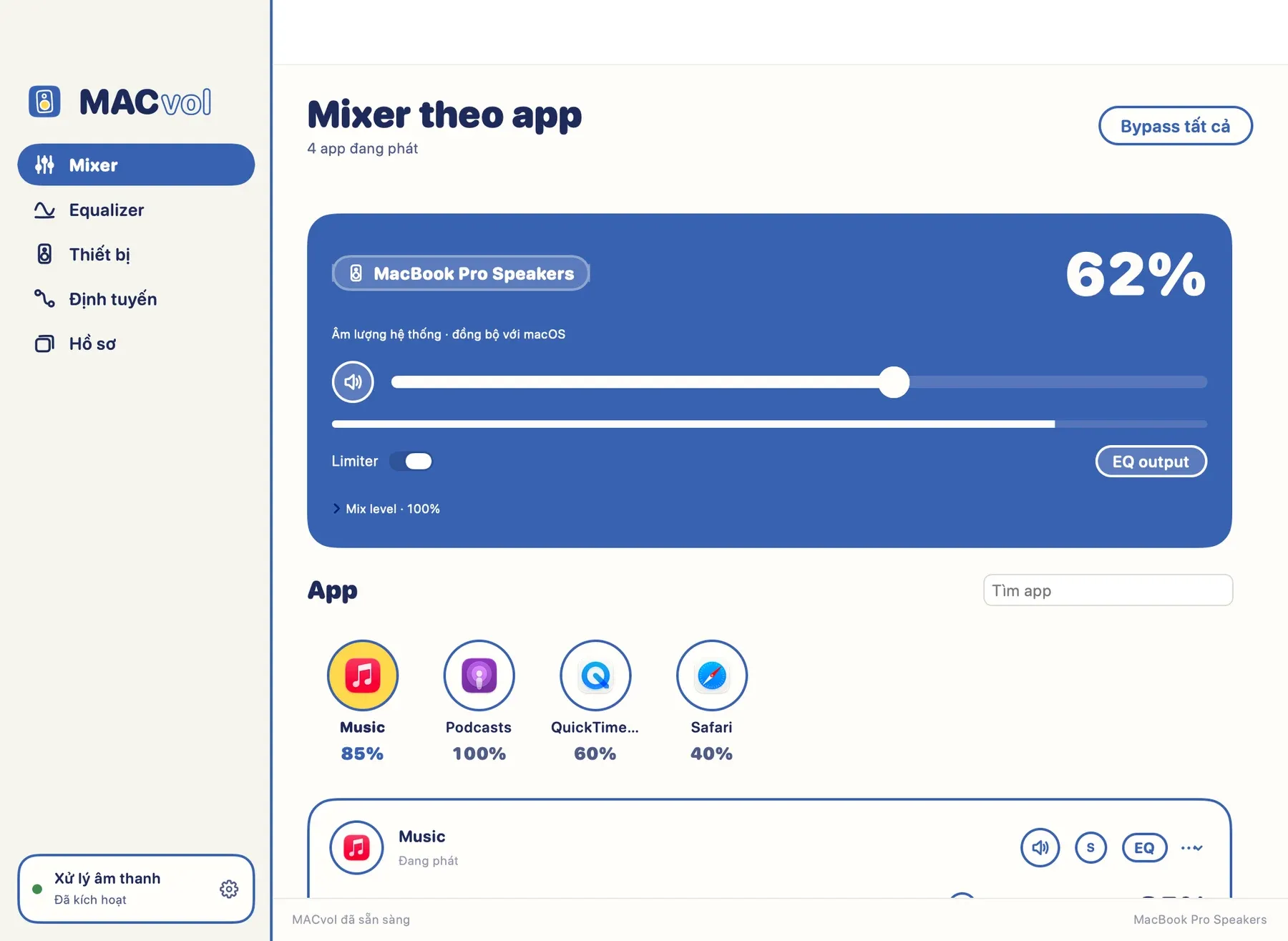
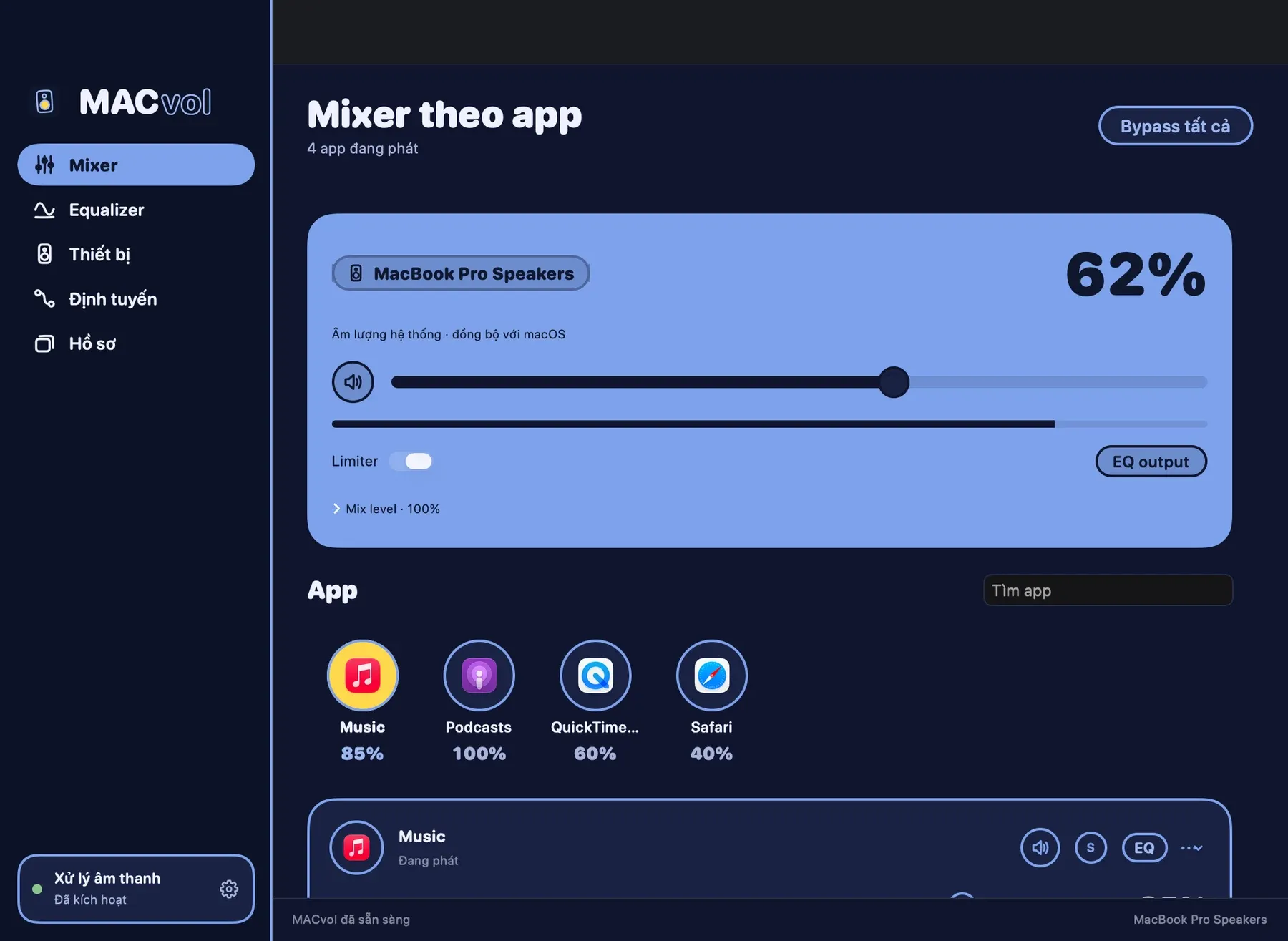
Private owner beta: per-app mixing, EQ, routing, profiles and signed private updates. Apple Silicon / macOS 15+.
Known limits: external devices and sleep/wake require physical testing. Group outputs share the primary correction. No recording, virtual microphone or Audio Unit hosting.
Private owner beta: per-app mixing, EQ, routing, profiles and signed private updates. Apple Silicon / macOS 15+.
Known limits: external devices and sleep/wake require physical testing. Group outputs share the primary correction. No recording, virtual microphone or Audio Unit hosting.
Private owner beta: per-app mixing, EQ, routing, profiles and signed private updates. Apple Silicon / macOS 15+.
Known limits: external devices and sleep/wake require physical testing. Group outputs share the primary correction. No recording, virtual microphone or Audio Unit hosting.
Agent AI và script giờ phải được bạn cho phép một lần trước khi đọc danh sách cửa sổ hay đổi dữ liệu đã lưu. MacGrid hiện một lời hỏi nhỏ ở góc trên phải, ghi rõ chương trình nào đang hỏi. Xem và bỏ các agent đã cho phép trong Cài đặt › Dữ liệu › Agent đã cho phép.
Làm mờ cửa sổ nền: chỉ cửa sổ bạn đang dùng còn rõ, các cửa sổ phía sau được phủ màu. Lắc nhanh con trỏ sang trái phải, dùng phím tắt, hoặc để luôn bật. Có thể thêm viền màu cho cửa sổ đang dùng, chọn độ mờ, màu, và các app không bao giờ làm mờ. Bật trong Cài đặt › Giao diện.
Chọn Trang chủ Gọn hoặc Đầy đủ trong Cài đặt › Giao diện. Gọn chỉ có màn hình, bố cục và workspace, thoáng hơn. Đầy đủ là bảng tiện ích như trước, sắp xếp được.
Cài đặt › Dữ liệu có thêm Hoạt động của agent: xem agent AI hay script nào đã xin danh sách cửa sổ hoặc ghi đè dữ liệu, và lúc nào.
Lệnh xoá hay ghi đè dữ liệu từ agent giờ cần xác nhận, và MacGrid sao lưu trước khi nhập bố cục.
Đăng nhập ngay trong MacGrid: vào Cài đặt › Giấy phép, nhập khoá giấy phép (hoặc email, khi đăng nhập bằng email được bật), máy Mac này tự ghép vào giấy phép, không cần chờ duyệt. Nếu giấy phép đã dùng trên đủ số máy, bạn chọn bỏ một máy ngay tại đó.
Chưa có giấy phép thì có nút Dùng thử miễn phí và Mua MacGrid.
Trang chủ: hàng Bố cục giãn hết chiều ngang, ô Bài hướng dẫn có thêm hai bài kế tiếp.
Có Trang chủ mới: mở từ menu MacGrid bằng "Trang chủ…", hoặc từ bảng lệnh. Trang chủ cho thấy màn hình và cửa sổ của bạn dưới dạng khối màu, số lần snap hôm nay, Sắp xếp, workspace, bố cục đã lưu, một bài hướng dẫn, phím tắt và chỗ mỗi app hay mở cửa sổ. Bấm vào một khối để dùng nó ngay.
Bấm "Sửa Trang chủ" để kéo tiện ích sang chỗ khác, kéo góc để đổi cỡ, bỏ hoặc thêm tiện ích, và ẩn số lần snap. Số này chỉ đếm trên máy của bạn, không gửi đi đâu.
Trang chủ tự mở một lần sau khi bạn xong hướng dẫn bắt đầu.
An AI agent or script that wants to set fan speeds or replace saved settings now asks you once. MACfan shows a notification with Allow and Deny that names the agent and the real program behind it, and the same question appears in the menu bar panel. Settings › Agents lists the agents you allowed, with Revoke and Revoke all. Agents can still read temperatures and choose Automatic or a saved preset without asking.
Settings › Menu bar can also show CPU use, memory use and network speed next to the temperature; all are off until you turn them on. Keep awake in the menu bar panel stops your Mac sleeping for 15 minutes to 4 hours, or until you turn it off. It ends on its own when the time is up or when you quit MACfan.
Settings › Appearance › Overview layout: Full shows the drawing of your Mac with its heat map and airflow; Compact shows only your widgets and is lighter on the CPU. With the window closed, the menu bar reading updates every 4 seconds. Agent commands now have a risk class and are written to a local audit log.
MACfan now redraws only the parts of its window whose numbers changed, so it uses much less CPU. After an update or at login it comes back the way it was: if the window was closed, it stays in the menu bar.
Each preset is now a card with its own picture: a desk at night for quiet presets, an afternoon desk for balanced ones, a workshop for heavy work and the fan itself at full wind. MACfan picks the picture from how hard the preset cools; choose another in the preset editor under Picture. The Preset module on the Overview shows it too.








 App bảng điều khiển MACsuite